


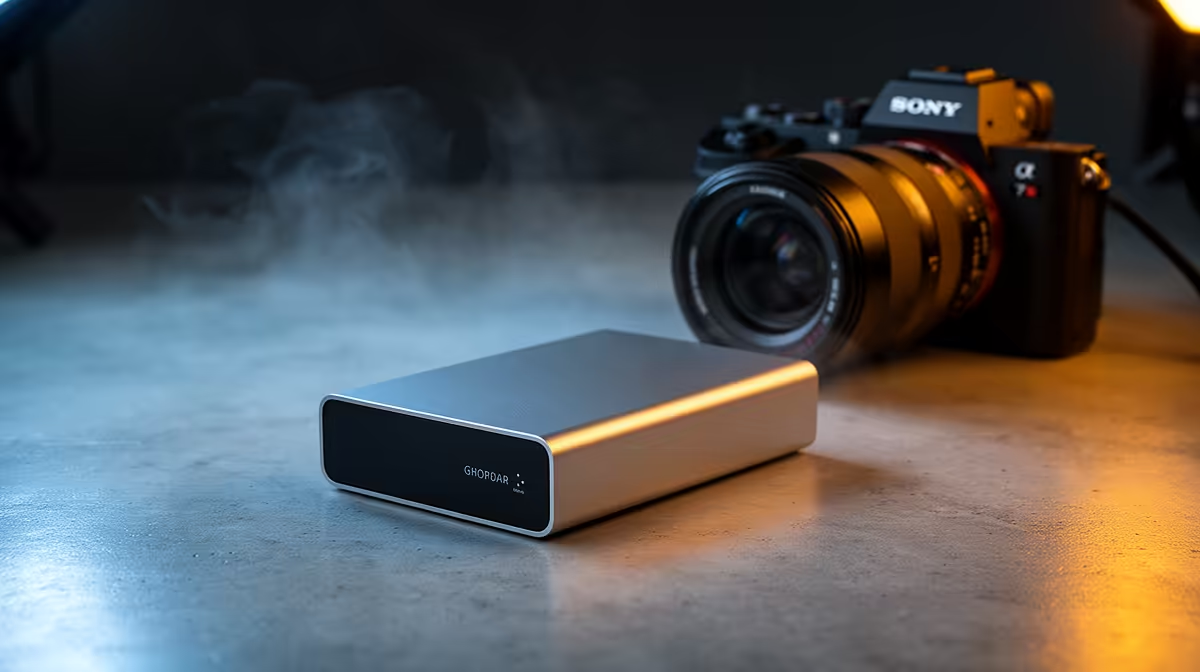
Portable drive for power outages: why every South African gamer and remote worker needs one
Power cuts are part of life in many parts of South Africa. If you're mid-match, rendering a stream, or finishing a proposal during load-shedding, a portable drive for power outages keeps your files safe and work accessible. Think fast SSD enclosures, quick reconnects, and a tiny UPS for peace of mind — so you don't lose hours to an outage. 🔧⚡
Portable drive for power outages: pick the right enclosure and drive
Choosing the right portable drive for power outages starts with the enclosure and the drive inside it. For best resilience, consider an aluminium USB 3.1 or USB‑C enclosure paired with an NVMe SSD for speed and low power draw. If you prefer a trusted brand selection, check Orico enclosures available at Evetech for a range of compact, bus‑powered models that are ideal for on-the-go use. (link: Orico enclosures on Evetech)[https://www.evetech.co.za/PC-Components/buy-enclosures-372?brands=Orico]
If budget matters, you can still get quality without breaking the bank — Evetech lists enclosures from R499 and up, so you can shop options that fit South African budgets. (link: affordable enclosures from R499)[https://www.evetech.co.za/PC-Components/buy-enclosures-372?min-price=499] Pair a modest SSD with a sturdy enclosure and you'll beat downtime without losing performance.
Portable drive for power outages: setup, practices and quick recovery tips
A clean setup beats panic during an outage. Use these practical steps:
- Format the drive for cross-platform use (exFAT) if you switch between Windows and macOS.
- Keep crucial projects in a dedicated folder and sync nightly to your portable drive.
- Use a small UPS for your router and laptop to give you time to save and shut down properly.
You can browse a wide range of enclosures and drive-compatible accessories at Evetech to match your workflow and budget. (link: browse all enclosures)[https://www.evetech.co.za/PC-Components/buy-enclosures-372] 🚀
Productivity Pro Tip ⚡
When you plug a new portable drive into Windows, set a short 'AutoPlay' action to open a file manager and check recent files. For added safety, enable write‑through caching only for non-removable drives and always use the OS "Safely Remove" option before unplugging. This reduces corruption risk during unexpected power cuts.
Portable drive for power outages: real use, local context
A friend in Cape Town lost half a day's video render during a Saturday load-shedding event. After switching to an NVMe in a bus-powered enclosure and syncing project checkpoints every hour, the recovery time dropped to minutes, not hours. Small habits like hourly checkpoints and a purpose-built portable drive make a massive difference.
Ready to Find Your Perfect Match? The Mac vs Windows debate is complex, but for maximum power, choice, and value in South Africa, Windows is hard to beat. Explore our massive range of laptop specials and find the perfect machine to conquer your world.











