


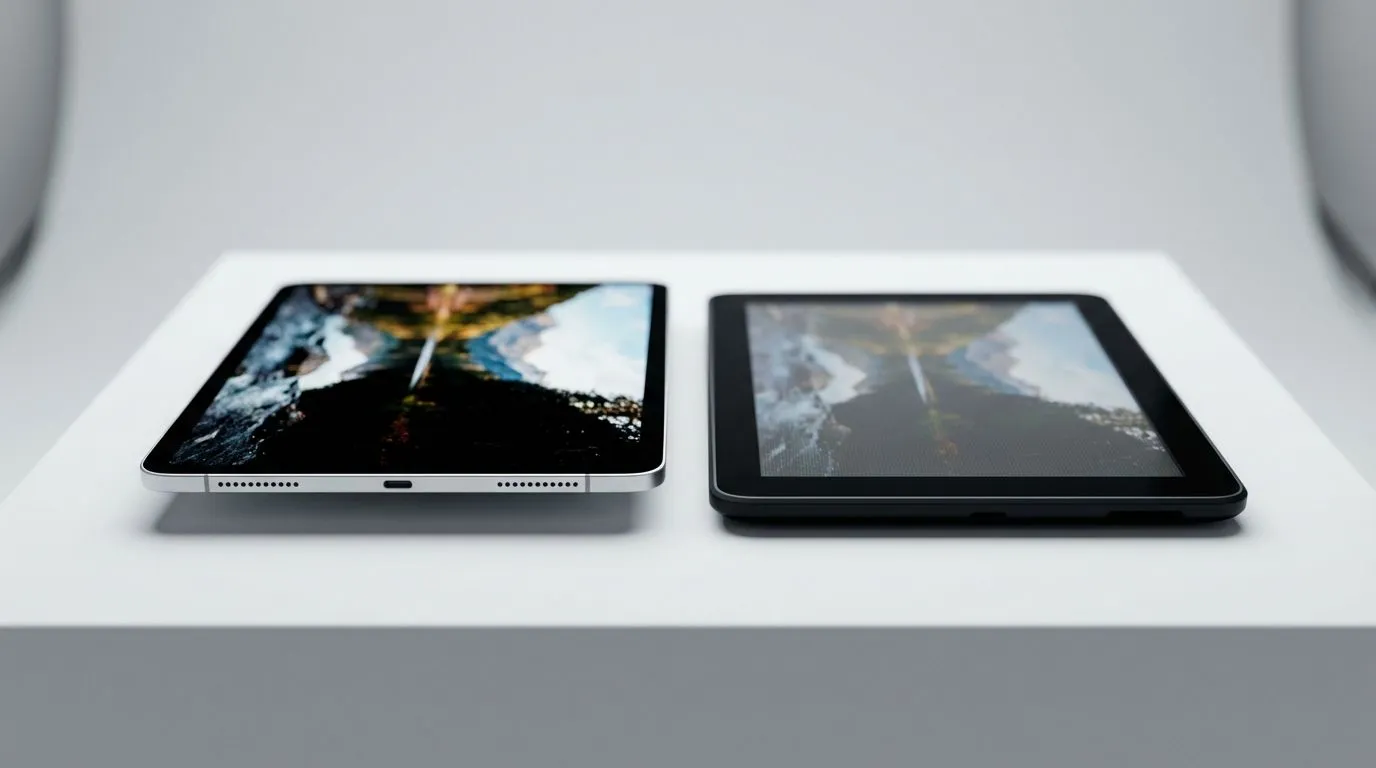
The Great Display Debate: Where Your Money Actually Goes
It’s 2025. You’ve upgraded your GPU, but does your screen do it justice? In South Africa, where every Rand counts, choosing between a high-end display and a wallet-friendly option is tough. We’re breaking down the Premium vs Budget Monitors 2025 debate to help you decide where to save... and where you absolutely must splurge. Let's look at screen quality and build comparison to find your sweet spot. 🚀
Panel Tech: More Than Just Pixels
When you see a monitor going for R2,500 versus one hitting the R15,000 mark, the biggest differentiator is usually the panel technology. Budget monitors often stick to TN (Twisted Nematic) or entry-level VA (Vertical Alignment) panels. These get the job done, but you might notice "washed out" colours when viewing from an angle.
Premium monitors typically utilise high-grade IPS (In-Plane Switching) or OLED technology. The difference isn't just marketing fluff. If you are a content creator or enjoy atmospheric games, the deep blacks of an OLED or the colour accuracy of an IPS panel are non-negotiable. However, for pure competitive shooters where frame rate is king, a budget TN panel might still serve you well if you don't mind sacrificing some visual pop.
Build Quality and Ergonomics
This is where the "budget" aspect often reveals itself. Cheaper monitors usually come with a static stand—it might tilt a little, but that's it. If you are tall or have a specific desk setup, you'll end up stacking books under it just to save your neck.
Premium builds offer height adjustment, swivel, and pivot capabilities. They use sturdier plastics or metals that don't creak when the temperature changes.
Ergonomics Check 🔧
Don't ignore the VESA mount compatibility. Even if you buy a budget monitor with a wobbly stand, checking for VESA support (usually 100x100mm) means you can mount it on a third-party arm later. This instantly gives a 'cheap' screen a premium feel and saves massive desk space.
The Portable Factor: Docking Your Gear
Interestingly, the gap between portable screens and desktop monitors is closing. Many gamers are now using powerful handheld gaming consoles as their primary PC, docking them to external monitors when at home.
When you dock these devices, the monitor you choose matters immensely. For instance, Lenovo has integrated stunning displays into their portable gear, setting a high bar for visual fidelity. If you plug that device into a sub-par budget monitor, the drop in quality will be jarring.
Similarly, devices from ASUS support high refresh rates (120Hz+). To get the most out of that docked experience, your desktop monitor needs to match that refresh rate. You don't want to bottleneck your performance with a 60Hz screen. Even newer entrants like MSI are pushing the boundaries of portable 1080p gaming, making a good 1080p or 1440p monitor an essential companion for the hybrid gamer.
2025 Features: HDR and Connectivity
True HDR (High Dynamic Range) remains a premium feature. While many budget screens claim "HDR Support," they often lack the brightness (nits) to display it properly, resulting in a dim image. If you want those blinding explosions and dark shadows, you generally have to pay for the premium tier.
Furthermore, look at connectivity. Premium screens often include USB-C hubs with power delivery—perfect for charging your laptop or handheld while displaying video through a single cable. ✨
The Verdict
If you are strictly gaming on a budget and play fast-paced shooters, a high-refresh-rate budget monitor is a solid win. But if you value immersion, colour work, or ergonomic health, the premium price tag is usually justified by the build quality and panel longevity.
Upgrade Your View Today Whether you need a lightning-fast display for competitive play or a colour-accurate panel for work, the right screen changes everything. Browse our extensive range of monitors and see the difference for yourself.










