


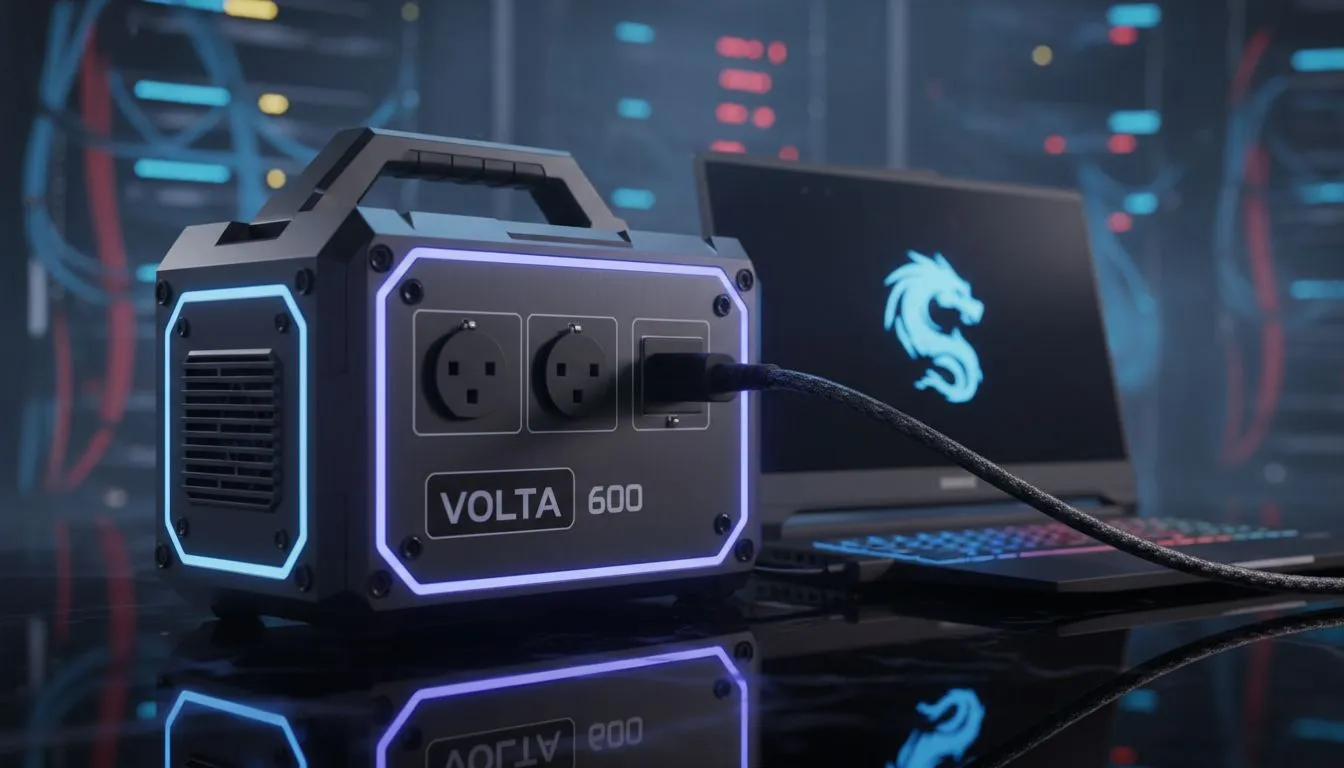
Load shedding is the ultimate boss fight for South African gamers. When the lights go out, your session shouldn't have to end. If you are wondering if you can run a gaming laptop on a 600W power station, the answer is a resounding yes... but with a few caveats. Let’s look at how much game time you really get when the grid fails.
Calculating the Load to Run a Gaming Laptop on a 600W Power Station
To understand what to expect, we need to look at the math. A 600W power station refers to the maximum output it can handle at once. Most modern gaming laptops use power bricks ranging from 180W to 330W. This means a 600W unit has more than enough "headroom" to keep your machine running without tripping the internal circuit breaker.
However, the more important number is the Watt-hour (Wh) capacity. If your station is 600Wh and your laptop pulls 200W while playing Cyberpunk 2077, you can expect roughly two to three hours of uptime. Before you commit to a full setup, it is worth browsing the massive selection of power banks available at Evetech to see which capacity fits your specific gaming habits. 🔧
Real-World Runtime During South African Load Shedding
In a typical South African Stage 4 or Stage 6 scenario, you need at least two hours of power. If you are doing light work or browsing, your laptop might only pull 30W to 60W. In this case, a 600W station could last nearly eight hours. But for high-intensity gaming, the battery drains much faster.
Reliability is key when the grid is unstable. Many local gamers opt for Promate power solutions because they offer a good balance of port variety and surge protection. Using a pure sine wave inverter is also vital to protect your laptop's sensitive components from "dirty" power when the station kicks in.
Power Saving Pro Tip ⚡
When running on a power station, cap your in-game frame rate to 60 FPS. This prevents your GPU from working at 100% and drawing unnecessary wattage. It can extend your gaming session by up to thirty minutes during a Stage 4 blackout.
Choosing Portable Backups for Your Peripherals 🚀
Sometimes you don't need a massive 600W unit just to keep your phone or router alive. If you are on a tight budget, you can find power banks under R500 that are perfect for keeping your smartphone charged so you can stay on Discord with the squad.
For those who need a bit more juice for a tablet or a secondary mobile screen, there are excellent options under R1200 that offer fast-charging capabilities. Balancing your main power station with smaller backups for your peripherals ensures that your 600W unit is dedicated solely to your laptop... giving you the longest possible playtime. ⚡
Ready to Beat the Blackouts? Staying online during load shedding requires the right gear and a smart strategy. Whether you need a massive power station or a portable backup for your mobile devices, we have you covered. Explore our massive range of power bank specials and find the perfect partner for your gaming laptop.











