


Accessories for hybrid work and study — essentials 🔧✨
If your office is sometimes a home corner or a campus café, the right kit makes the day smoother. South African students and hybrid workers need durable gear that packs light, charges fast and feels premium. This guide highlights practical picks and setup tips so you spend less time fiddling and more time focused—whether you're editing, gaming after hours, or streaming lectures.
Tech accessories that help productivity for hybrid learners and workers
A reliable power and cable setup prevents emergency hunts for chargers between classes and client calls. For neat, addressable RGB flair and neat cable runs, consider an ARGB extension. Evetech stocks a Gamemax ARGB extension that’s perfect for tidier desks and cleaner builds — check the Gamemax 12VHPWR cable extension for details and pricing on Evetech. (See product page for specs.)
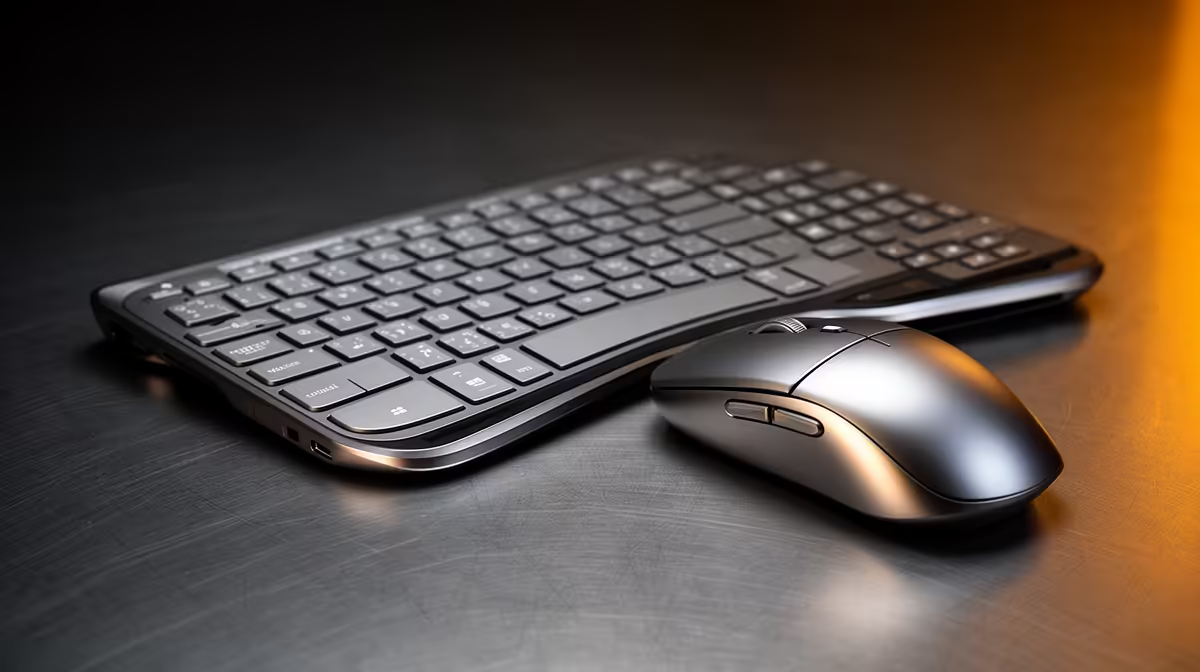
Smaller touches matter. An angled USB hub, a laptop stand and a good wireless mouse reduce neck strain and make long sessions manageable. Where possible, choose accessories with braided or sleeved cables for durability; NZXT’s individually sleeved premium cables are a solid pick and available on Evetech. Compare their build quality and colours on the NZXT product listing before you buy.
Comfort and sound for long days
Good audio helps you concentrate. Budget over-ear headphones with a clear mic beat laptop speakers for lectures and calls. Add a compact desk mic if you record or stream. For students, noise-reducing earbuds are lightweight and travel-friendly. Keep a small pouch for chargers, keys and dongles to avoid lost items between lecture halls.
Productivity Pro Tip ⚡
When switching locations, use a single cable length and colour system. Match chargers and data cables by colour to reduce setup time. Pack a compact multiport charger that supports PD for laptops and fast charge for phones. This saves both bag space and decision fatigue.
Setup tips and small upgrades for hybrid workers and students 🚀
Layout matters. Place your laptop on a stand so the top of the screen is eye level. Use a compact mechanical keyboard if you type a lot. For those who game, consider modular cables and neat routing to keep mouse movement unobstructed.
If you want RGB aesthetics without the fuss, a small ARGB extension transforms a cramped case or desk lighting. For premium cable aesthetics, sleeved options make builds feel custom and tidy. Visit the Gamemax ARGB extension and the NZXT sleeved cables pages on Evetech for images, compatibility notes and ZAR pricing so you can budget smartly.
Buying smart in South Africa
Set a ZAR budget, prioritise ergonomics and pick accessories with good returns policies. Evetech’s product pages include specs and compatibility notes that help you match accessories to your setup.
Ready to Find Your Perfect Match? The Mac vs Windows debate is complex, but for maximum power, choice, and value in South Africa, Windows is hard to beat. Explore our massive range of laptop specials and find the perfect machine to conquer your world.











