


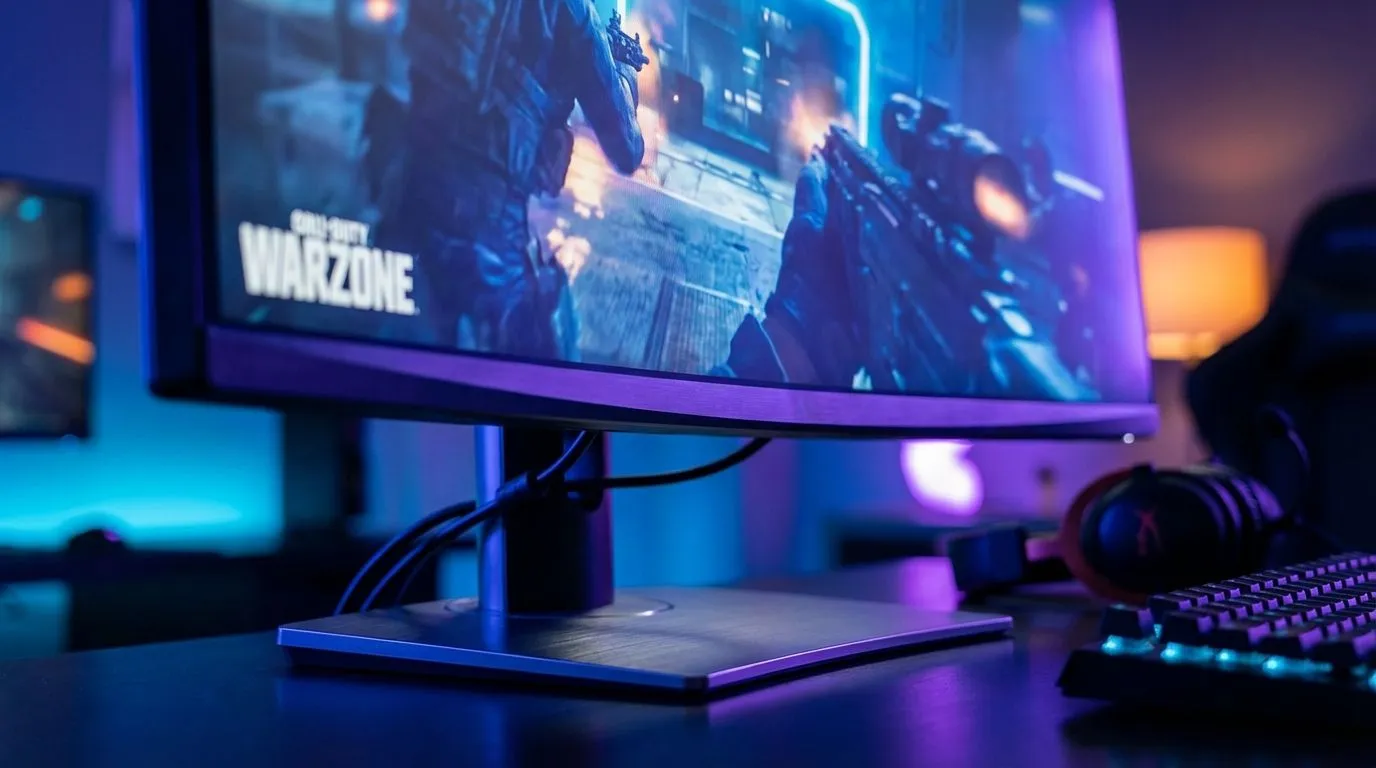
Dropping into Urzikstan with a narrow view is like playing with blinkers on. In the high-stakes world of the Ultrawide Monitor Warzone experience, every extra millimetre of screen real estate counts. But does that stretched FOV actually help you win more gunfights, or is it just eye candy? Let’s break down why South African gamers are making the switch to 21:9 setups to dominate the lobby.
The Tactical Advantage of an Expanded Field of View
When you are clearing buildings in Al Mazrah, peripheral vision is your best friend. A standard 16:9 screen often cuts off the very corners where campers love to hide. By switching to an ultrawide, you gain roughly 30% more horizontal space. This means you can spot a flanker out of the corner of your eye without even moving your mouse. Finding the right balance between price and performance is easier when you browse the best pc monitor deals currently available in South Africa.
Higher FOV settings in-game usually shrink targets in the centre of your screen. However, the extra physical width of an ultrawide helps mitigate this. You get the wide view without feeling like you are looking through a fish-eye lens. It creates a more natural sense of depth. This makes tracking moving vehicles or sprinting players much more intuitive.
Choosing the Right Panel for Your Loadout
Not all screens are built the same for competitive play. If you want to keep your kill-death ratio high, you need a high refresh rate and low response time. Most pros suggest looking through a dedicated list of pc monitors to find panels that support at least 144Hz. Anything less might feel sluggish when the circle starts closing and the action gets intense.
Many local players prefer the 34-inch sweet spot. It provides enough height to feel substantial while offering that glorious width. You can find a massive variety of these in the all gaming monitors section at Evetech. The goal is to find a screen that matches your GPU power. Remember... pushing more pixels requires a beefier graphics card to maintain those crucial frames.
Warzone FOV Pro Tip ⚡
When playing on an ultrawide, set your in-game FOV to 'Affected' rather than 'Independent'. This ensures that when you aim down sights, your zoom level stays consistent with your wide field of view. It prevents that jarring 'zoom-in' feeling that can ruin your muscle memory during a frantic close-quarters engagement.
Immersion and the Curve Factor
Does a curve actually help in a battle royale? For ultrawide displays, the answer is usually yes. Because the screen is so wide, the edges can start to look distorted or washed out on a flat panel. A subtle curve brings those edges into your natural line of sight. It reduces eye strain during those long Friday night sessions with the squad. You can check out the latest buy curved monitors options to see which radius fits your desk setup best.
Desk Space Strategy 🔧
Ultrawide monitors often come with wide stands. If your desk is feeling cramped, consider a gas-spring arm. It clears up space for your mousepad and allows you to pull the screen closer for maximum focus during ranked matches.
Beyond the Warzone: Productivity and Portability
While we love the Ultrawide Monitor Warzone benefits, these screens are workhorses for daily life too. Having two full-sized windows side-by-side without a bezel in the middle is a massive boost for productivity. If you are a digital nomad or need a secondary screen for Discord while you play, you might even look to buy portable monitors to complement your main rig.
For those who want the absolute sharpest image for editing or 4K content, you can buy 5k 4k monitors that offer incredible pixel density. Just ensure your desk can handle the weight. Don't forget to buy monitor accessories like high-quality DisplayPort cables to ensure you are actually getting the refresh rate you paid for. Using a cheap HDMI cable can often cap your performance at 60Hz... which is a disaster for competitive gaming.
Is the Investment Worth the ZAR?
Upgrading your display is often the most noticeable change you can make to your setup. While a new GPU adds frames, a new monitor changes how you see the entire world. In South Africa, where competitive gaming is growing rapidly, having that extra edge in visibility can be the difference between a win and a trip to the Gulag. If you have the desk space and the hardware to drive it, the move to ultrawide is a visual upgrade you won't regret.
Ready to Find Your Perfect Match? The Ultrawide Monitor Warzone advantage is real, offering unparalleled immersion and tactical awareness. For the best deals on high-performance displays in South Africa, Evetech has you covered. Explore our massive range of gaming monitors and find the perfect screen to conquer your next drop.











