


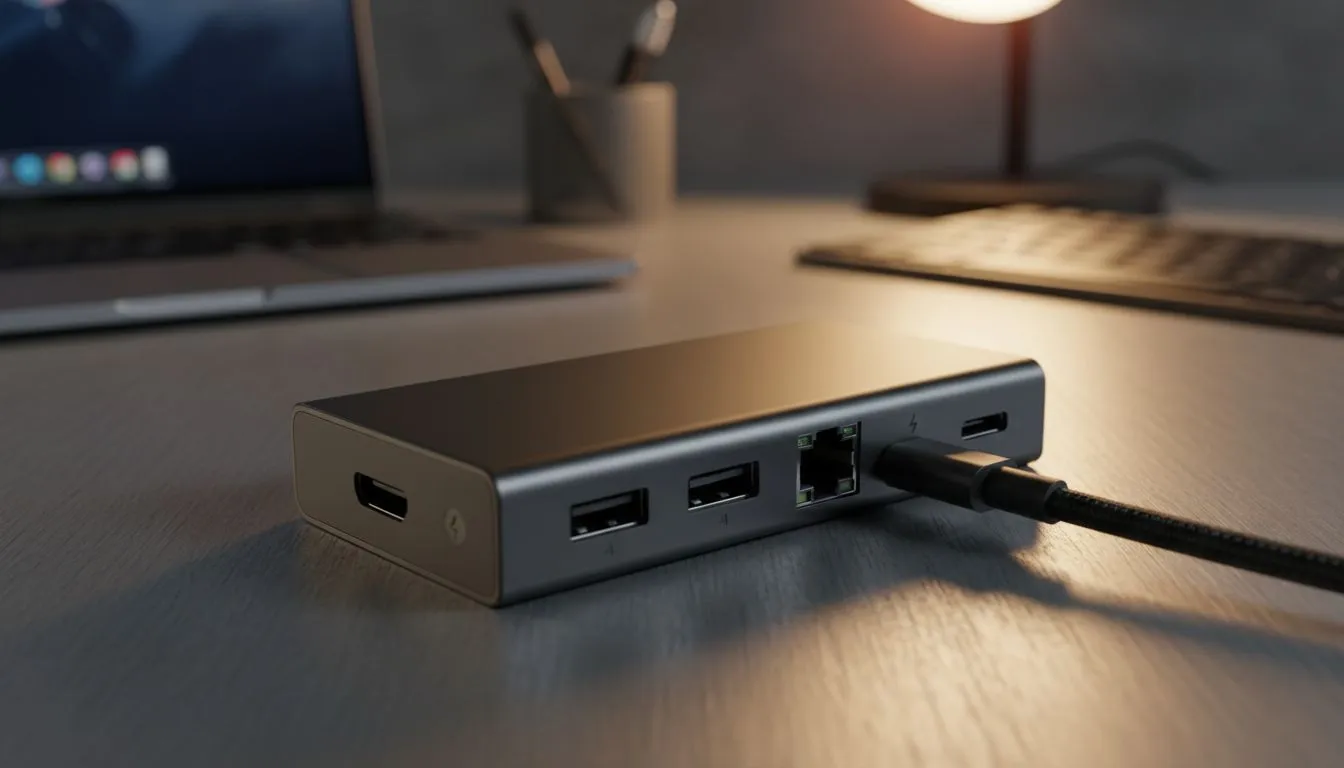
Finding the right USB-C hub for your laptop shouldn't feel like a tech exam. With South African workspaces shrinking and laptops losing ports... a reliable hub is no longer a luxury. It is a necessity for anyone juggling monitors... keyboards... and external drives. Before you click 'buy' on that flashy adapter... let's look at five critical factors. These ensure your gear stays connected and your workflow stays smooth. 🔧
Understanding Power Delivery (PD) Requirements
Does your laptop charge via its USB-C port? If so... you need a hub with Power Delivery pass-through. This allows you to plug your charger into the hub... which then powers your laptop. Check the wattage carefully. Some hubs only support 60W... while high-end gaming rigs might need 100W to stay juiced up during intense sessions. Without enough power... your laptop might drain even while plugged in.
Port Variety and Layout Efficiency
Think about what you use daily. Do you need a dedicated HDMI port for a second screen? Or perhaps an SD card slot for your photography hobby? If you want a brand that balances reliability with variety... checking out Promate docking stations is a great starting point for versatile layouts. Ensure the ports are spaced well enough to fit thicker USB drives side-by-side. ⚡
Cable Length Matters ⚡
Many USB-C hubs come with very short integrated cables. If you use a laptop stand to keep your screen at eye level... a short cable might leave the hub dangling in the air. This puts stress on your laptop port. Look for a hub with a slightly longer lead or use a high-quality extension to keep your desk tidy and your ports safe.
Data Transfer Speeds for Modern Workflows
Not all USB ports are created equal. A USB 2.0 port is fine for a mouse... but it will crawl when transferring 4K video files. Look for USB 3.0 or 3.1 Gen 2 ports for faster speeds. On a tight budget? You can still find great docking stations under R1000 that offer decent transfer rates for daily tasks. Always match the hub speed to your external drive capabilities.
Heat Dissipation and Build Materials
Hubs can get surprisingly warm during heavy use. Metal housings... usually aluminium... help dissipate heat better than plastic ones. This is vital if you plan on keeping multiple devices plugged in for hours. For those looking for premium build quality and extra features... our selection of docking stations under R2000 offers robust options that won't overheat. A cooler hub usually lasts much longer. 🚀
Video Output and Refresh Rates
Planning to run a 4K monitor? Ensure the hub supports 4K at 60Hz. Many cheaper hubs cap out at 30Hz... which can lead to a choppy visual experience. Always verify the HDMI or DisplayPort version on the hub specs. You can browse the full range of docking stations at Evetech to compare different video output capabilities side-by-side. ✨
Ready to Expand Your Connectivity? Don't let a lack of ports hold back your productivity or gaming setup. From budget-friendly adapters to high-end professional docks... we have the right fit for your desk. Explore our massive range of docking stations and find the perfect hub to power your South African tech journey.











