


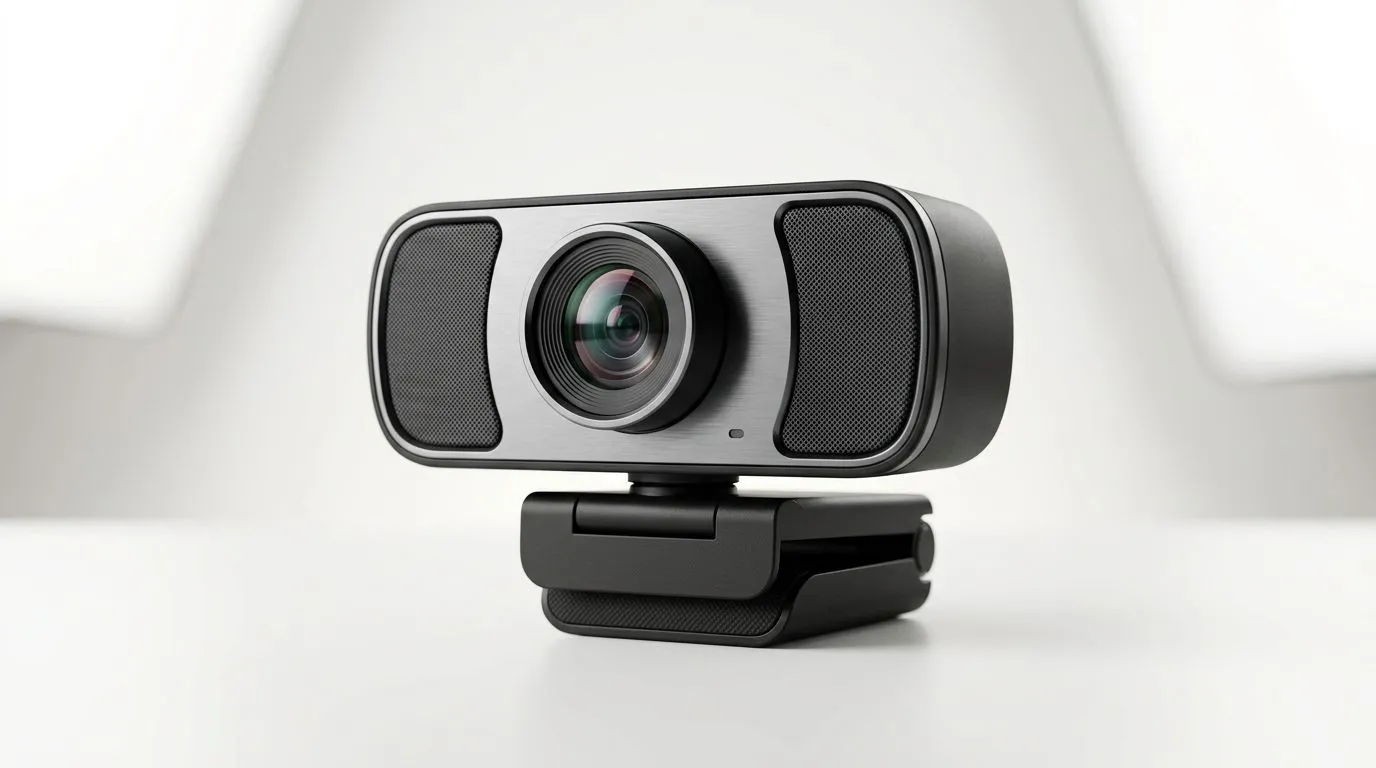
Webcam Dual Stereo Microphones: Can You Skip a Dedicated Mic? (and still sound clear) 🎮🎙️
Buying a webcam for streaming or work in South Africa is easy… sounding good is harder. Your first thought is often, “Can I skip a dedicated mic and rely on the webcam’s dual stereo microphones?” If you’re gaming with friends on Discord, joining calls from load-shedding downtime, or trying to stream on a budget, this question matters.
In this Gear Review, we’ll break down when webcam audio is “good enough”, when it isn’t, and how to get cleaner voice capture without blowing your budget.
Webcam Dual Stereo Microphones: What they actually do (and what they can’t) 🔍
Most entry-level webcams include built-in microphones, and some advertise “dual” or “stereo” capture. In practice, dual stereo mics help with directionality and a wider sound pickup than a single mic. That can reduce the “one-note” flat tone you get when you’re off-axis from the mic.
But there are two big limits:
- Room noise still enters the equation. Fans, keyboard clacks, and background TV don’t magically vanish.
- Distance matters. Built-in webcams are meant for “near mouth” speaking. Move farther back and your voice loses clarity fast.
If you’re streaming from a desk setup, dual stereo can work… but only if your environment cooperates.
Sound test reality check (the 30-second method) ✨
Before you buy a mic, do a quick test with any webcam audio you already have (or a store demo if possible):
- Speak at your normal volume from your typical seat.
- Record 30 seconds with the webcam.
- Listen back on a phone speaker and then your headphones.
If you can clearly hear words on phone speakers, you’re probably okay. If you need to turn up volume a lot, a dedicated mic will bring noticeable improvement.
Productivity Pro Tip ⚡
On Windows, use the built-in Sound settings to test your webcam mic while you adjust “Input volume”. Set it so your voice peaks around the middle of the meter, then keep Windows gain stable. This reduces the “robot pumping” effect when you jump in excitement while gaming.
Webcam Dual Stereo Microphones: When you should add a dedicated mic 🎙️
If any of these are true, a dedicated mic will usually outperform webcam audio:
- You game in a room with echo (bare walls or tiled floors).
- You type on a mechanical keyboard close to the camera.
- You use a fan/PC blower that’s audible during calls.
- You sit more than an arm’s length from the webcam.
Dedicated microphones also give you better control for common issues:
- Less background noise, because the mic can be closer and more directional.
- More consistent levels, so your voice doesn’t drop during softer parts of your sentence.
And once you’ve got a dedicated mic, you’ll notice it on recordings too. Voice sounds less “buried” when you scrub through clips.
Webcam Dual Stereo Microphones: Picking the right webcam first (so audio starts strong) 🔧
If you’re staying with webcam audio, the webcam choice still matters. A better webcam often helps with overall voice capture because of improved sensor processing and mic tuning, plus better framing so your mouth stays closer to the pickup area.
Here’s where you start on Evetech:
- Browse webcams on Evetech to compare models and features: buy webcams on Evetech
- If you want a practical entry budget, try filtering by price: webcams up to R1,000
- For a balance of video and audio, explore: webcams up to R2,000
- If you’re aiming for the cleanest built-in experience, check: webcams up to R3,000
Webcam Dual Stereo Microphones: Setup tweaks that make a bigger difference than you think ⚡
Before you buy extra gear, try these small changes:
- Raise your webcam slightly so you speak a little more toward it. Even a few centimetres helps.
- Angle your monitor away from the mic’s “dead air.” Some webcam mics pick up what’s closest.
- Move your keyboard. If it’s within the webcam’s pickup range, consider sliding it back or using a calmer switch set.
- Use simple acoustic control. A towel on a nearby hard surface can reduce echo in a pinch.
- Add a pop filter or basic foam windscreen if you switch to a dedicated mic later.
These tweaks are especially useful for South African gamers who are often on mixed audio setups... laptop speakers, headset monitoring, and sometimes a partner or housemate sharing the same room.
Ready to upgrade? A quick decision guide 🚀
- Choose webcam dual stereo microphones if you’re mostly in quiet rooms and your 30-second test shows clear words.
- Add a dedicated mic if background noise is constant, you type loudly, or your seat distance is large.
- Consider both if you’re serious about streaming and want dependable audio for weeks, not days.
If you want the safest path, match your mic choice to your room. Audio quality isn’t only a product spec… it’s your setup too.
Ready to Find Your Perfect Match? The Mac vs Windows debate is complex, but for maximum power, choice, and value in South Africa, Windows is hard to beat. Explore our massive range of laptop specials and find the perfect machine to conquer your world.











