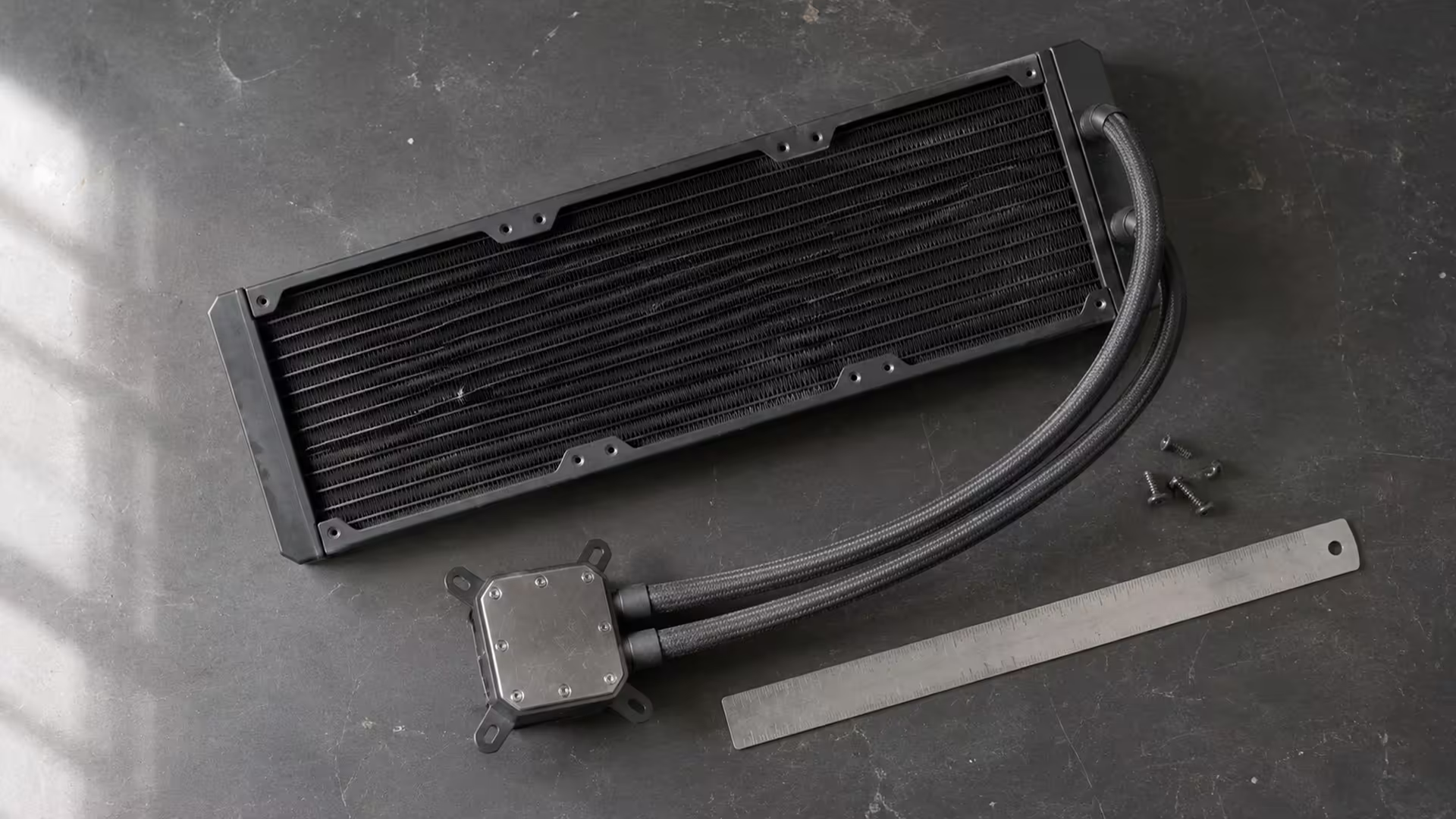
The ASRock Taichi AQUA 360 LCD puts a thick radiator and accessible fittings in one cooler. Measure both before you use the top rail of a case you already own. You could have three open fan positions and still run out of room over the motherboard before the first screw goes in.
Quick Answer
The ASRock Taichi AQUA 360 LCD uses a 38mm radiator and adds fittings for loop expansion. Check the assembled depth and tubing bends before buying. Evetech's 27 November catalogue check found an Antec Ultra 360 at R899 as a local price reference for a conventional 360mm AIO.
🔧 Check the top rail with the board fitted
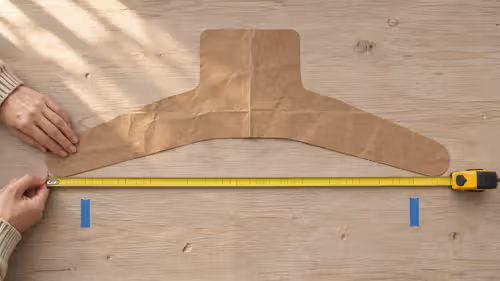
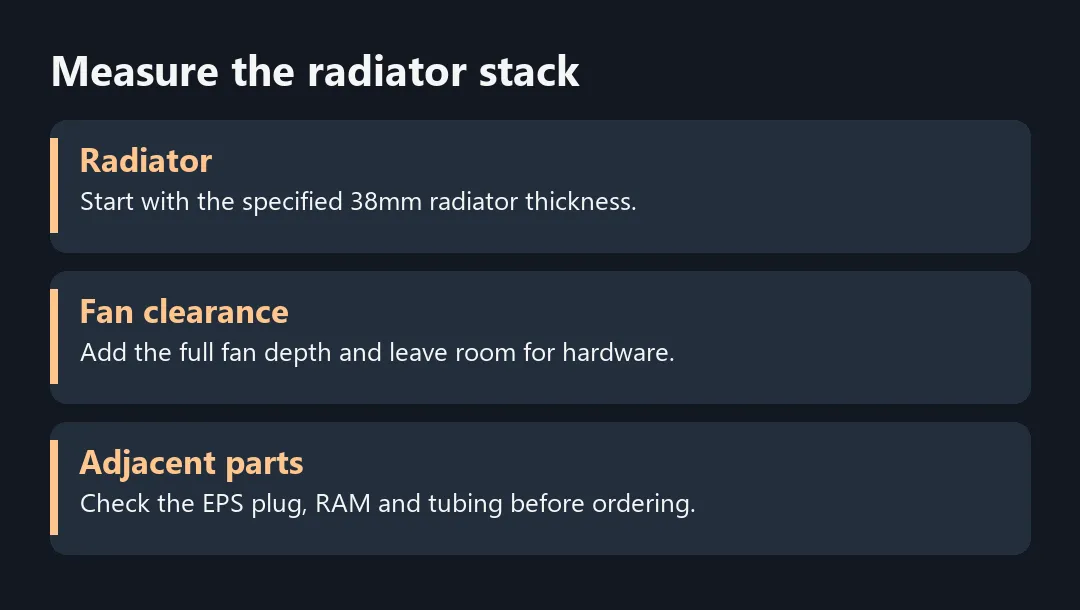
Read the depth at the tightest spot along the rail. With the case open and powered down, hold a ruler perpendicular to the mount above the RAM, the top edge of the motherboard and the CPU power plug. The plug needs enough room for its housing and the cable bend. A cardboard strip cut to the radiator-plus-fan thickness can help you check the whole run while keeping metal tools away from the board.
A front installation changes your measurements. Check what the radiator and fans do to the available graphics card length and where the tubes turn towards the processor. Look up the front and top mounting notes for the exact model when browsing All Cases. Case variants with the same name can have different mounting trays. Plan a path the tubes can take with the side panel closed.
💧 Decide what you would connect later
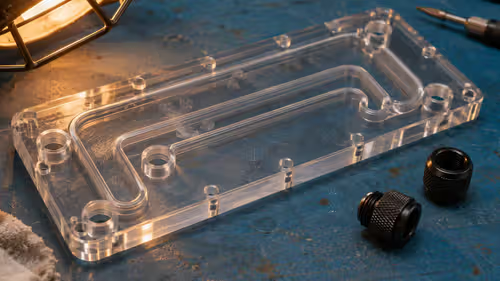
ASRock provides expansion fittings and a flow indicator on this model. If you're thinking about a second radiator or a larger loop, write down the part you intend to add and where its fittings and tubes will sit. An empty mount can become hard to reach after the GPU goes in. You may also need room to get your hand between the case frame and the fitting, even when the tube itself fits.
Read the installation instructions before you pick fittings or open a circuit. Check which parts and liquids ASRock specifies, and determine where you can reach the connections when you need to work on the loop. If you only plan to cool the CPU, a conventional sealed unit saves you from designing for future plumbing.
🛒 Put the local comparison on paper
The R899 Antec listing is a reference for a 360mm purchase in South Africa on 27 November. It gives you a starting price to compare with a future local Taichi AQUA quote. Compare the actual package, mounting hardware, total thickness and tube route before deciding which can go in your build.
Browse CPU Liquid Cooler models with your case dimensions next to you. If the roof clears a thinner radiator but leaves little room for the Taichi assembly, write down the depth you can use and search within it. If the main reason you want the Taichi is access to the connections, inspect how those ends face in your chosen mounting position. You want to be able to get to them after the radiator is fixed to the rail.
Frequently Asked Questions
How thick is the Taichi AQUA radiator?
ASRock lists the radiator at 38mm. Add the fan thickness when checking the clearance inside your case.
Can I add this cooler to a custom loop?
ASRock designed the cooler with expansion fittings. Follow its instructions on compatible parts and loop configuration.
Will it fit every 360mm case mount?
Check the vertical room below the mounting rail. A supported radiator length tells you little about clearance over the motherboard.
Does this launch establish a South African price?
The announcement gives buyers the hardware details. Check local listings for an actual South African offer.
What should I measure first?
Measure from your intended mount to the nearest obstruction, such as a top power connector or front drive cage.
Do I need the expansion fittings for a CPU-only build?
A conventional sealed AIO can suit a CPU-only build. Choose expansion hardware if you have a defined use for it.
Measure the radiator stack
Measure radiator and fitting space against a locally priced 360mm alternative. Compare compatible options at Evetech.