iiyama ProLite XCB4994DQSU-B1. A 49-inch display keeps a reference and your main window in view without the join between two screens. Check how your PC sends the full-width picture and whether your games will use the whole panel.
Quick Answer
The iiyama is a 49-inch curved display with 5120 x 1440 at 120 Hz over DisplayPort. An in-stock AOC 49-inch Dual QHD comparison was R21,499 at Evetech on 26 November. That price applies to the AOC.
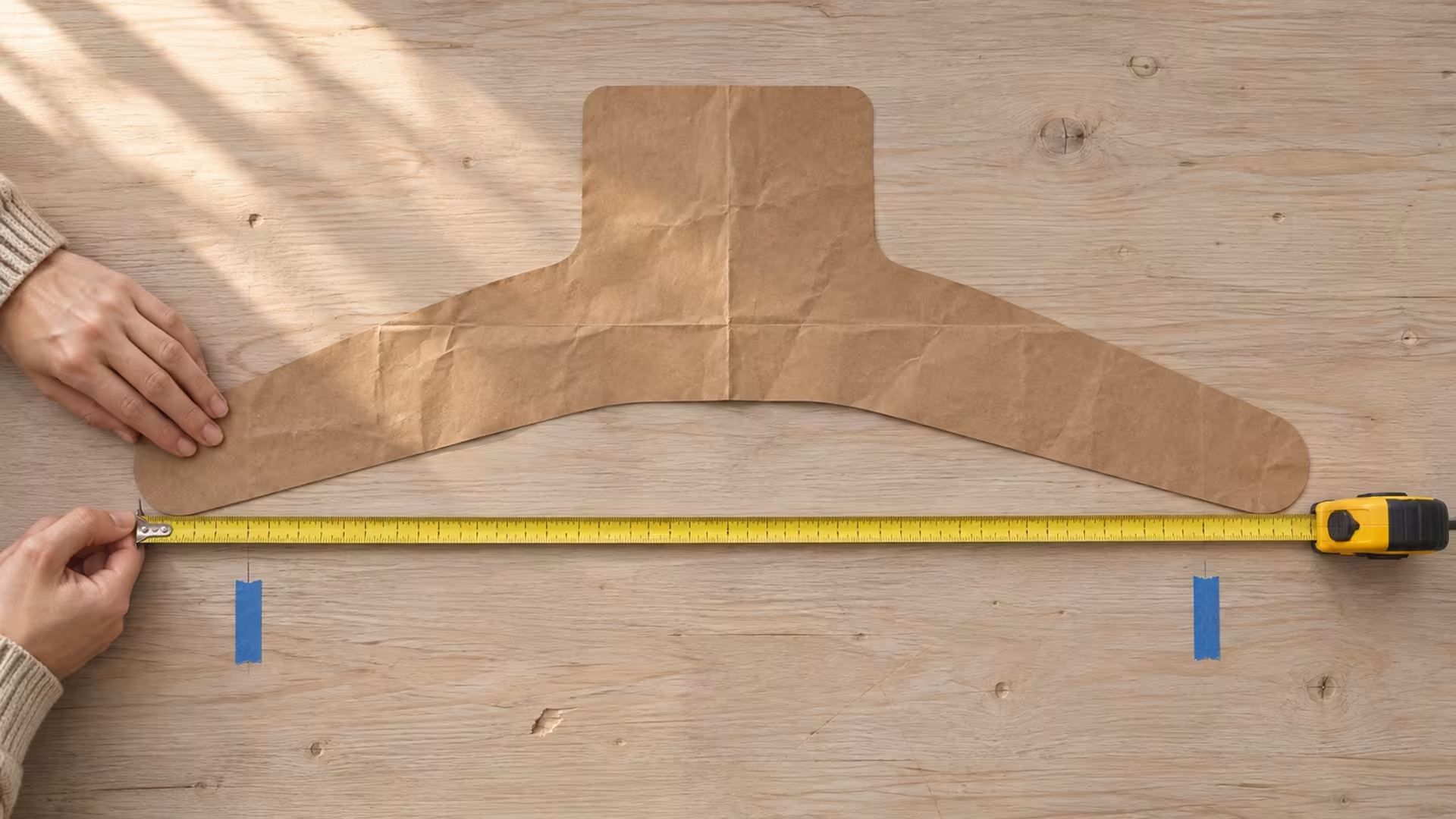
📐 Lay out the desk at full width
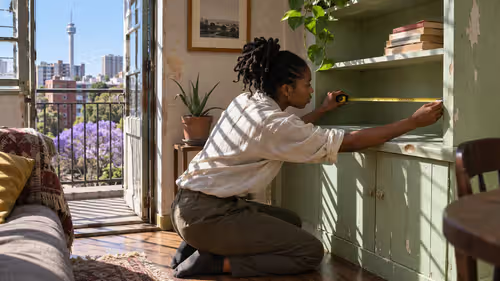
Mark where the stand feet would sit, where the keyboard can go and how close the panel edges will be to your chair. Copy the stand dimensions from the vendor page before moving anything. A deeper desk gives you more room to sit back without having to put your wrists over the front.
A 5120 x 1440 display contains as many pixels as two 2560 x 1440 displays side by side. Think about which windows you need to see together. An app can cross the centre where two separate panels would have a gap. If you prefer dedicating a separate physical screen to each app, your current setup may suit you better.
🔌 Confirm what the input can carry
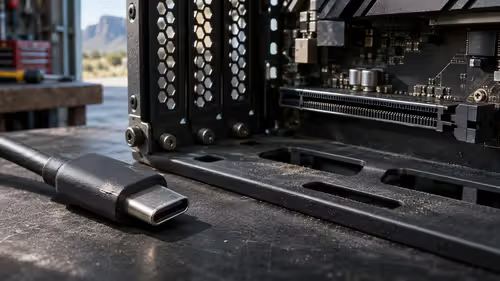
The manufacturer specifies 120 Hz at native resolution over DisplayPort. Check that the output on your desktop or dock offers that mode. Look up the specifications for both ends. If a dock is in the way and you can connect the screen straight to the computer, use the direct test to isolate the link before judging the monitor.
Open Advanced display in Windows after connecting and look at the active resolution and refresh rate on the correct screen. A picture can look fine in a document and still be running below the advertised mode. Check the other displays again if you have multiple devices on the dock.
🎮 Check game support by title
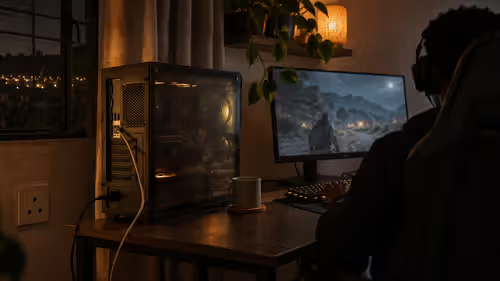
Games vary in how they use a wide desktop. Look up the titles you play and check each one's supported aspect ratios, interface placement and video settings. You may want a centred narrow image for a game and the whole workspace for everything else. That is a workable compromise if you know it before you pay.
The native mode also gives a graphics card more pixels than 2560 x 1440. Check tests that use comparable settings before planning to reach the monitor's top refresh rate. Compare Gaming Monitors in narrower sizes if gaming performance is your first priority.
🛒 Price an equivalent local monitor
The 26 November catalogue check showed the AOC AGON AG493UCX2 at R21,499. That 49-inch Dual QHD model makes a useful resolution comparison. The same check showed a 30-inch Dahua ultrawide at R3,499. It is a different size and class, useful for a shopper who wants a wide format without buying the equivalent of two QHD workspaces.
Check Curved Monitors for the exact resolutions, inputs, stand sizes and prices you can buy on the day. Keep a note of whichever model gives you the layout you need. Before purchasing the iiyama, verify the local price and confirm that your desk and computer can make use of it.
Frequently Asked Questions
How many pixels does the iiyama have?
Its 5120 x 1440 mode matches two 2560 x 1440 desktops placed side by side.
Which port supports 120 Hz?
iiyama lists DisplayPort for native 5120 x 1440 at 120 Hz.
Is R21,499 the iiyama price?
It was the local catalogue price of the AOC AG493UCX2 comparison.
Do all games fill the panel?
Check aspect-ratio support by game. Some buyers will play in a narrower mode.
Can a dock run the screen?
Check its resolution and refresh-rate limit at this exact mode.
What should I measure?
Check the stand footprint and the distance from the front of the desk to the screen.
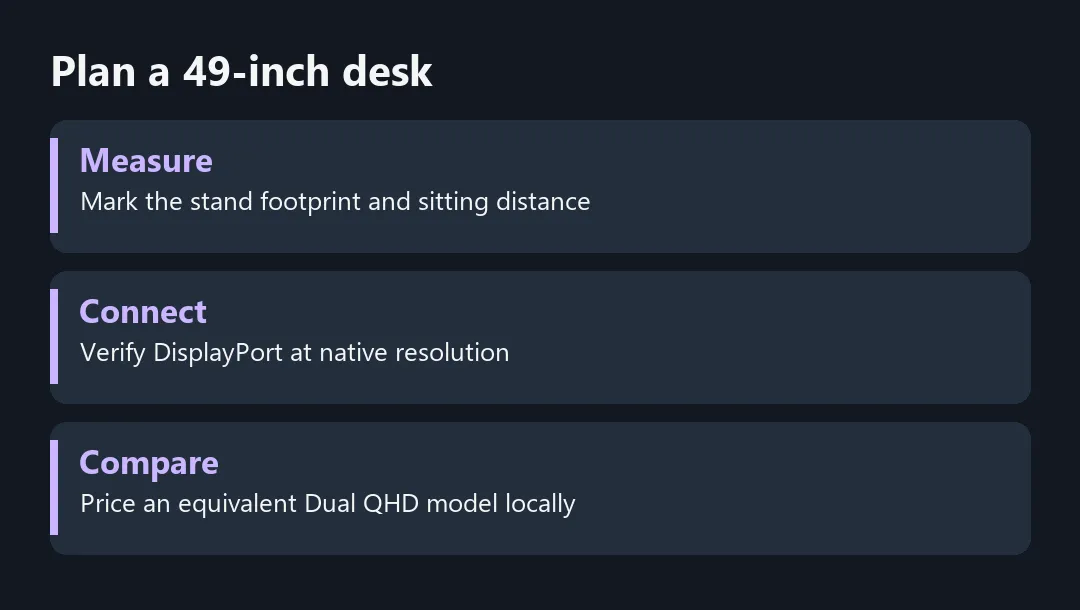
Plan a 49-inch desk
Use the exact display mode and measure your desk before comparing a local 49-inch alternative. Compare compatible options at Evetech.