



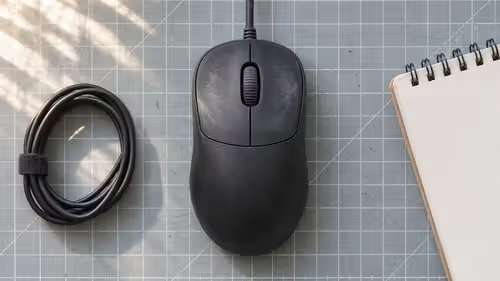
Mouse scroll wheel jumping: test it before replacing it
Try slow scrolls in two apps, test a direct USB connection and brush around the wheel. Identify a flaky wheel before you replace a working mouse.
Read moreLook for Gaming Hub among your Galaxy apps. Use My games to open installed titles. Check the Galaxy app and official channels before spending data on a download.
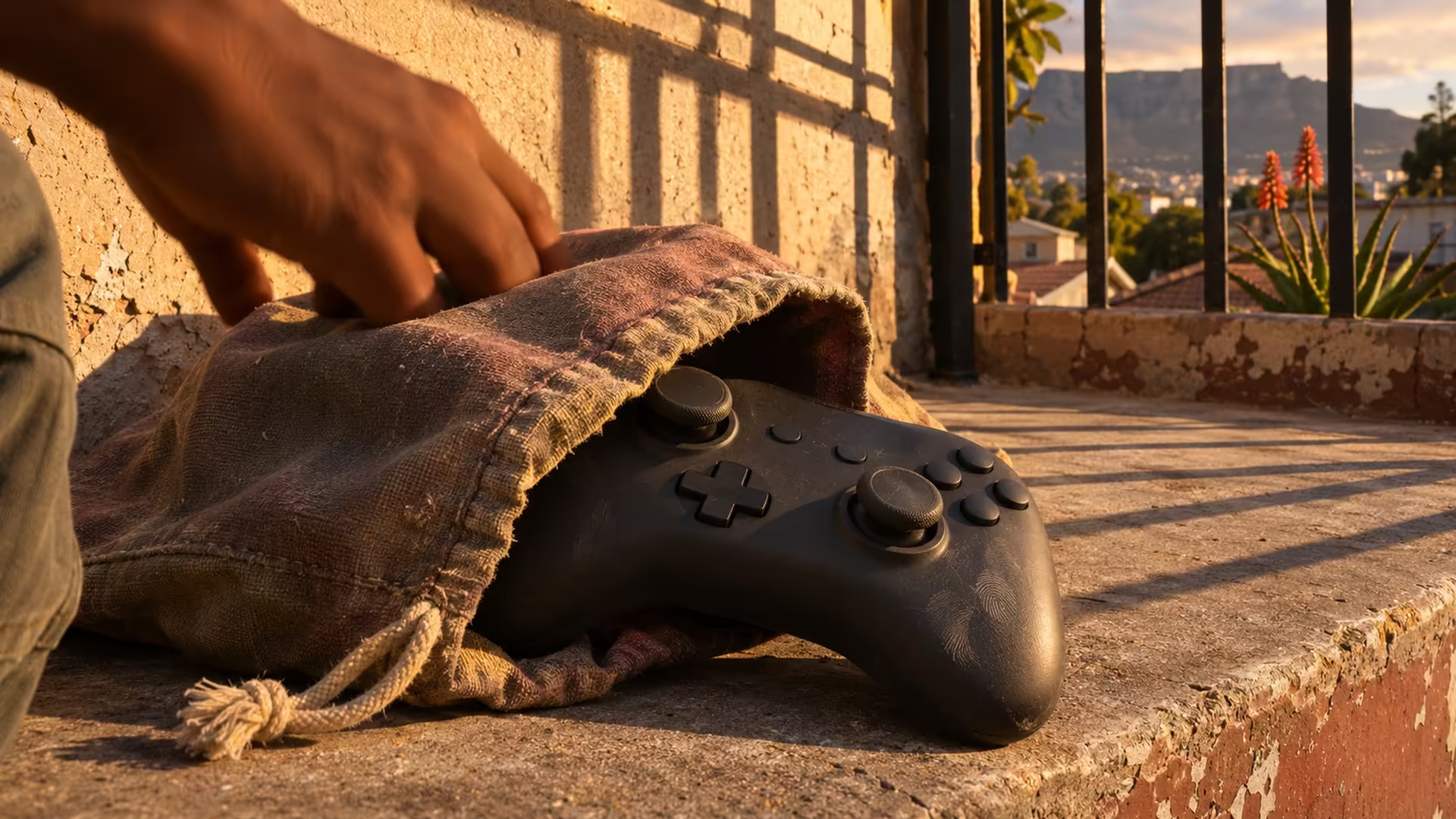
You can have a Samsung phone full of games and still struggle to find where to launch them. If you searched for Samsung Gaming Hub download after someone showed you the TV version, start on your Galaxy phone itself. Samsung uses the Gaming Hub name for a phone library and for a TV feature, and each has its own setup.
For a Samsung Gaming Hub download on Galaxy, search for Gaming Hub in your apps first. If you find it, open it and check My games for titles you already installed. If it is absent, check Samsung's support for your Galaxy model and software. TV Gaming Hub instructions apply to the TV version.
Open the apps screen on your Galaxy and use its search field. If Gaming Hub appears, launch it and look in My games. A game can be installed and playable without appearing in that list. Check whether you can launch it from the phone's apps screen first. That tells you whether you are missing a game or just its shortcut in Gaming Hub.
If the library is incomplete, open the add-game option in My games where your version shows it. Choose a game you already have. Download new games from their official store listings. When the phone doesn't offer Gaming Hub, check the software version and support for that exact phone before spending data on an installer from a search result.
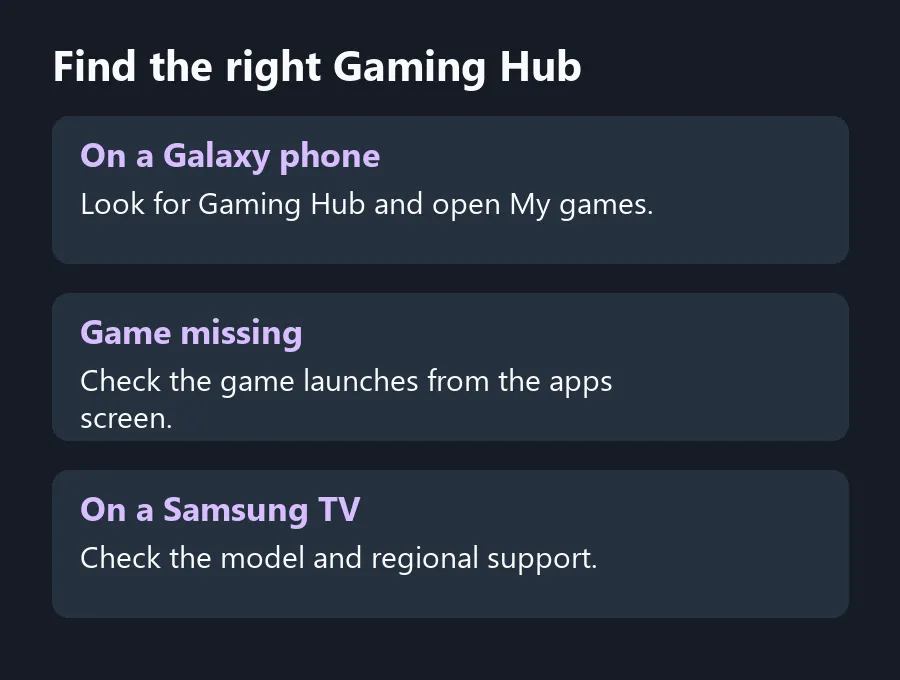
A Galaxy app and a supported Samsung TV solve different problems. The mobile app gathers games installed or played on your Galaxy and helps you discover others. The TV service gives compatible screens access to streaming partners where the model and region support them. Seeing a title promoted for one service gives you no guarantee it is offered for your other device.
For South African users on a capped plan, set up on Wi-Fi and check the size of the game itself before downloading. The library is a place to find what to play. Each game or service may have its own download, data or controller needs. Verify the exact game before buying gear for it.
Start with the phone and launch something you know. If you want physical controls, check whether the game lists Android controller support and whether your controller can pair with your Galaxy. Browse Gaming Controllers once you have the compatibility requirements. Test navigation in the game menu and in an actual match before you rely on a controller for play.
For games that download large updates at home, put the phone close to your existing router for the first test. Look at Wireless Routers only if you also see poor Wi-Fi in the room on other devices. An app that's missing from your phone's library is a separate issue from slow game downloads.
Use the Galaxy version on a supported phone. The television instructions describe a separate feature for compatible Samsung screens.
Check that it launches from the apps screen. Try the add-game option in Gaming Hub if your version offers it.
Check your exact phone and its software against Samsung support. The menus and features can vary by device and software.
Start with the app already on your phone and Samsung's official support and store channels for your device.
Check support in the individual game. Pairing a controller to the phone doesn't guarantee the game uses it.
A Galaxy installation belongs to the phone. The TV Gaming Hub lists the services and games available on its own supported setup.
On a Galaxy phone Check the Galaxy app and official channels before spending data on a download.
Use the Galaxy version on a supported phone. The television instructions describe a separate feature for compatible Samsung screens.
Check that it launches from the apps screen. Try the add-game option in Gaming Hub if your version offers it.
Check your exact phone and its software against Samsung support. The menus and features can vary by device and software.
Start with the app already on your phone and Samsung's official support and store channels for your device.
Check support in the individual game. Pairing a controller to the phone doesn't guarantee the game uses it.
A Galaxy installation belongs to the phone. The TV Gaming Hub lists the services and games available on its own supported setup.
Try slow scrolls in two apps, test a direct USB connection and brush around the wheel. Identify a flaky wheel before you replace a working mouse.
Read more
It prints on both sides automatically. Its document feeder scans one face of each sheet per pass. Check how often you scan both sides before paying for features you may use every week.
Read more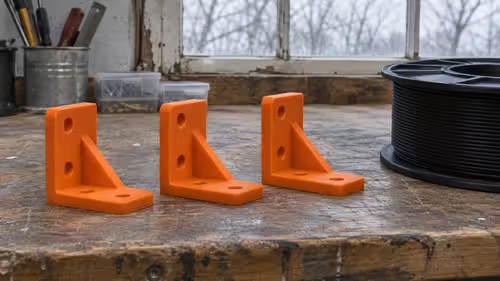
Start with PLA. The SE also supports PETG and 95A TPU for different jobs. Buy a single spool for a real project before adding more materials.
Read more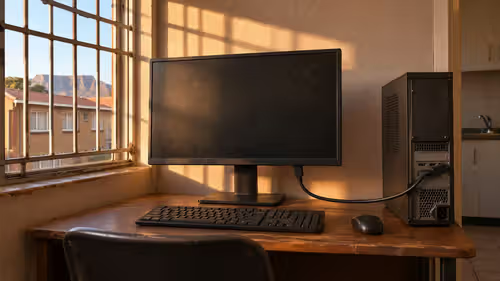
Select the correct input and test one monitor with a direct DisplayPort connection. Test the cable path before you price another screen.
Read more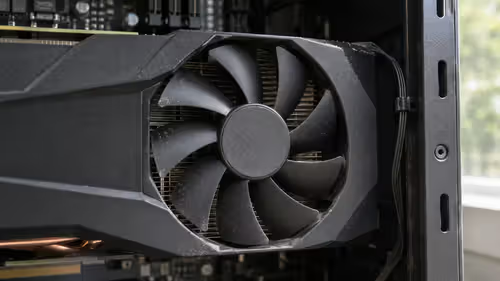
Unplug the PC and look for a cable or bracket near the clicking graphics card fan. Check fan clearance before paying for a replacement graphics card.
Read more
Open Disk Management to see whether the SSD needs a drive letter or, if it is brand-new and empty, a volume. Check Disk Management before replacing an SSD the firmware can already see.
Read more Open Disk Management to see whether the SSD needs a drive letter or, if it is brand-new and empty, a volume. Check Disk Management before replacing an SSD the firmware can already see.

The standalone P2S can print from one spool. Choose the Combo if you want the included AMS 2 Pro to handle automatic filament changes. Compare the local standalone and Combo quotes against the projects you will print.
The ZSA Wireless Voyager is a low-profile split Bluetooth keyboard with QMK. A local price was unconfirmed on 25 November. Evetech listed the one-piece Marvo Monka Sora 75 at R449 as a wireless keyboard price reference.

ZOWIE EW gaming mice come in six models across four shape families. ZOWIE lists up to 8 kHz polling. The EW local price is unconfirmed. Evetech listed the MARVO Duke 50W at R149 on 25 November as a budget wireless reference.
Open Disk Management to see whether the SSD needs a drive letter or, if it is brand-new and empty, a volume. Check Disk Management before replacing an SSD the firmware can already see.

A 403 error means the server understood the request and refused access. Give the page owner the account role and local time so they can investigate the refusal.

Block browser pop-ups, revoke the site's notification permission or remove the app that sends the ads. Find whether a browser tab, site notification or downloaded app produced the ad.

Try Borderless Windowed if the screen blacks out when you switch away from a fullscreen game. Compare fullscreen and borderless modes before replacing a display or cable.

The RTX 3070 Ti is a newer, faster tier than the RX 5700 XT and adds ray tracing and DLSS, which the Radeon lacks. It also draws more power, near 290W against 225W, so check the PSU and case airflow.

The GTX 1660 Ti laptop GPU has 6GB and usually outpaces the RX 5500M, but both vary a lot with each laptop's power limit. You cannot upgrade either, so compare the exact laptop model, its cooling and its memory configuration before paying.
The RX 5500 XT is a newer, more efficient chip than the GTX 1060, and the two trade blows depending on the game. The 1060 comes in 3GB and 6GB versions, while the 5500 XT offers 4GB or 8GB. Check which version you are looking at first.

The RX 5700 XT and RTX 2070 Super both carry 8GB, and the 2070 Super is usually a step faster. It also adds ray tracing and DLSS, which the 5700 XT lacks. Choose by price gap: a small difference favours the 2070 Super.