



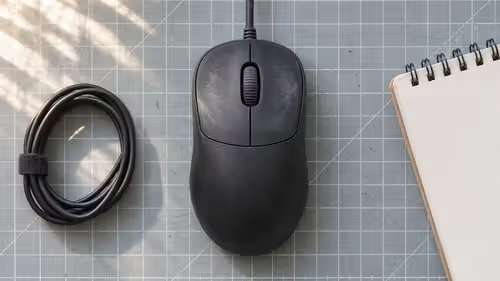
Mouse scroll wheel jumping: test it before replacing it
Try slow scrolls in two apps, test a direct USB connection and brush around the wheel. Identify a flaky wheel before you replace a working mouse.
Read moreSelect the correct input and test one monitor with a direct DisplayPort connection. Test the cable path before you price another screen.
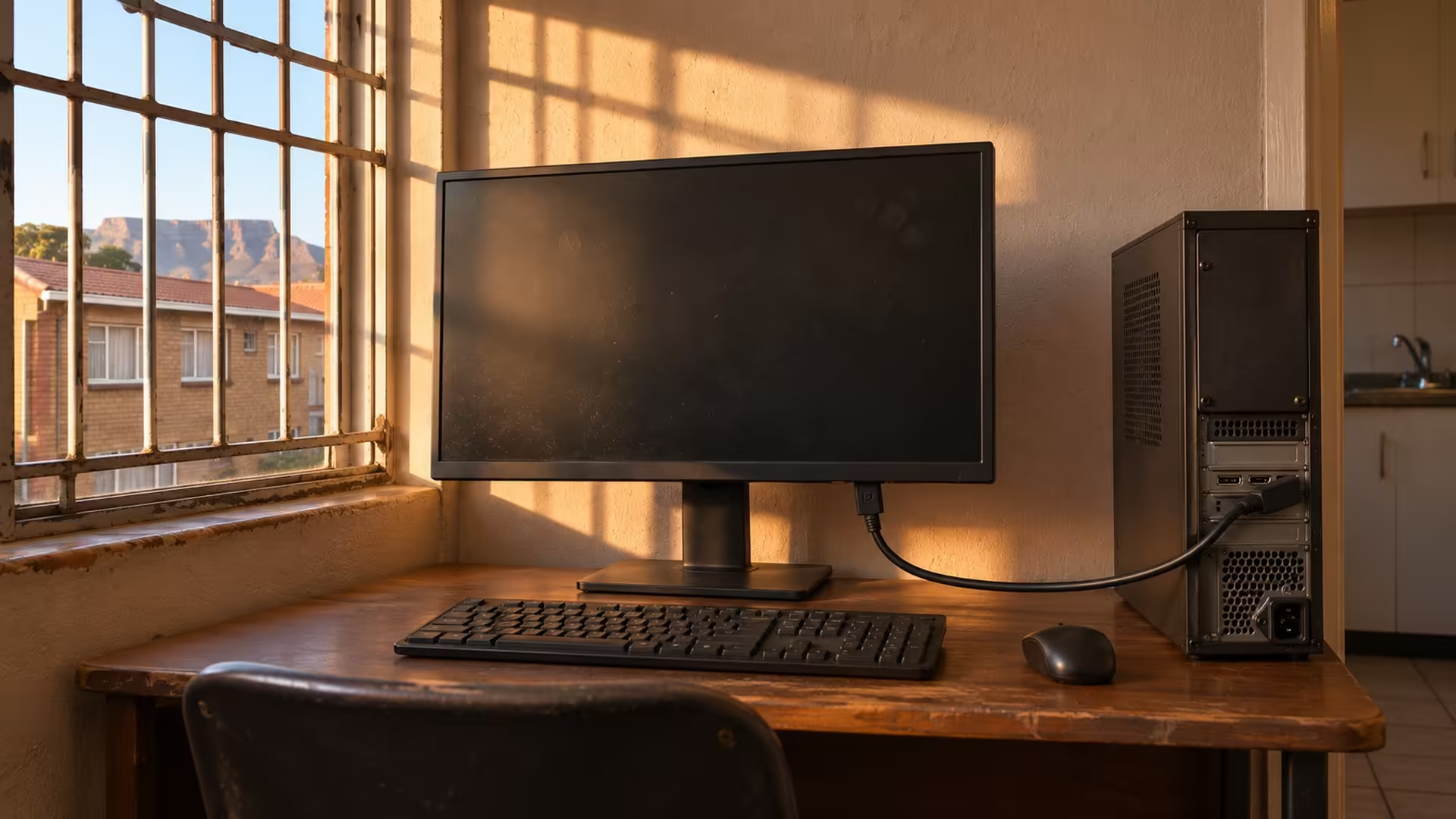
The PC wakes, the power light comes on and the screen offers one line of text before going dark. If you searched for monitor no signal after sleep and your screen uses DisplayPort, run the next test with one screen and one direct cable. Once you can wake that screen, add the dock or the second screen back one piece at a time.
When your monitor says no signal after sleep, select its DisplayPort input, reseat the cable and try one screen with a direct connection. On an awake Windows PC, Windows + Ctrl + Shift + B may recover the display. Try the checks for R0 before budgeting for a replacement. On 26 November, the LG UltraGear 24GS60F with DisplayPort was R1,999 at Evetech.
Open the monitor's own menu. If the menu appears, the panel has power and you can see which input it expects. Use the menu to select DisplayPort. A monitor connected to a console by HDMI may have moved to that input and stayed there when the PC went to sleep.
On a laptop, lift the lid and see whether the built-in screen responds. On a desktop, check whether the keyboard responds and wait a few seconds for the wake sequence. A PC that fails to wake at all needs a sleep diagnosis before you can learn much from swapping display cables.
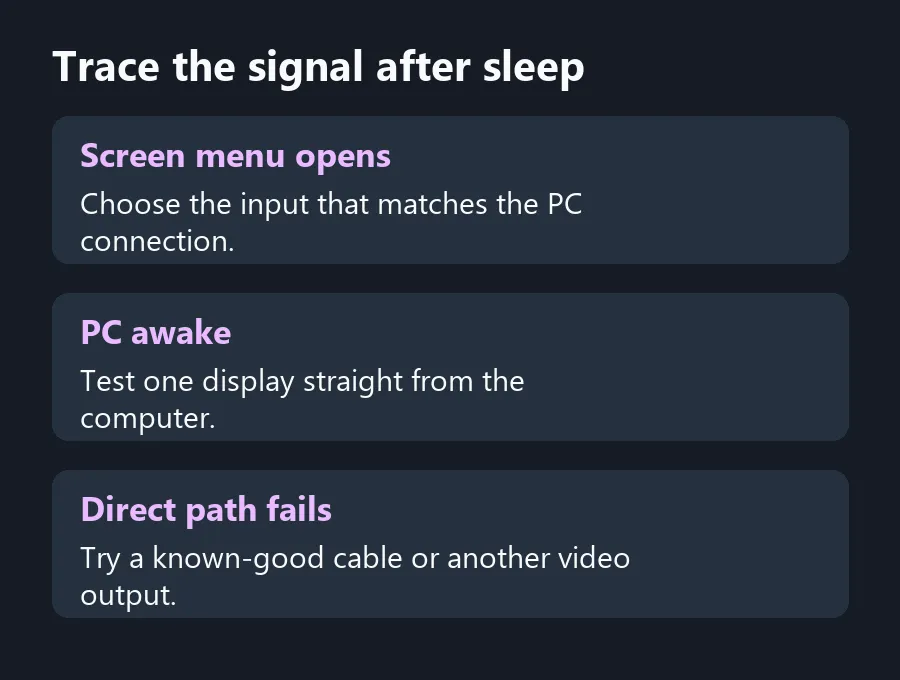
Disconnect docks, adapters and extra displays for the test. Connect the main screen straight to the PC with a cable you know works. Try sleep and wake twice with the same cable and port. If that works, return the dock or second screen one at a time. If it fails again, try another video output or HDMI if both devices support it. In that comparison, HDMI serves as a way to isolate where the fault occurs.
Look through the monitor menu for a sleep or deep-sleep option if the manufacturer documents one for your model. A change there is easier to judge when you have already narrowed the problem to one screen and cable. Keep a note of the original setting so you can restore it after testing.
With Windows running, try Windows + Ctrl + Shift + B. A recovery after the reset gives you a reason to look at the display driver. If the issue started just after a driver update, check whether Windows offers the previous version. When the same monitor and cable fail on a second PC, compare a known-good cable before blaming the monitor itself.
For a replacement, use Gaming Monitors if you need the refresh rate you already game at. Office Monitors is a better place to compare a secondary panel for work. Check the ports on the exact model and the PC you will connect before you spend the money.
The monitor can show its own menu while it receives no usable video from the computer. Check the selected input first.
Yes, if both devices support it. A direct HDMI test helps isolate a problem that appears on the DisplayPort path.
It asks Windows to reset the graphics driver. Try it after you confirm the PC has woken.
For the test, use one screen connected directly. Add displays and adapters back individually to see when wake fails.
No. Check the menu guide for your model before looking for or changing the setting.
Try a known-good cable and another computer first. If the fault follows your monitor, have it assessed or price a replacement that matches your ports.
Screen menu opens Test the cable path before you price another screen.
The monitor can show its own menu while it receives no usable video from the computer. Check the selected input first.
Yes, if both devices support it. A direct HDMI test helps isolate a problem that appears on the DisplayPort path.
It asks Windows to reset the graphics driver. Try it after you confirm the PC has woken.
For the test, use one screen connected directly. Add displays and adapters back individually to see when wake fails.
No. Check the menu guide for your model before looking for or changing the setting.
Try a known-good cable and another computer first. If the fault follows your monitor, have it assessed or price a replacement that matches your ports.
Try slow scrolls in two apps, test a direct USB connection and brush around the wheel. Identify a flaky wheel before you replace a working mouse.
Read more
It prints on both sides automatically. Its document feeder scans one face of each sheet per pass. Check how often you scan both sides before paying for features you may use every week.
Read more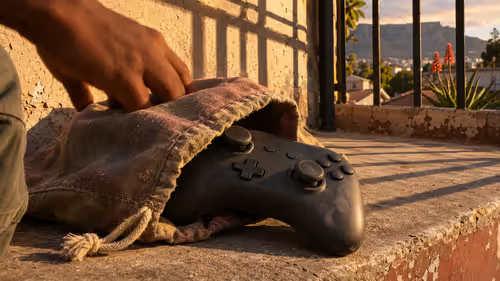
Look for Gaming Hub among your Galaxy apps. Use My games to open installed titles. Check the Galaxy app and official channels before spending data on a download.
Read more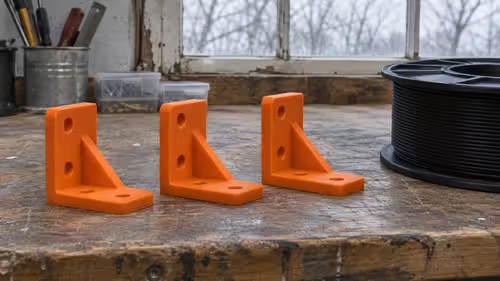
Start with PLA. The SE also supports PETG and 95A TPU for different jobs. Buy a single spool for a real project before adding more materials.
Read more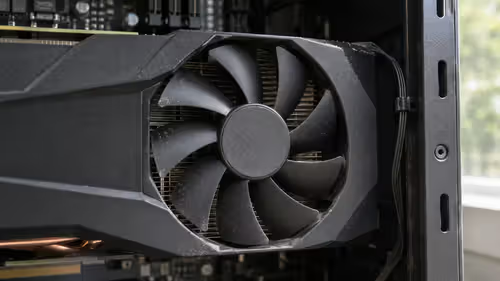
Unplug the PC and look for a cable or bracket near the clicking graphics card fan. Check fan clearance before paying for a replacement graphics card.
Read more
Open Disk Management to see whether the SSD needs a drive letter or, if it is brand-new and empty, a volume. Check Disk Management before replacing an SSD the firmware can already see.
Read more Open Disk Management to see whether the SSD needs a drive letter or, if it is brand-new and empty, a volume. Check Disk Management before replacing an SSD the firmware can already see.

The standalone P2S can print from one spool. Choose the Combo if you want the included AMS 2 Pro to handle automatic filament changes. Compare the local standalone and Combo quotes against the projects you will print.
The ZSA Wireless Voyager is a low-profile split Bluetooth keyboard with QMK. A local price was unconfirmed on 25 November. Evetech listed the one-piece Marvo Monka Sora 75 at R449 as a wireless keyboard price reference.

ZOWIE EW gaming mice come in six models across four shape families. ZOWIE lists up to 8 kHz polling. The EW local price is unconfirmed. Evetech listed the MARVO Duke 50W at R149 on 25 November as a budget wireless reference.
Open Disk Management to see whether the SSD needs a drive letter or, if it is brand-new and empty, a volume. Check Disk Management before replacing an SSD the firmware can already see.

A 403 error means the server understood the request and refused access. Give the page owner the account role and local time so they can investigate the refusal.

Block browser pop-ups, revoke the site's notification permission or remove the app that sends the ads. Find whether a browser tab, site notification or downloaded app produced the ad.

Try Borderless Windowed if the screen blacks out when you switch away from a fullscreen game. Compare fullscreen and borderless modes before replacing a display or cable.
Try slow scrolls in two apps, test a direct USB connection and brush around the wheel. Identify a flaky wheel before you replace a working mouse.
It prints on both sides automatically. Its document feeder scans one face of each sheet per pass. Check how often you scan both sides before paying for features you may use every week.
Look for Gaming Hub among your Galaxy apps. Use My games to open installed titles. Check the Galaxy app and official channels before spending data on a download.
Start with PLA. The SE also supports PETG and 95A TPU for different jobs. Buy a single spool for a real project before adding more materials.