



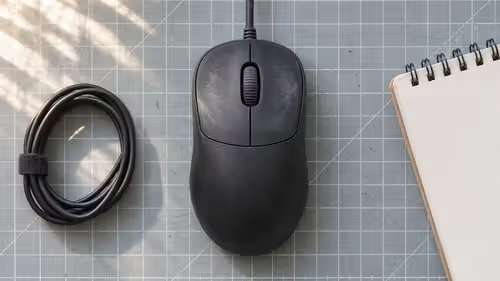
Mouse scroll wheel jumping: test it before replacing it
Try slow scrolls in two apps, test a direct USB connection and brush around the wheel. Identify a flaky wheel before you replace a working mouse.
Read moreUnplug the PC and look for a cable or bracket near the clicking graphics card fan. Check fan clearance before paying for a replacement graphics card.
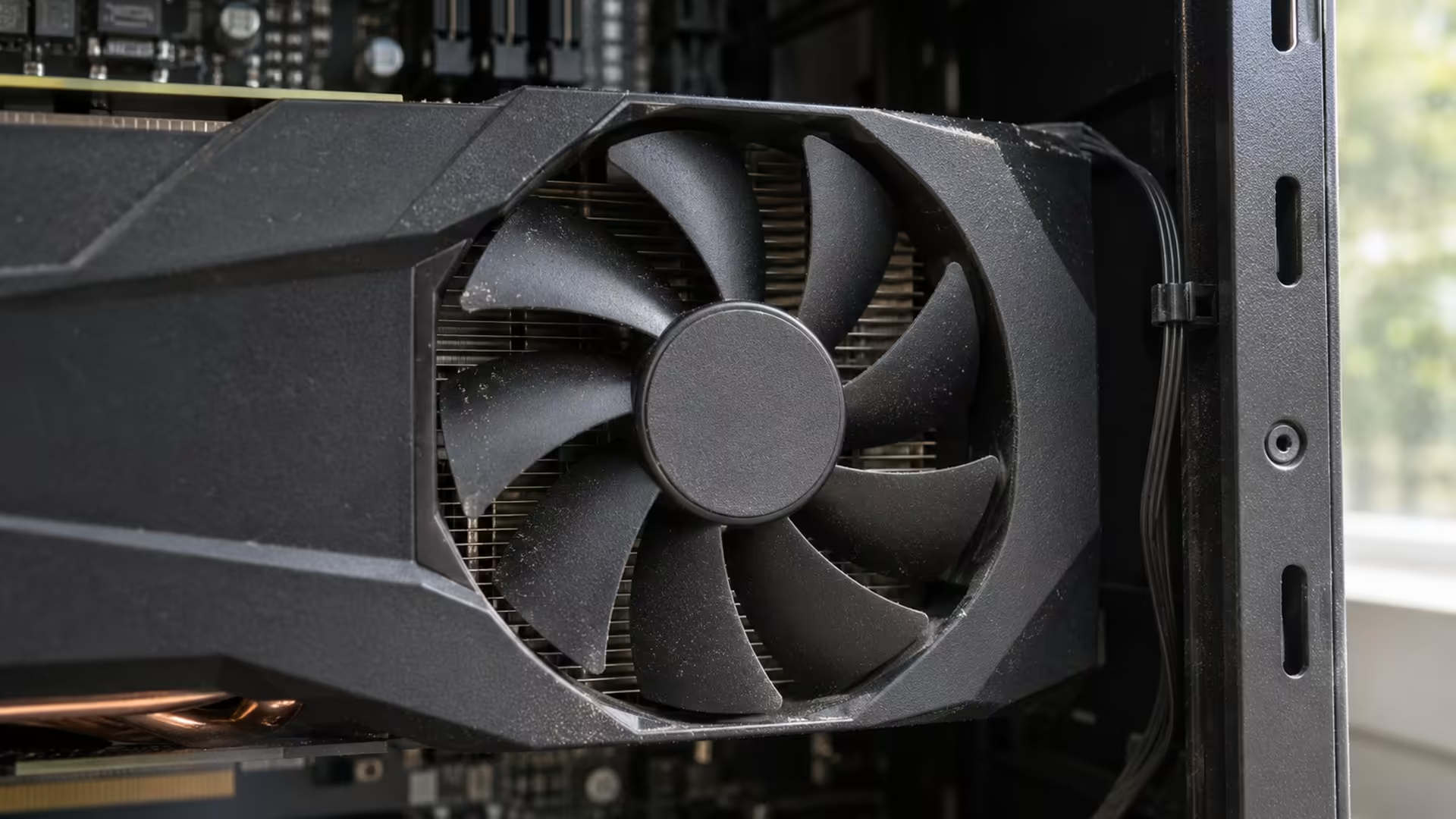
Hear your GPU fan clicking as a match loads? Listen again when you return to the desktop. A noise that starts and stops with the fan gives you a different lead from an electrical whine that follows frame rate. Check for contact with the fan before you change a setting or order another card.
Shut down and unplug the PC, then check for a cable or support bracket near the graphics card fan. Inspect the blades for damage. If the sound returns after you clear the area, record when it happens and get the card checked. You can do the visual inspection for R0.
Start with the side panel on and listen at idle. Then open a game you already know and note whether the click begins as the fans start. If the pitch changes with frame rate while the fans are still stationary, look for another source. If you hear one small tick at fan start and then steady airflow, the pattern is different from a click that repeats on every turn.
Some graphics cards stop their fans while the GPU is cool. Seeing a stationary fan on the Windows desktop is common on models with that feature. You want to see whether it starts when it should on your particular card. If a fan stays stalled when it should be turning or you see a cracked blade, shut down and stop testing under load.
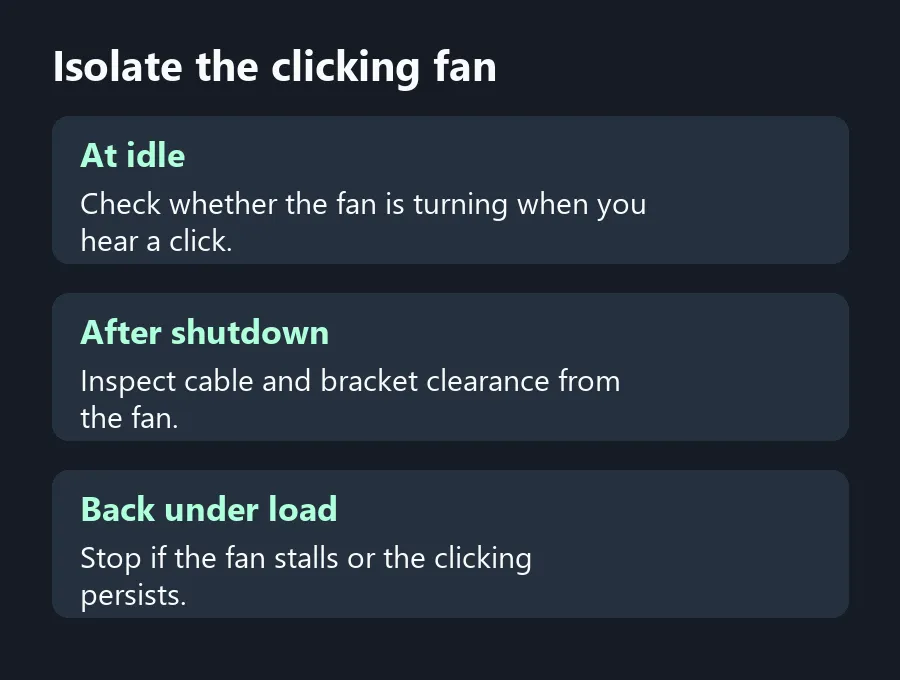
Unplug the system before opening the case. Use a torch to look along the edge of the fan opening. Check for a loose wire, a slipped cable tie or a support bracket that has shifted towards the blades. Pay attention to what changed before the noise appeared. A bracket moved during a clean gives you somewhere useful to start.
Route any loose cable away from the opening without pulling on its connector. Leave the shroud in place and keep fingers and tools clear while the PC is on. Once you close the case, repeat the same game test. A recording that captures idle, the first few seconds of fan movement and the end of the test gives a technician more to work with than a clip made at full speed.
A cable touching a blade costs you nothing to move. A replacement graphics card has to fit the case and suit your power supply, monitor and games. Check All Graphics Cards against those requirements first. For a local reference, Evetech listed the ASRock Intel Arc A380 Challenger ITX at R3,999 on 26 November. Compare the features and performance you actually use before treating any stock card as a substitute. If you already know your software needs a particular GPU feature, the All Nvidia GeForce Graphics Cards listing gives you a narrower comparison.
Keep the old card's model number handy when you ask about repair. A noise alone can't tell you whether a repair makes sense. A visible damaged blade or a fan that fails to start gives you a clearer reason to take the PC out of service.
Some cards stop their fans when the GPU is cool. Look up your model's fan-stop behaviour before assuming it has failed.
Listen for when the sound appears, then shut down and unplug the PC before inspecting the fan.
Yes, if the bracket has shifted into a blade's path. Inspect the clearance with the system disconnected.
Compare the sound with fan movement and frame-rate changes. A click that repeats as a blade turns suggests a mechanical check.
Keep hands and tools clear of a running PC fan. Compare the sound at idle and under load, then inspect it with the system off.
Stop if a blade is cracked, the fan stalls when it should run, or the noise persists after you clear obstructions.
At idle Check fan clearance before paying for a replacement graphics card.
Some cards stop their fans when the GPU is cool. Look up your model's fan-stop behaviour before assuming it has failed.
Listen for when the sound appears, then shut down and unplug the PC before inspecting the fan.
Yes, if the bracket has shifted into a blade's path. Inspect the clearance with the system disconnected.
Compare the sound with fan movement and frame-rate changes. A click that repeats as a blade turns suggests a mechanical check.
Keep hands and tools clear of a running PC fan. Compare the sound at idle and under load, then inspect it with the system off.
Stop if a blade is cracked, the fan stalls when it should run, or the noise persists after you clear obstructions.
Try slow scrolls in two apps, test a direct USB connection and brush around the wheel. Identify a flaky wheel before you replace a working mouse.
Read more
It prints on both sides automatically. Its document feeder scans one face of each sheet per pass. Check how often you scan both sides before paying for features you may use every week.
Read more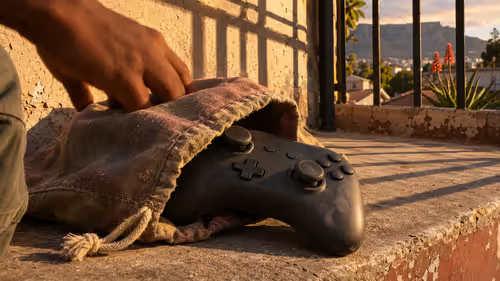
Look for Gaming Hub among your Galaxy apps. Use My games to open installed titles. Check the Galaxy app and official channels before spending data on a download.
Read more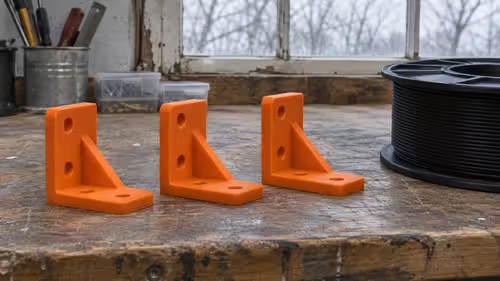
Start with PLA. The SE also supports PETG and 95A TPU for different jobs. Buy a single spool for a real project before adding more materials.
Read more
Select the correct input and test one monitor with a direct DisplayPort connection. Test the cable path before you price another screen.
Read more
Open Disk Management to see whether the SSD needs a drive letter or, if it is brand-new and empty, a volume. Check Disk Management before replacing an SSD the firmware can already see.
Read more Open Disk Management to see whether the SSD needs a drive letter or, if it is brand-new and empty, a volume. Check Disk Management before replacing an SSD the firmware can already see.

The standalone P2S can print from one spool. Choose the Combo if you want the included AMS 2 Pro to handle automatic filament changes. Compare the local standalone and Combo quotes against the projects you will print.
The ZSA Wireless Voyager is a low-profile split Bluetooth keyboard with QMK. A local price was unconfirmed on 25 November. Evetech listed the one-piece Marvo Monka Sora 75 at R449 as a wireless keyboard price reference.

ZOWIE EW gaming mice come in six models across four shape families. ZOWIE lists up to 8 kHz polling. The EW local price is unconfirmed. Evetech listed the MARVO Duke 50W at R149 on 25 November as a budget wireless reference.
Open Disk Management to see whether the SSD needs a drive letter or, if it is brand-new and empty, a volume. Check Disk Management before replacing an SSD the firmware can already see.

A 403 error means the server understood the request and refused access. Give the page owner the account role and local time so they can investigate the refusal.

Block browser pop-ups, revoke the site's notification permission or remove the app that sends the ads. Find whether a browser tab, site notification or downloaded app produced the ad.

Try Borderless Windowed if the screen blacks out when you switch away from a fullscreen game. Compare fullscreen and borderless modes before replacing a display or cable.
Try slow scrolls in two apps, test a direct USB connection and brush around the wheel. Identify a flaky wheel before you replace a working mouse.
It prints on both sides automatically. Its document feeder scans one face of each sheet per pass. Check how often you scan both sides before paying for features you may use every week.
Look for Gaming Hub among your Galaxy apps. Use My games to open installed titles. Check the Galaxy app and official channels before spending data on a download.
Start with PLA. The SE also supports PETG and 95A TPU for different jobs. Buy a single spool for a real project before adding more materials.