



Brother MFC-L3760CDW: does it scan both sides?
It prints on both sides automatically. Its document feeder scans one face of each sheet per pass. Check how often you scan both sides before paying for features you may use every week.
Read moreTry slow scrolls in two apps, test a direct USB connection and brush around the wheel. Identify a flaky wheel before you replace a working mouse.
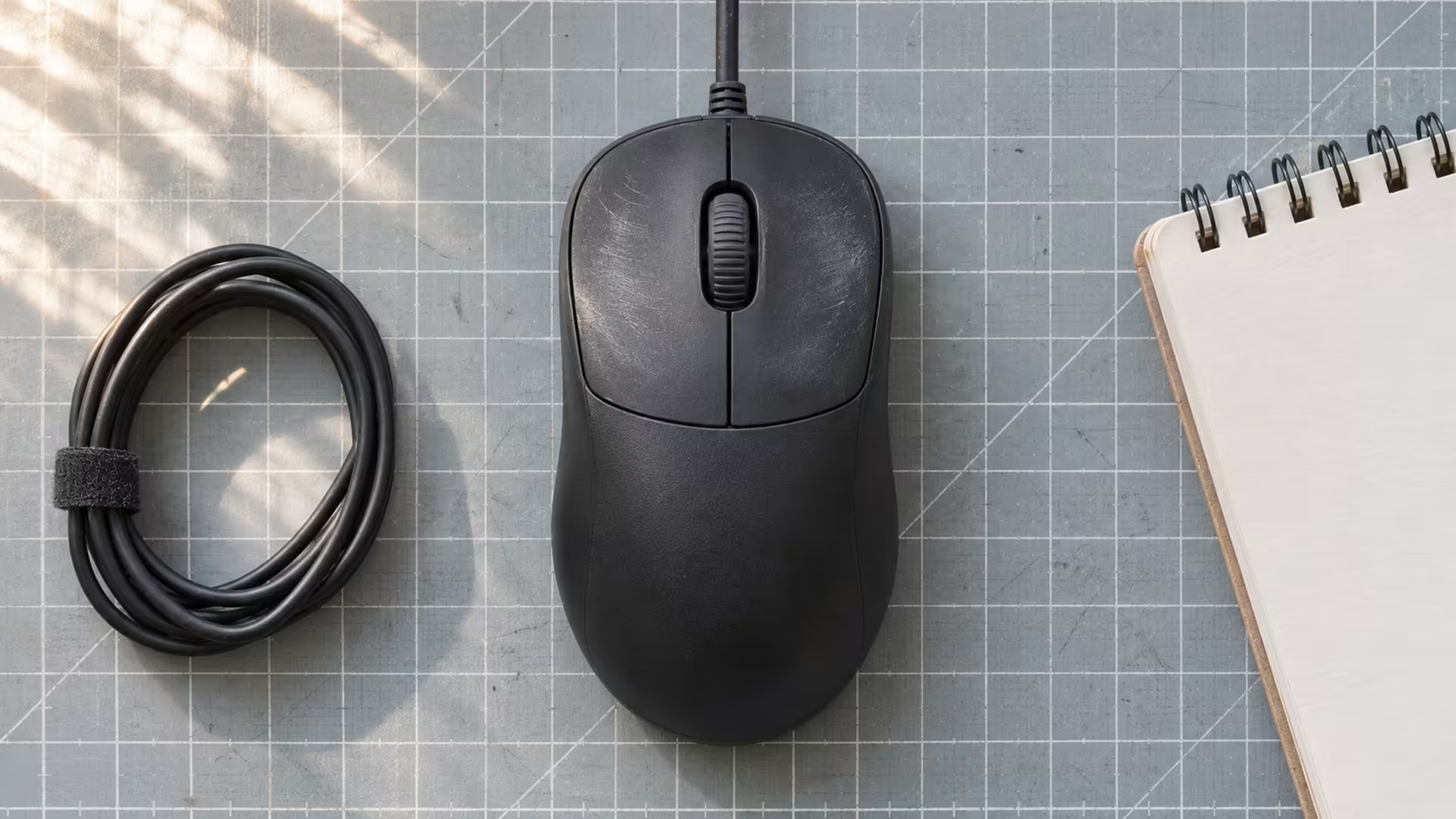
One notch down, a jump up, then another step down. A mouse scroll wheel jumping in both directions can make scrolling through a document miserable. Try the same slow motion in a second app before you change Windows scroll speed or buy a replacement.
Test the wheel across two apps, plug the mouse or receiver directly into another USB port and clean around the wheel with a soft brush. If it skips backwards on another computer too, the mouse deserves a closer look. The tests cost R0 if you can borrow a mouse. Evetech listed the wired Marvo M292 at R119 on 26 November.
Open a long document and scroll down slowly. Pick a reference line and watch where it goes with each notch. Then repeat the movement in a long browser page. A page that consistently scrolls the opposite way may reflect a direction preference. A wheel that occasionally sends the page back up while you turn it down calls for a different check.
If it happens in a single game, see whether the wheel has an assignment there or whether a mouse utility applies settings to that game. Change only one setting and repeat the same movement. Leave the global scroll speed alone until you know the fault appears outside the game.

Move the wired mouse or wireless receiver to a different port directly on the computer. That removes a dock, monitor hub or extension cable from the comparison. Test again on the same page you used before. If you can borrow another mouse, plug it into the port you just tested and try the same slow scroll.
Turn off or unplug the suspect mouse and brush away debris you can see near the wheel. Use a soft brush and keep liquid out of the opening. Reconnect it and repeat the notch test. A wheel that improves after cleaning is worth retesting the following day before you decide whether to replace it.
Try the mouse on another computer if you have access to one. When the same symptom follows it across computers and another mouse behaves correctly on your own PC, a replacement is a sensible option. If both mice show the fault in the same program, go back to its scroll settings or bindings.
Browse Wired Mouse if you want to remove battery and receiver variables from the next setup. Compare Gaming Mice if you rely on the wheel for binds or use extra buttons. A simple three-button mouse is a useful control for testing a machine, even if you choose a different shape for daily gaming.
Consistent reversal can be a setting. Occasional steps in the opposite direction while you turn the wheel deserve a hardware or connection check.
Run the notch test first. The line count controls the distance you scroll and can make jumps look bigger.
A direct USB connection lets you rule out the hub or dock. Compare the same mouse and app before and after moving it.
Disconnect or switch off the mouse and use a soft brush around the wheel. Keep liquids out.
A known-good mouse on the same PC helps separate a problem with the suspect wheel from a problem in the app or computer.
Consider replacing it if the same skip follows the mouse to another PC after a direct-port test and cleaning.
One app only Identify a flaky wheel before you replace a working mouse.
Consistent reversal can be a setting. Occasional steps in the opposite direction while you turn the wheel deserve a hardware or connection check.
Run the notch test first. The line count controls the distance you scroll and can make jumps look bigger.
A direct USB connection lets you rule out the hub or dock. Compare the same mouse and app before and after moving it.
Disconnect or switch off the mouse and use a soft brush around the wheel. Keep liquids out.
A known-good mouse on the same PC helps separate a problem with the suspect wheel from a problem in the app or computer.
Consider replacing it if the same skip follows the mouse to another PC after a direct-port test and cleaning.
It prints on both sides automatically. Its document feeder scans one face of each sheet per pass. Check how often you scan both sides before paying for features you may use every week.
Read more
Look for Gaming Hub among your Galaxy apps. Use My games to open installed titles. Check the Galaxy app and official channels before spending data on a download.
Read more
Start with PLA. The SE also supports PETG and 95A TPU for different jobs. Buy a single spool for a real project before adding more materials.
Read more
Select the correct input and test one monitor with a direct DisplayPort connection. Test the cable path before you price another screen.
Read more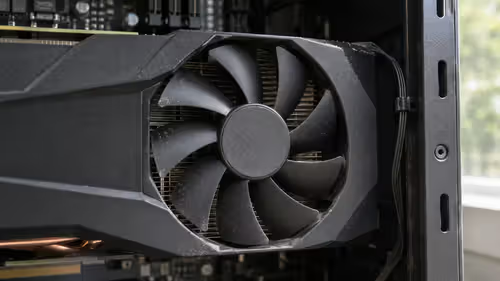
Unplug the PC and look for a cable or bracket near the clicking graphics card fan. Check fan clearance before paying for a replacement graphics card.
Read more
Open Disk Management to see whether the SSD needs a drive letter or, if it is brand-new and empty, a volume. Check Disk Management before replacing an SSD the firmware can already see.
Read more Open Disk Management to see whether the SSD needs a drive letter or, if it is brand-new and empty, a volume. Check Disk Management before replacing an SSD the firmware can already see.

The standalone P2S can print from one spool. Choose the Combo if you want the included AMS 2 Pro to handle automatic filament changes. Compare the local standalone and Combo quotes against the projects you will print.
The ZSA Wireless Voyager is a low-profile split Bluetooth keyboard with QMK. A local price was unconfirmed on 25 November. Evetech listed the one-piece Marvo Monka Sora 75 at R449 as a wireless keyboard price reference.

ZOWIE EW gaming mice come in six models across four shape families. ZOWIE lists up to 8 kHz polling. The EW local price is unconfirmed. Evetech listed the MARVO Duke 50W at R149 on 25 November as a budget wireless reference.
Open Disk Management to see whether the SSD needs a drive letter or, if it is brand-new and empty, a volume. Check Disk Management before replacing an SSD the firmware can already see.

A 403 error means the server understood the request and refused access. Give the page owner the account role and local time so they can investigate the refusal.

Block browser pop-ups, revoke the site's notification permission or remove the app that sends the ads. Find whether a browser tab, site notification or downloaded app produced the ad.

Try Borderless Windowed if the screen blacks out when you switch away from a fullscreen game. Compare fullscreen and borderless modes before replacing a display or cable.
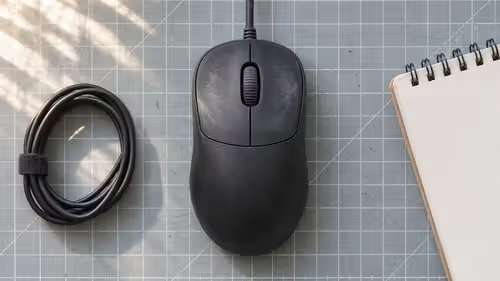
Try slow scrolls in two apps, test a direct USB connection and brush around the wheel. Identify a flaky wheel before you replace a working mouse.
It prints on both sides automatically. Its document feeder scans one face of each sheet per pass. Check how often you scan both sides before paying for features you may use every week.
Look for Gaming Hub among your Galaxy apps. Use My games to open installed titles. Check the Galaxy app and official channels before spending data on a download.
Start with PLA. The SE also supports PETG and 95A TPU for different jobs. Buy a single spool for a real project before adding more materials.