



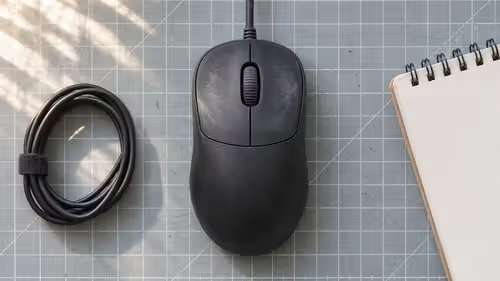
Mouse scroll wheel jumping: test it before replacing it
Try slow scrolls in two apps, test a direct USB connection and brush around the wheel. Identify a flaky wheel before you replace a working mouse.
Read moreIt prints on both sides automatically. Its document feeder scans one face of each sheet per pass. Check how often you scan both sides before paying for features you may use every week.
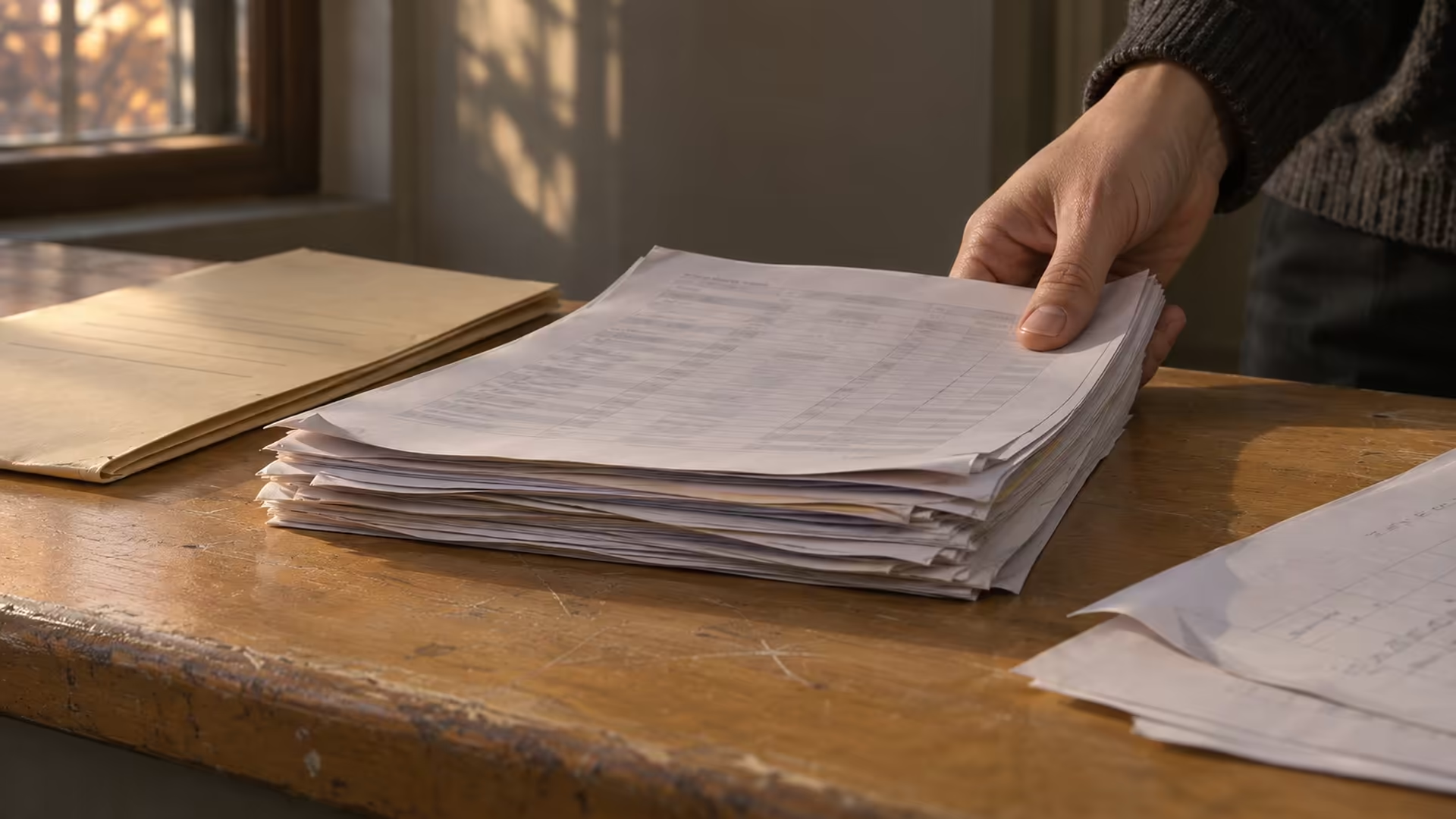
A stack of printed forms can be double-sided even if the machine that printed them scans one side at a time. Check that distinction before you buy a Brother MFC-L3760CDW for a home office. The automatic document feeder saves you from placing each page on the glass. It does not scan both faces in one pass.
The Brother MFC-L3760CDW prints both sides automatically, but its 50-sheet feeder scans one side of each sheet per pass. If you deal with double-sided paperwork every week, compare a model that specifies automatic two-sided scanning. This Brother can still suit a shared home office that mostly scans single-sided A4 forms.
Two-sided printing takes a document on your computer and prints it on both faces of a sheet. Two-sided scanning starts with a physical original and captures both faces. Automatic two-sided copying needs the machine to read both sides of the original as well as write to both sides of the copy.
Look at the exact function in the spec sheet for the model you are ordering in South Africa. A product line that says duplex without the function can leave the most expensive question unanswered. The local comparison guide lists duplex printing for this unit and excludes automatic two-sided scanning. A page capacity beside the words automatic document feeder does not change that.
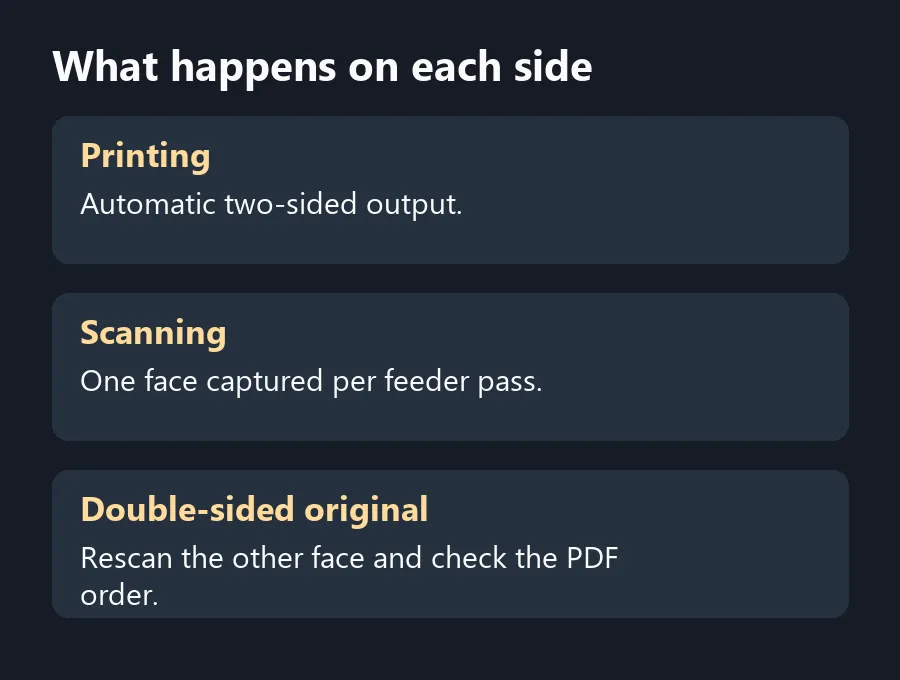
Count the sheets with print on both faces in a typical week's batch. If it's one school form, you can turn it over and scan the back after the front. If it's a pile of invoices or notes, account for flipping the stack and arranging the pages into the right order in your PDF. Try three sheets before trusting your method with a large document. Read the resulting PDF once with the paper originals beside you.
If the feeder is already the main reason you're replacing a flatbed, put both scanning and printing requirements in your shortlist. Check the speed and capacity for the functions you will do often. Print speed alone does little to shorten a stack you must scan twice.
This model offers USB, wired Ethernet and 2.4 GHz Wi-Fi. USB makes sense beside a single computer, while Ethernet lets you connect it to the network by cable. Measure the route to the router before you shop Network Cables. Use your current network gear if there is a spare port. If you're rebuilding the room layout, compare the options in Wired Networking after you've decided which devices need a wired connection.
Ask for a local quote for the printer and the toner set you expect to use. A price on its own can't tell you how much time you will spend turning sheets. Move automatic two-sided scanning up your list if that is the chore you need the machine to handle.
Yes. Brother specifies automatic two-sided printing for the MFC-L3760CDW.
It scans one face per pass. Turn over the sheet if you need to capture its reverse.
The documented feeder capacity is up to 50 sheets. Check the manual for compatible paper and loading limits.
Yes. The South African brochure lists Gigabit Ethernet as well as USB and Wi-Fi.
Yes. Scan both faces in separate passes and arrange the resulting pages in the correct order.
Check the exact model's automatic two-sided scan specification. The words duplex print describe a different function.
Printing Check how often you scan both sides before paying for features you may use every week.
Yes. Brother specifies automatic two-sided printing for the MFC-L3760CDW.
It scans one face per pass. Turn over the sheet if you need to capture its reverse.
The documented feeder capacity is up to 50 sheets. Check the manual for compatible paper and loading limits.
Yes. The South African brochure lists Gigabit Ethernet as well as USB and Wi-Fi.
Yes. Scan both faces in separate passes and arrange the resulting pages in the correct order.
Check the exact model's automatic two-sided scan specification. The words duplex print describe a different function.
Try slow scrolls in two apps, test a direct USB connection and brush around the wheel. Identify a flaky wheel before you replace a working mouse.
Read more
Look for Gaming Hub among your Galaxy apps. Use My games to open installed titles. Check the Galaxy app and official channels before spending data on a download.
Read more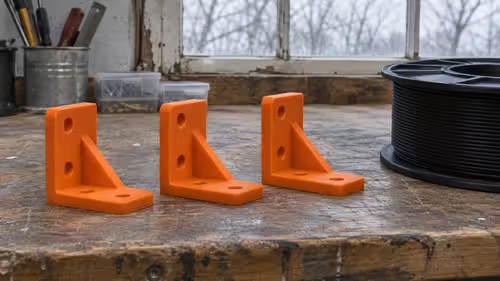
Start with PLA. The SE also supports PETG and 95A TPU for different jobs. Buy a single spool for a real project before adding more materials.
Read more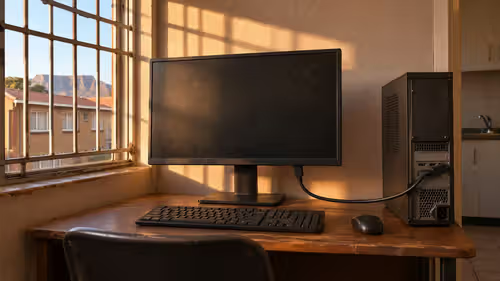
Select the correct input and test one monitor with a direct DisplayPort connection. Test the cable path before you price another screen.
Read more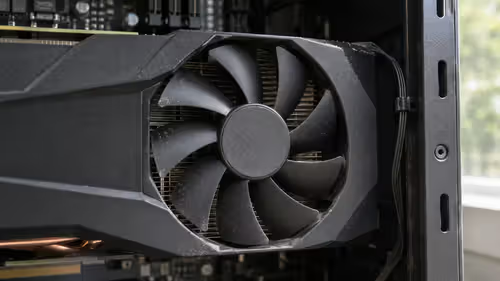
Unplug the PC and look for a cable or bracket near the clicking graphics card fan. Check fan clearance before paying for a replacement graphics card.
Read more
Open Disk Management to see whether the SSD needs a drive letter or, if it is brand-new and empty, a volume. Check Disk Management before replacing an SSD the firmware can already see.
Read more Open Disk Management to see whether the SSD needs a drive letter or, if it is brand-new and empty, a volume. Check Disk Management before replacing an SSD the firmware can already see.

The standalone P2S can print from one spool. Choose the Combo if you want the included AMS 2 Pro to handle automatic filament changes. Compare the local standalone and Combo quotes against the projects you will print.
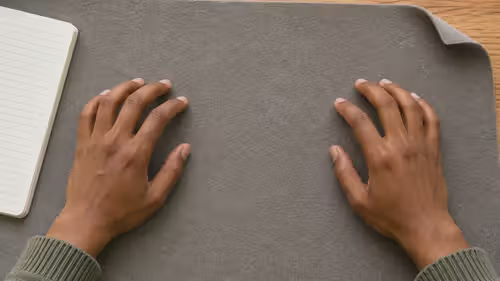
The ZSA Wireless Voyager is a low-profile split Bluetooth keyboard with QMK. A local price was unconfirmed on 25 November. Evetech listed the one-piece Marvo Monka Sora 75 at R449 as a wireless keyboard price reference.

ZOWIE EW gaming mice come in six models across four shape families. ZOWIE lists up to 8 kHz polling. The EW local price is unconfirmed. Evetech listed the MARVO Duke 50W at R149 on 25 November as a budget wireless reference.
Open Disk Management to see whether the SSD needs a drive letter or, if it is brand-new and empty, a volume. Check Disk Management before replacing an SSD the firmware can already see.

A 403 error means the server understood the request and refused access. Give the page owner the account role and local time so they can investigate the refusal.

Block browser pop-ups, revoke the site's notification permission or remove the app that sends the ads. Find whether a browser tab, site notification or downloaded app produced the ad.

Try Borderless Windowed if the screen blacks out when you switch away from a fullscreen game. Compare fullscreen and borderless modes before replacing a display or cable.

The RTX 3070 Ti is a newer, faster tier than the RX 5700 XT and adds ray tracing and DLSS, which the Radeon lacks. It also draws more power, near 290W against 225W, so check the PSU and case airflow.

The GTX 1660 Ti laptop GPU has 6GB and usually outpaces the RX 5500M, but both vary a lot with each laptop's power limit. You cannot upgrade either, so compare the exact laptop model, its cooling and its memory configuration before paying.
The RX 5500 XT is a newer, more efficient chip than the GTX 1060, and the two trade blows depending on the game. The 1060 comes in 3GB and 6GB versions, while the 5500 XT offers 4GB or 8GB. Check which version you are looking at first.
The RX 5700 XT and RTX 2070 Super both carry 8GB, and the 2070 Super is usually a step faster. It also adds ray tracing and DLSS, which the 5700 XT lacks. Choose by price gap: a small difference favours the 2070 Super.