ASUS ROG XG Station 3. The European release gives laptop owners a real dock price. Before you budget for the graphics card as well, check the laptop port and decide where you want to play.
Quick Answer
The dock launched at EUR 399 in Germany and Austria. Evetech listed a complete RTX 5060 desktop at R22,049 on 26 November. Use it as a local alternative, with the separate graphics card cost included in your dock budget.
🔌 Verify the laptop port
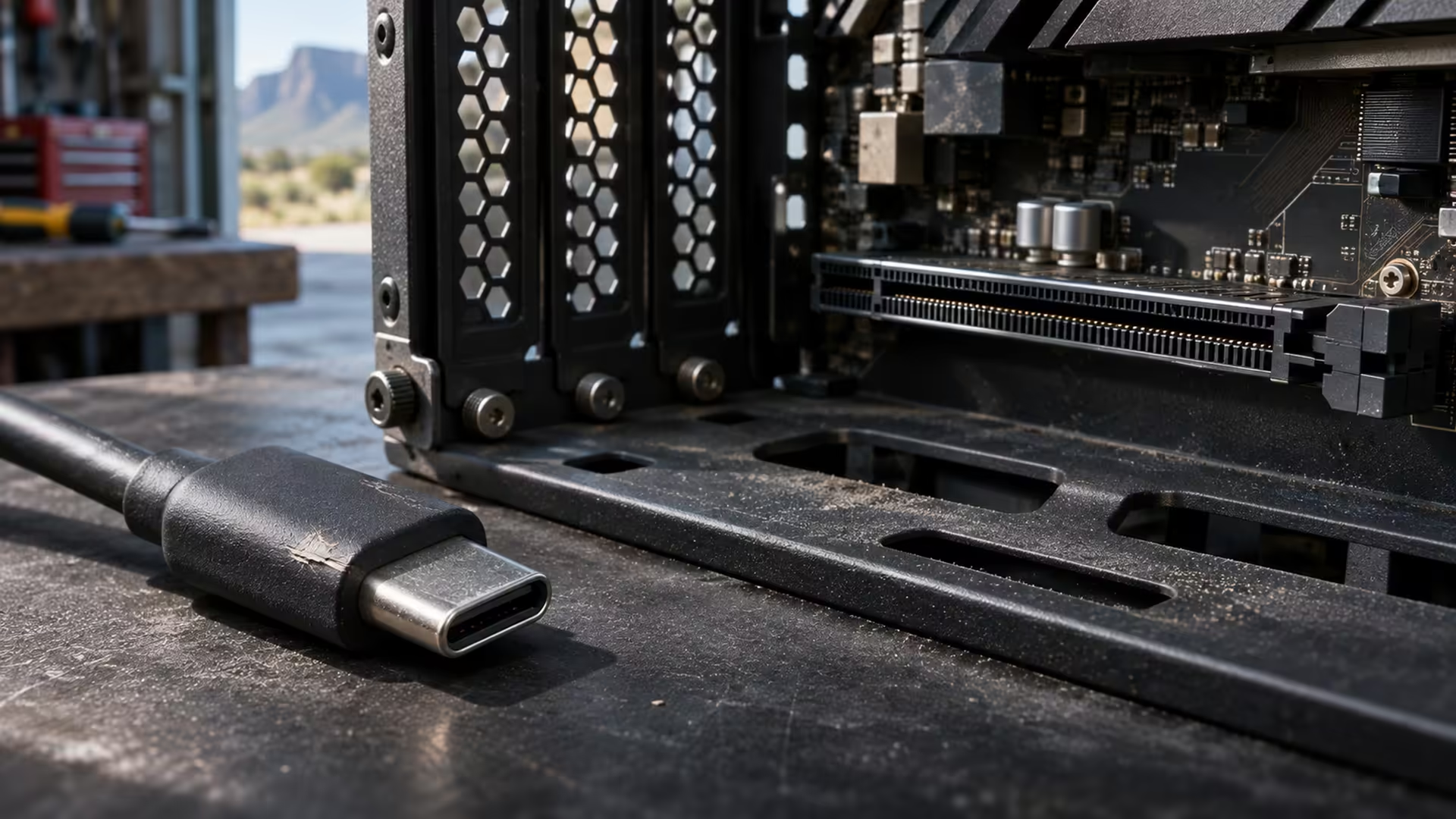
Read the specification for the exact laptop model. Our earlier compatibility guide explains which port to check. The connector shape tells you where a cable fits. The specification tells you which protocol the port supports. Two notebooks from one range can have similar side panels without sharing the same data connection. ASUS also calls for Windows 11 version 25H2 or later. Check the machine you own before pricing a second piece of hardware.
If you use a USB-C monitor or a charging cable now, set that cable aside when planning this build. Your current cable proves the charging path or monitor works. Match the laptop, dock and supplied cable before comparing All Graphics Cards.
📏 Check card dimensions
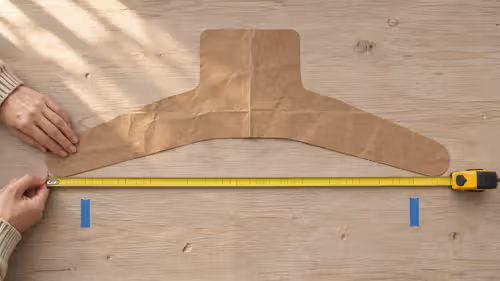
ASUS lists up to 361 mm of card length and 93.9 mm of thickness. Find the measurements of the exact graphics card you intend to install. A name such as RTX 5060 covers several boards with different coolers. Use the board partner's dimensions and allow space for the card's power cables as well as the card itself.
An open dock also changes the desk. Decide where you will put the card if you fold the laptop away at night. Leave space around the intake and check how you will run the monitor lead. Measure the space before you order parts that will stay on the desk.
💰 Build two separate budgets
Write the dock, graphics card and any other missing parts on separate lines. Use the European price as context. Get the actual quote from the local supplier. Compare a complete quote with RTX 5060 Gaming PCs if the graphics hardware will stay in the same place.
The R22,049 local example paired a Ryzen 5 5600 with an RTX 5060. Account for the CPU, memory, storage and port layout before comparing the graphics name. In a game that leans heavily on the processor, the original laptop still has work to do. The desktop price gives you a way to assess whether that trade-off is worth making.
🎮 Decide where you need the GPU
A dock suits a notebook you take with you for work and use at a monitor to play at home. Make sure the laptop is already useful away from the desk. A separate desktop deserves a look when several people share the gaming system or when you rarely take the laptop anywhere.
While you wait for a local quote, make a shortlist of the compatible graphics cards and check the actual port on the laptop. You can do both without buying a part. If you need a working setup now, compare the complete prices you can verify today and keep the European number in its own column.
Frequently Asked Questions
Does EUR 399 include the GPU?
The EUR 399 announcement covers the dock. Budget separately for a graphics card.
Is there a South African price?
EUR 399 is the European launch figure. Confirm an actual local quote before budgeting in rand.
Does a USB-C socket mean this will work?
Check the exact laptop port protocol and compatibility in its specification.
Which Windows version does ASUS list?
Windows 11 25H2 or later.
How long can the GPU be?
ASUS lists up to 361 mm long and 93.9 mm thick.
When does a desktop make more sense?
Compare one if you play at the same desk and the combined dock and card cost approaches a complete PC.
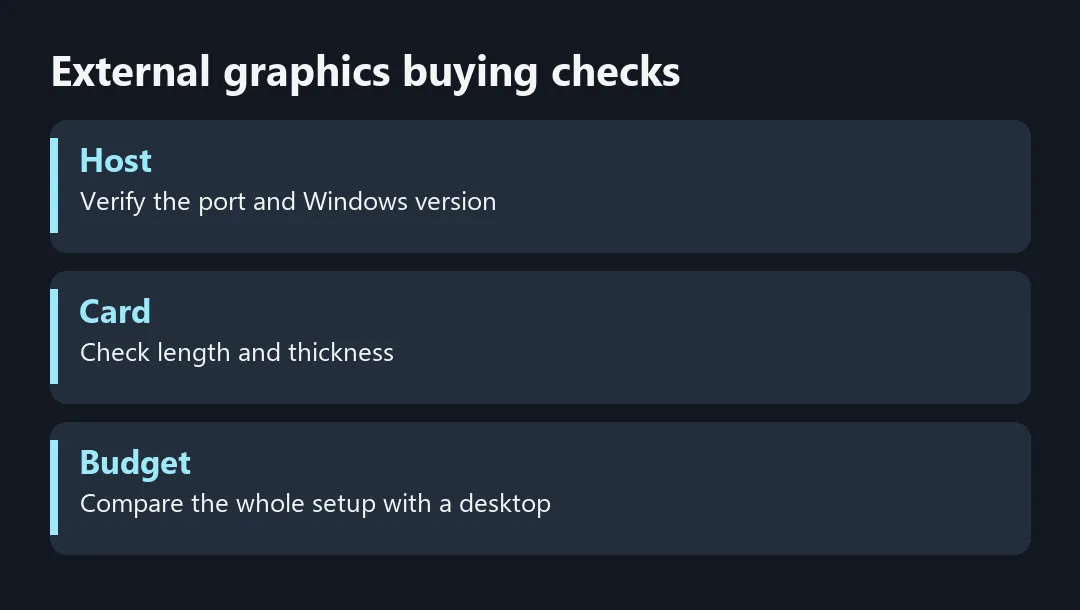
External graphics buying checks
Use the European launch to price the dock separately and test the total against an in-stock system. Compare compatible options at Evetech.