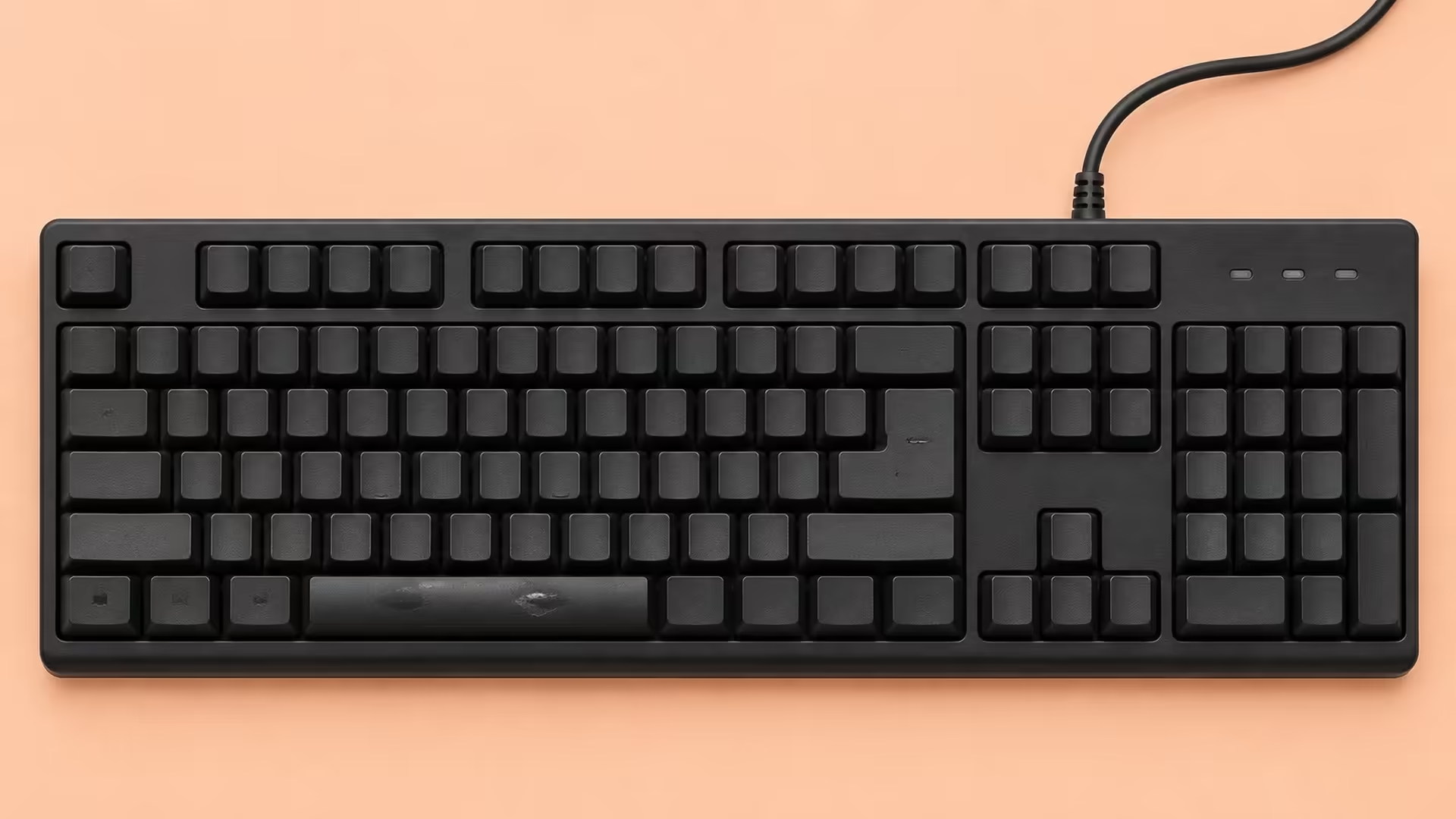
The GravaStar Mercury V98 Pro Chrome Edge pairs Hall Effect switches with a number pad and a small display. If you use that pad between games, its placement matters as much as the switches. Mark out how much space the whole keyboard takes next to your mouse before spending money on either feature.
Quick Answer
The GravaStar Mercury V98 Pro Chrome Edge is a wired magnetic keyboard with a number pad and adjustable actuation. If you rarely press the number keys on the right, compare a smaller board first. Evetech listed an AULA WIN68 HE at R449 on 27 November as a local entry point for magnetic switches.
⌨️ Check the right edge of your desk
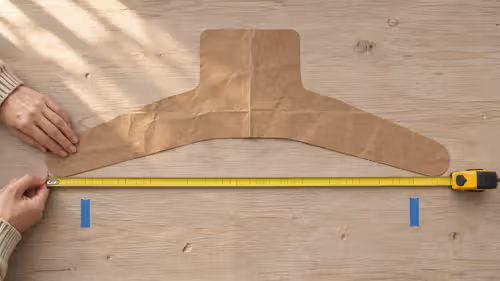
Sit where you play and move the mouse through the widest aim adjustment you would make without lifting it. Take note of where the mouse reaches the keyboard side. Now mark the width of the keyboard you're considering along its front edge. Leave room for your wrist and the USB lead, especially if you angle the keyboard when gaming. Someone who plays at low sensitivity may get more out of a smaller board than a display or an extra set of keys.
Think about when you use a number pad as well. If it helps with editing shortcuts or a number-heavy task, check that you can reach it without dragging the keyboard away from the centre of your screen. Browse Gaming Keyboards by layout and look at the arrow keys as well as the pad. A smaller layout changes how far your hand travels between them.
🎚️ Adjust the switches with intent
GravaStar lists adjustable actuation and rapid trigger. Start with the keys you already press by accident and set them deeper. Try the rest of your usual layout before you change movement keys. Test a repeatable drill or a practice round after each change and write down the setting that helped. If you play organised events, check the rules for assisted input features before enabling them.
If you're considering a different switch feel later, look at Keyboard Switches and confirm the exact supported magnetic models first. GravaStar names the switch families it supports. A hot-swap socket is a way to remove a compatible part. Physical fit alone tells you little about how your board measures the motion of a magnetic switch.
🛒 Price the feature you would use
The AULA WIN68 HE price gives you a reference for a smaller magnetic board in Rand. It offers a different layout from the number-pad Chrome Edge. Choose the wider board if the pad earns its desk space. If you spend most of your time on movement keys and use a laptop elsewhere for number entry, compare the feel and space savings of the smaller size.
Check where the display sits when you play. GravaStar lists a 1.65-inch display with custom animations. Think about where your eyes go in a match and whether that screen gives you anything you can use between rounds. If you place the keyboard deep under a monitor shelf, check the viewing angle and access to its controls. Leave room for your hand to reach the cable, too.
Frequently Asked Questions
Does the Chrome Edge have a number pad?
Yes. The compact layout includes a number pad to the right of the main keys.
Can I use it wireless?
GravaStar lists the Chrome Edge as a wired keyboard. Leave space at the back for its USB cable.
Can I set a deeper trigger point?
GravaStar lists customisable actuation, so you can choose a deeper setting for keys you press by accident.
Will any hot-swap switch work?
Use the magnetic switch compatibility list for this board. Ordinary mechanical switches do not substitute for matching Hall Effect switches.
What is the small screen for?
It is a 1.65-inch display which GravaStar lists for visual interaction and custom animations.
What does the local R449 figure cover?
It was the 27 November price of an AULA WIN68 HE listing, a compact magnetic keyboard without the V98 Pro's number pad.
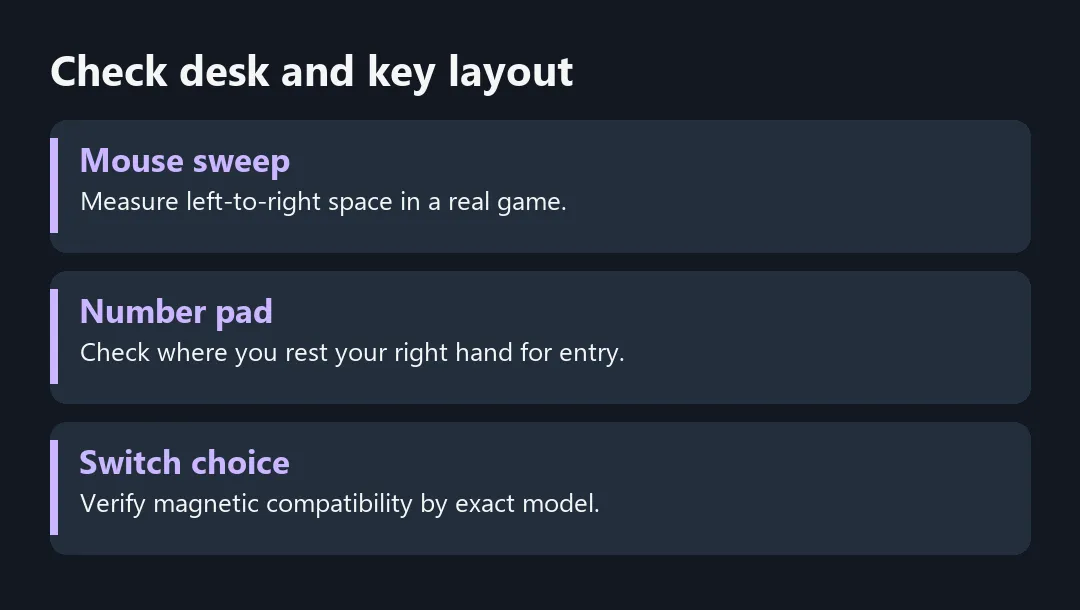
Check desk and key layout
Make room for the number pad and test the value of adjustable switches. Compare compatible options at Evetech.