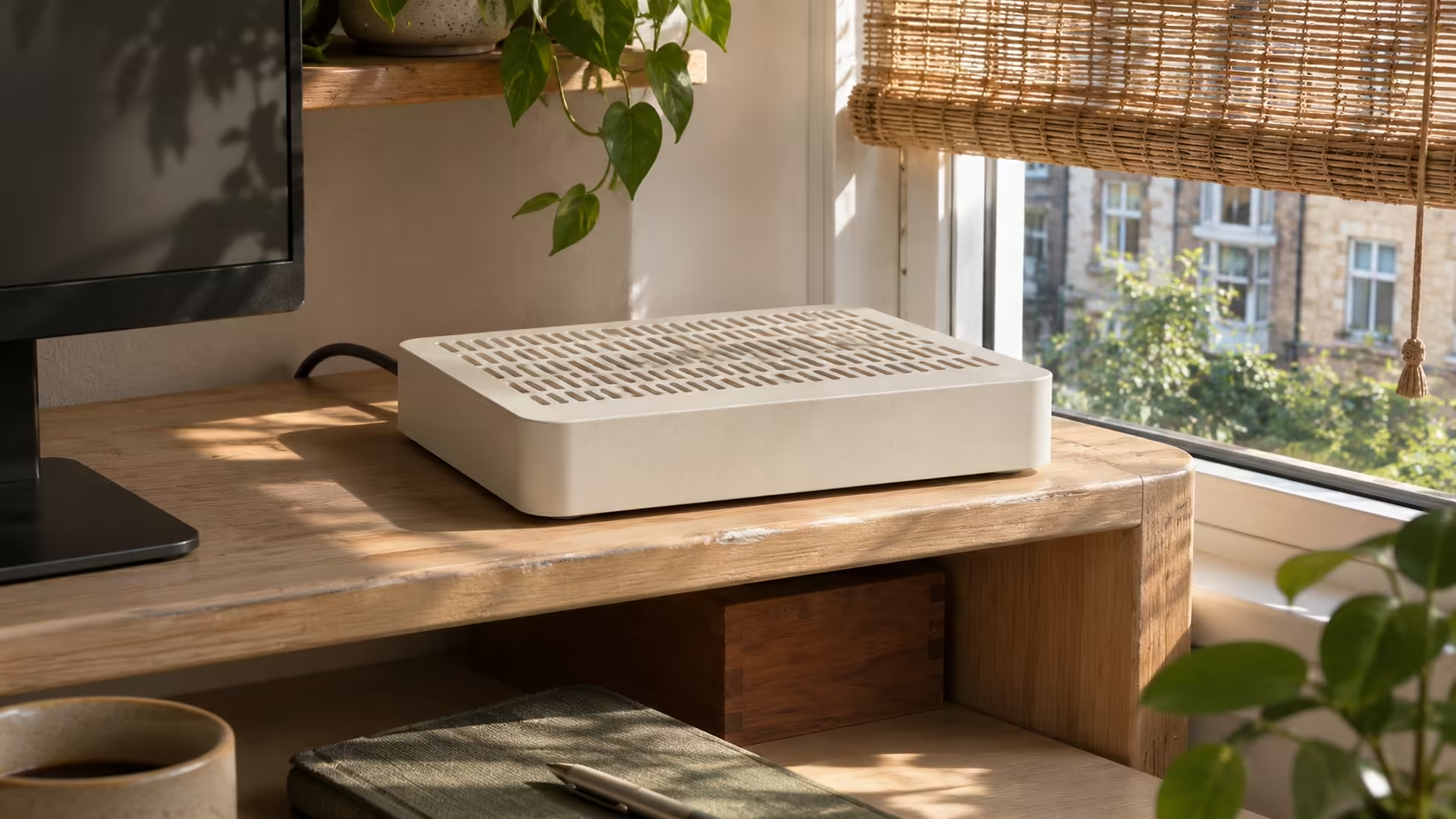
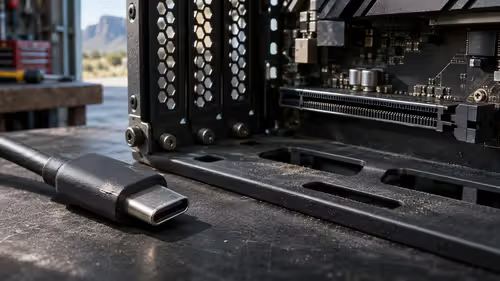
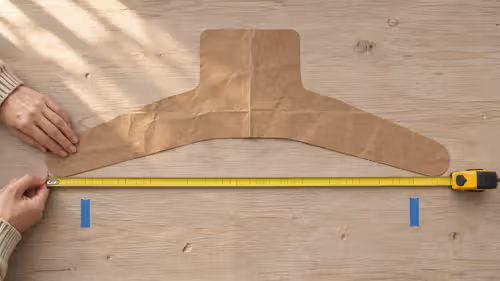
The ROG NUC 16 White reached Japan on 27 November, bringing the Moonlight White model to a retail market after ASUS showed it earlier in the year. If you want a gaming PC that fits on a shelf, the chassis is only the first measurement. Leave enough room for its stand, vents, plugs and power supply.
Quick Answer
The ROG NUC 16 White pairs a compact case with an RTX 5080 Laptop GPU option. Set a budget around what you want to fit on the desk and check the exact configuration. On 27 November Evetech listed a Ryzen 9 9900X3D desktop with RTX 5080 graphics at R75,599 for a local comparison.
📏 Measure where the cables actually go
Decide where you want the display, power and network leads to run. A deep HDMI plug can turn a shelf that fits the bare case into a shelf that forces it against the wall. Measure to the point where each cable can bend naturally. Include room to reach the connections without dragging the machine out by a plug. If you use a shelf with a solid back, check whether it can vent into the room.
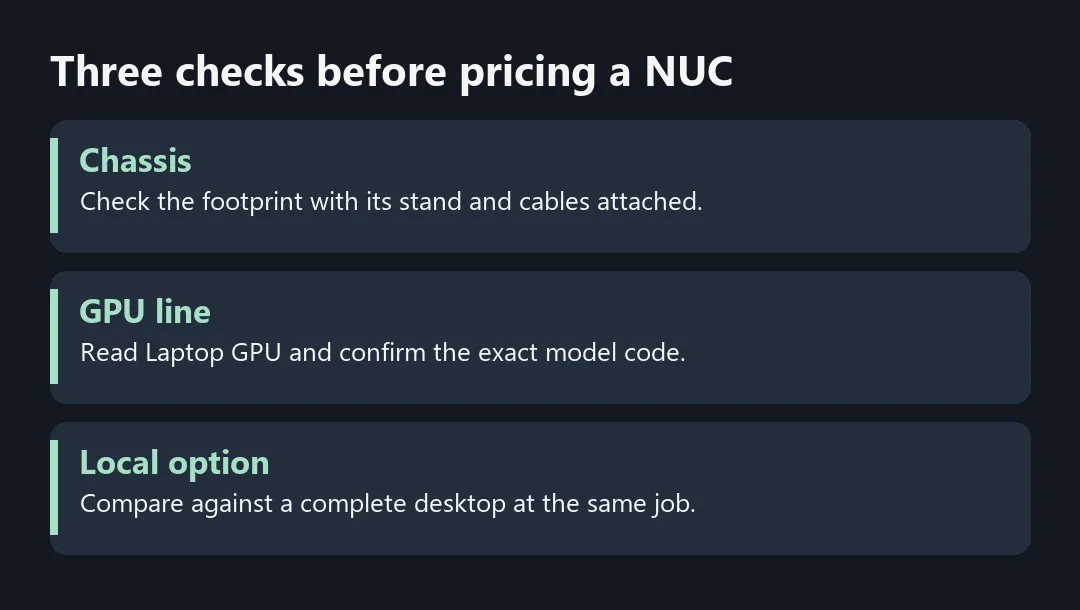
ASUS describes a removable stand and support for horizontal or vertical placement. Try both positions on paper. Upright may free an area beside the monitor while blocking space under a shelf. Flat may work better under an open stand if the vents remain clear. Compare dimensions at All Mini PCs with your working space drawn out, including the stand, adapters and screen cable.
🎮 Read the complete GPU name
The mobile RTX 5080 designation describes the graphics hardware ASUS offers inside this compact machine. Use the full GPU name and the specific configuration when you look up performance in the settings you intend to use. A listing that shortens the name in its heading can hide the distinction. Check the detailed specifications before comparing with a tower that uses a desktop graphics card.
If you play from the sofa, write down your actual screen resolution and frame rate target. Small-space buyers may care more about fan noise near the seats or whether the display plugs into the right output. If you keep the machine under your desk and have space to move around it, give conventional towers a fair comparison on value and future upgrade access.
💰 Compare complete systems in Rand
Evetech's R75,599 listing on 27 November was for a Ryzen 9 9900X3D desktop with RTX 5080 graphics. The price belongs to that desktop. It gives you a local benchmark to use when a South African offer appears for the compact machine. Search RTX 5080 Gaming PCs by exact hardware and compare complete systems rather than comparing a bare component with a ready-to-use computer.
When you look at a listing for the white NUC, confirm the model code and write down its memory, storage and included accessories. Decide how much shelf space the white model saves before you pay extra for the finish. If the only workable spot is an enclosed cupboard, change the placement plan before you buy either machine.
Frequently Asked Questions
What changed on 27 November?
The Moonlight White model reached Japanese buyers. ASUS had already shown the design earlier in 2026.
Is the RTX 5080 in the NUC a desktop card?
ASUS lists the RTX 5080 Laptop GPU as an option for the ROG NUC 16.
Can I put the NUC 16 flat?
ASUS describes a removable stand and supports both horizontal and vertical placement on the NUC 16.
Does the Japan release confirm a local price?
No local price follows from the Japanese release. Check for a South African listing with the exact model code.
What should I measure with the stand on?
Measure the base, height to the shelf above, and rear room for display and power cable bends.
Does every NUC 16 have the same GPU?
Read the full model code and compare the specified GPU, RAM and storage on the configuration you are considering.
Three checks before pricing a NUC
Compare the Japanese white model against your space needs and a local desktop build. Compare compatible options at Evetech.