A cooler can look perfect through a glass side panel and still be the wrong fit above your motherboard. Corsair Nautilus II arrives with a revised pump, fresh fans and several display choices, but the useful starting point for a South African build is simpler: radiator clearance, controllable noise and how much of the budget you want sitting on the CPU.
Quick Answer
Nautilus II offers 240mm and 360mm radiators across RS, RS ARGB and RS LCD versions. For local context, Evetech listed the older Nautilus 360 RS ARGB at R2,099 on 18 September 2026; that is not a price for the new generation. Choose the size that fits your chassis, then compare cooling needs before paying for lighting or a screen.
🔧 Start with the space above the motherboard
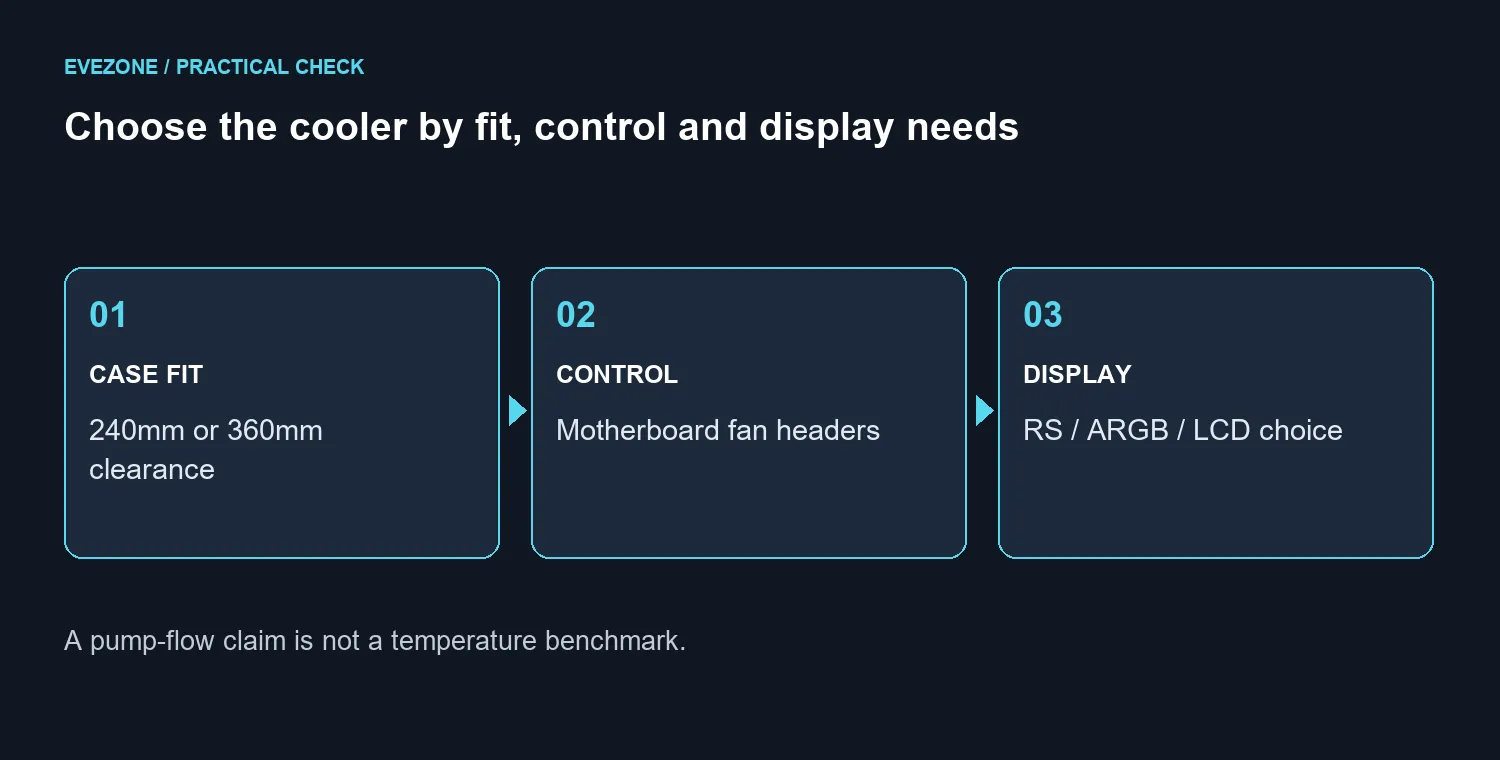
A case specification that says it supports a 360mm radiator is only the first check. You still need enough room for the radiator and fans together, plus access around memory modules, motherboard heatsinks and the CPU power lead. A front installation also needs space between the cooling assembly and the graphics card.
Measure the intended mounting area with your existing parts in place. Do not use the size printed on the box as the full outside dimension of the assembly. Ask for the exact dimensions of the version you intend to buy, including the end tanks and the route the tubes need to take.
That makes the choice between the two radiator formats a build decision rather than a prestige contest. If the larger unit requires replacing a perfectly usable case, put that extra expense into the comparison. Browse the CPU cooler range with your socket and available space already written down.
🌡️ Separate a pump claim from a cooling result
The September launch brings the FlowDrive 2S pump and second-generation RS II fans. The pump explanation describes a revised seven-blade impeller and a thinner cold plate, with a claimed 40% increase in flow over the previous design. That percentage measures flow; it is not a promise that your processor will run 40% cooler.
For a replacement decision, record what the current cooler actually does. Use the same workload, the same fan settings and similar room conditions for each comparison. Note whether the problem is persistent temperature, abrupt noise changes or an installation issue. A short boost spike and sustained overheating should not lead to the same shopping decision.
An independent test that measures noise and temperature together would be more useful than a maximum fan-speed result alone. Until you have that comparison, avoid assigning an invented temperature advantage to the new hardware. A healthy existing cooler can remain a sensible part of a balanced system.
🎛️ Decide how you want to control the build
The new range uses direct motherboard connections for cooling control. That is useful if you want to manage the fans through the board rather than introduce another controller. Before ordering, check the required headers and how the pump, fans and any lighting connect on the exact model.
RS, RS ARGB and RS LCD are separate choices. A screen is worth considering if you will actually use it for system information or a personalised display. It should not become the reason you squeeze an unsuitable radiator into the case. Likewise, lighting should fit the controls you already have rather than dictate another round of purchases.
Evetech's same-day catalogue also listed the older black Nautilus 360 RS LCD at R2,999 and the white version at R3,199, marked in stock. Those are distinct older products and useful budget references. Compare the liquid cooler selection by full model name so an older listing is not mistaken for Nautilus II.
Frequently Asked Questions
Should I always choose the 360mm option?
No. Your case layout, processor workload and noise target determine whether the bigger assembly is useful. A radiator that blocks another component is the wrong choice regardless of its size.
Can I reuse my existing fan settings?
Treat them as a starting point and follow the new cooler's instructions. Confirm which header controls the pump and which controls the fans before adjusting the curves.
Does the flow increase prove a gaming improvement?
It does not establish a frame-rate gain. Your current temperatures and performance limits determine whether changing the cooler can help the workload at all.
Is the LCD essential for monitoring temperatures?
No. You can inspect temperatures through compatible monitoring software. The display is an optional way to keep information visible inside the case.
Should a working first-generation Nautilus be replaced now?
Keep it if temperatures and noise already meet your needs. Replacing it becomes easier to justify when you have a specific, measured problem or a different build requirement.
Planning cooling around your actual case?
Compare Evetech CPU coolers with your socket, mounting position and full radiator clearance in hand. Spend on the fit and performance you need before choosing the extras.