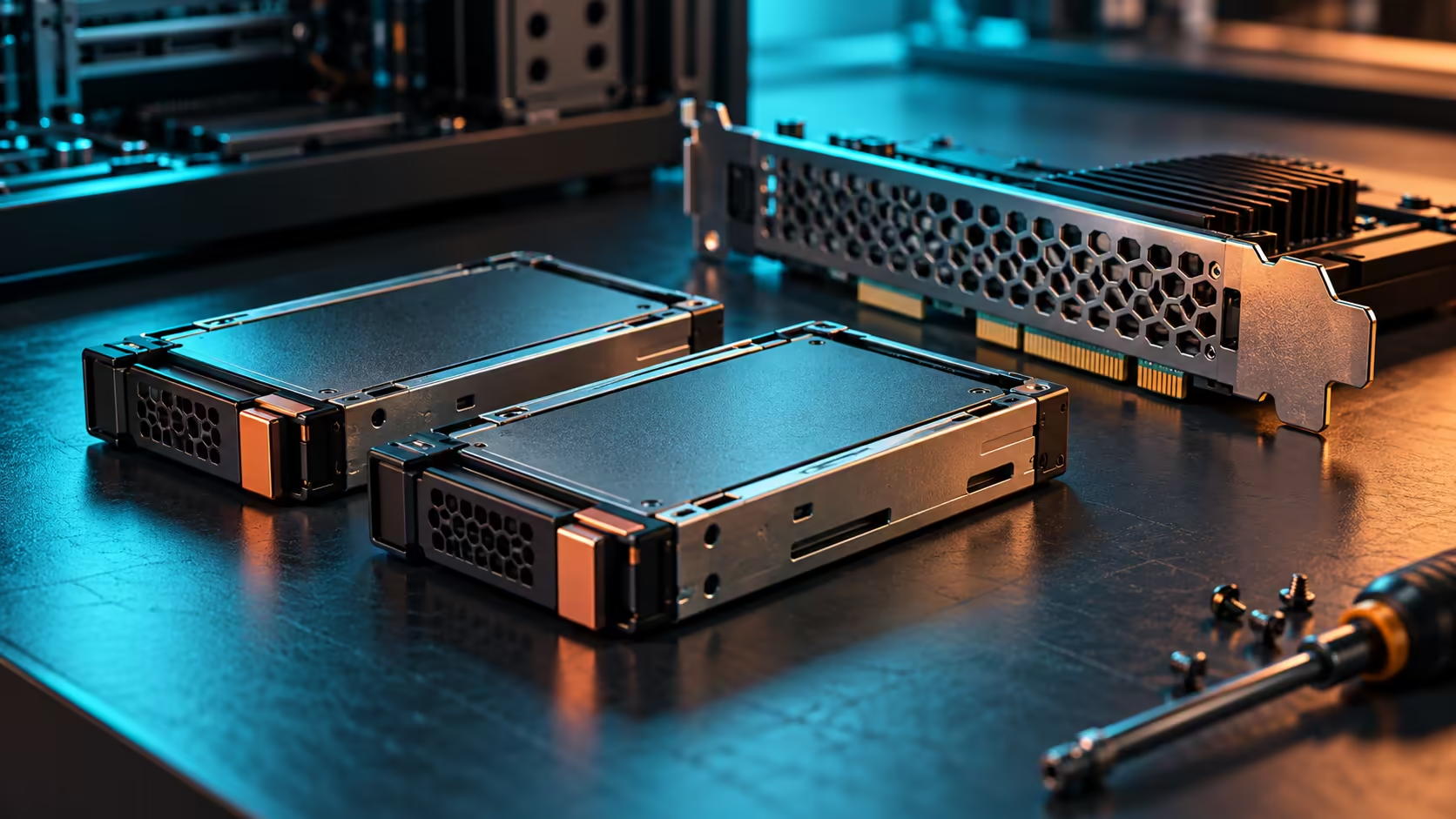
Two removable storage caddies at the back of a workstation can simplify maintenance. They also introduce compatibility questions that an ordinary desktop SSD upgrade does not. The ICY DOCK MB303E5P-B announcement is relevant when rear-accessible enterprise drives are a real requirement, rather than simply another way to fill a spare expansion slot.
Quick Answer
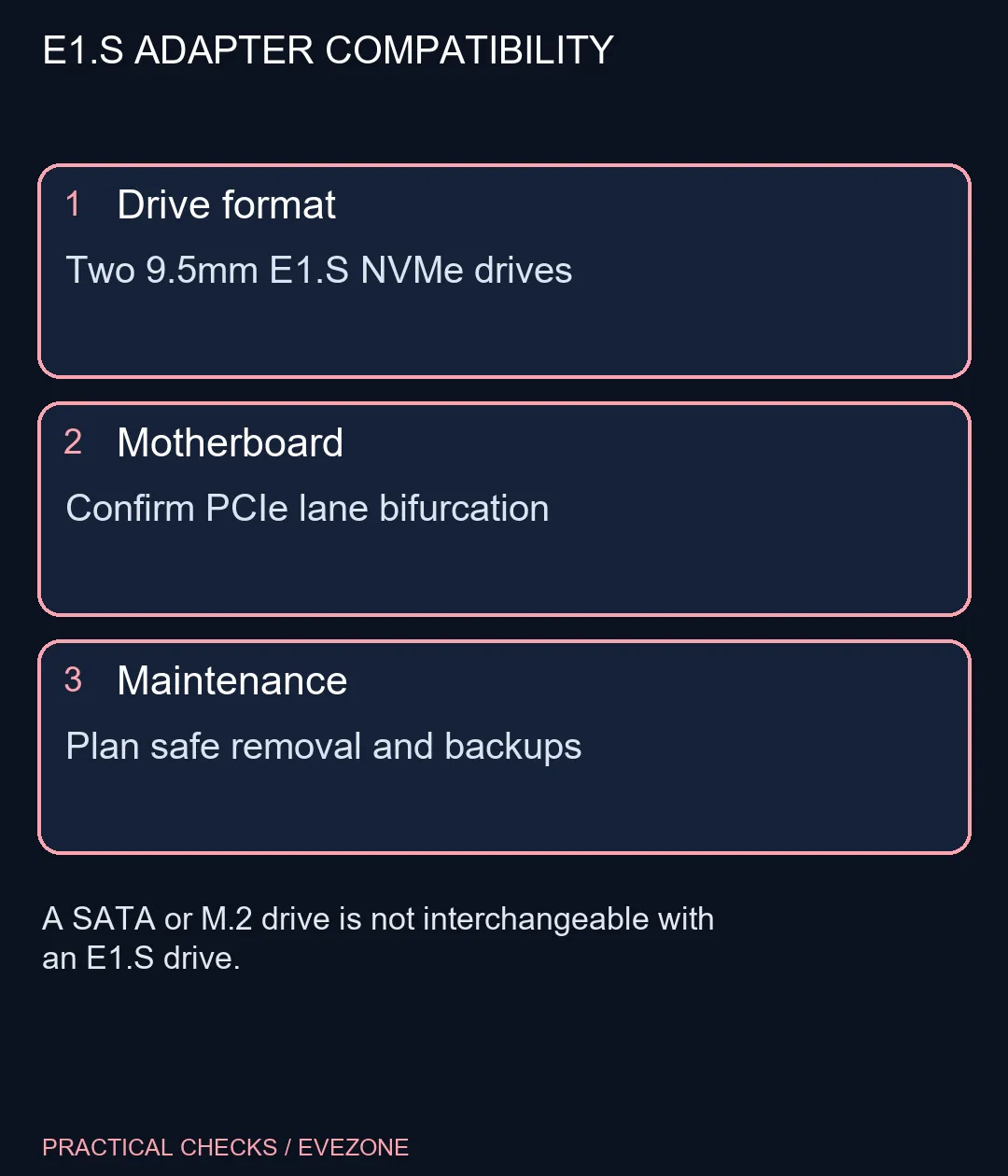
This adapter is specified for two 9.5mm E1.S NVMe SSDs, with motherboard lane splitting needed for independent links. A Dahua V800 256GB SATA SSD was listed at R1199 on 25 October, but it is not a compatible E1.S substitute. Budget for the correct drives and host before valuing the removable caddies.
💾 Identify the drive before comparing capacity
E1.S is a physical enterprise storage format. NVMe describes a storage protocol, so seeing that word on an M.2 listing does not make an M.2 module an E1.S drive. Match the specified 9.5mm thickness and the exact interface instead of buying by capacity alone.
The local SATA example is another useful distinction. It uses a different connection and form factor, despite sharing the broad SSD label. Neither that product nor a generic desktop NVMe module should be treated as a drop-in purchase for these caddies.
The internal ssds category helps establish ordinary desktop storage options. Compare nvme ssds when the computer needs an internal desktop NVMe upgrade; do not turn an enterprise serviceability feature into a reason to change the whole storage architecture without a workload that benefits.
🧩 Check what the motherboard can split
The manufacturer describes a PCIe 5.0 x8 host interface feeding independent x4 links. Its regional product page explicitly requires bifurcation support. This is the motherboard's ability to divide a group of PCIe lanes for separate devices, not an automatic feature of every long slot.
Check the manual for the exact slot, CPU configuration and firmware setting. A secondary slot can look like x16 while receiving fewer electrical lanes, and installing another card may change the available arrangement. Confirm that the required split is supported with the rest of the workstation populated.
Do not read up to 128Gbps per SSD as a promised copying speed. Interface bandwidth is only one limit. The chosen drive, workload, thermal behaviour and host path all matter, and advertised link rates are not a benchmark of your files.
🔧 Plan serviceability without risking data
Rear-accessible caddies reduce the need to reach inside the chassis for each drive change. The release also describes a 50mm fan and a directed airflow chamber. Keep that airflow path clear rather than treating a compact card as something that can be pressed against another hot component.
Removal still requires a supported platform and operating-system procedure. An accessible handle does not grant permission to disconnect storage during an active write. Identify the drive, finish the workload, follow the documented removal sequence and maintain a tested backup independently of the caddy.
The October release is a fresh manufacturer announcement, not proof that this part has never appeared in earlier catalogues. Its local price and availability need a specific quote. Choose it for a verified E1.S service workflow, and keep a simpler desktop drive arrangement when rear removal would add cost without solving a practical problem.
Frequently Asked Questions
Does this take a normal M.2 SSD?
The specified drive format is 9.5mm E1.S NVMe. Do not assume an M.2 module fits because both products use NVMe.
What does bifurcation mean?
It splits the host slot lanes into separate links. The board and its firmware must support the required arrangement for both drives.
Does an x16 slot prove compatibility?
No. Physical slot length, electrical lane allocation and supported splitting are separate checks. Read the motherboard manual.
Is 128Gbps a file-copy guarantee?
No. The figure describes a maximum interface bandwidth per drive. Storage, host and workload limits affect real transfers.
Can I pull a drive while copying?
Do not do that. Establish the supported OS and platform removal procedure, finish writes and keep a verified backup before service.
Is the local R1199 SSD an E1.S option?
No. It is a different Dahua 256GB SATA product. The example illustrates why interface names matter more than a generic SSD price.
Choosing storage for a workstation?
Match the drive format, host lanes and service procedure before spending on removable storage hardware.