A broadcast setup can work perfectly until a plugin, browser source or encoder changes. OBS Studio 33 updates all three areas in ways worth testing before the next session. The safest buying decision is to separate an installation problem from a genuine hardware limit before putting a new graphics card in the basket.
Quick Answer
OBS 33.0.0 brings a new plugin-loading arrangement, a CEF update and NVENC support on Arm64 builds. Test those changes locally before broadcasting. An existing Palit RTX3050 6GB listing was R4399 on 25October, but spending that amount is unnecessary if the problem is a mismatched plugin or missing encoder configuration.
💾 Preserve the setup that already works
The official final release is dated 23October. Older forum discussions describe test builds, so match the downloaded version to the current release page rather than assuming a beta warning describes every33-series package.
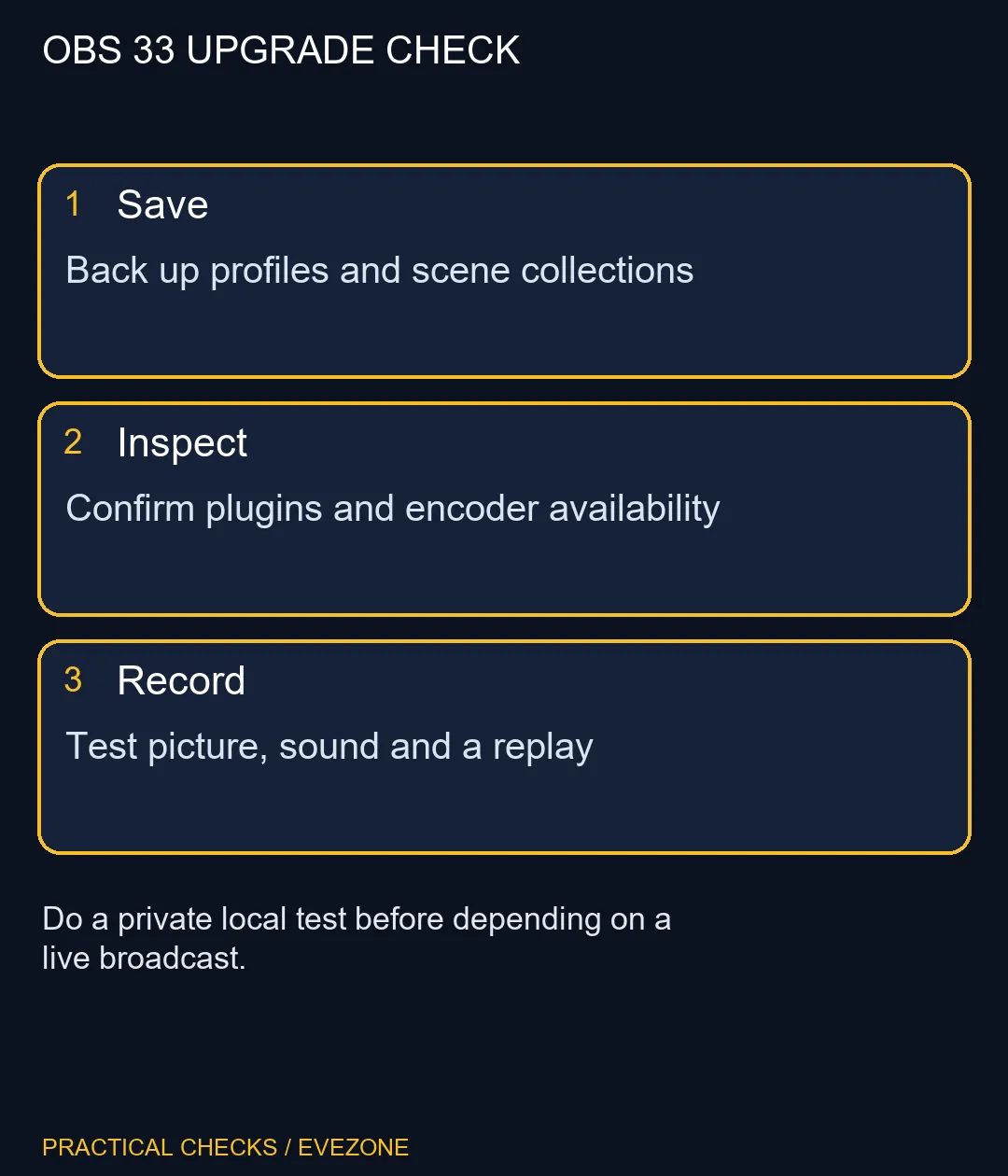
Save your working scene collection and profile before updating. Keep copies somewhere you can recognise later, with a simple note of the old OBS version and any important plugins. A settings backup is more useful when you know which installation produced it.
Avoid planning the upgrade immediately before a stream. Give yourself time to discover a browser overlay that has lost its sign-in, an audio route that changed or a plugin that needs a compatible build. Those faults are easier to assess in a quiet local recording than with an audience waiting.
🧩 Match plugins to the version and platform
The release overhauls plugin loading and introduces new locations. It also says existing third-party plugins continue to load from legacy locations until OBS 34. That distinction matters: do not delete an old folder simply because the new architecture exists.
Read each plugin's compatibility and installation instructions. Windows, macOS and Linux builds are not interchangeable, and an architecture mismatch is not solved by copying the same file into several folders. Keep the original installer or package details so you can trace what was changed.
A scene depending on one unavailable plugin may fail even when the camera and GPU work normally. Identify the affected source, check its plugin version and test the simplest supported arrangement. Upgrading hardware before resolving that dependency adds cost without demonstrating a fix.
🎙 Verify the complete recording path
The CEF update changes the framework behind browser sources and docks. Check the actual pages you use, including their audio, transparency and any local-network content. Seeing a preview frame is not enough; play back a saved recording and listen through the whole test.
NVENC on Arm64 is another targeted change. It requires a supported platform and encoder path, not merely a processor described as Arm-based. Confirm which encoder OBS offers on the actual machine before expecting a new menu option.
Use gaming headsets to compare monitoring and microphone needs only after checking routing. Browse all nvidia geforce graphics cards when a measured encoding or graphics limit remains. The dated R4399 GPU example is a budget reference, not a promise about every OBS feature. A repeatable local test with your own sources is a stronger basis for spending than the announcement alone.
Frequently Asked Questions
Is OBS 33 still only a beta?
The official33.0.0 release page marks the October 23 release as latest. Older beta forum threads should not be mistaken for the final release status.
Must all plugins move immediately?
The release says legacy third-party locations continue to load until OBS 34. Check the plugin guide and each plugin before changing folders.
What changed for Arm64 encoding?
The release enables NVENC on Arm64 builds. This does not mean every Arm-based computer has a supported NVIDIA encoder.
Can I assume browser overlays are unchanged?
The underlying CEF framework has a major update. Check login-dependent overlays, local content and browser audio in a recording.
Will another GPU fix a missing plugin?
Not necessarily. Version, architecture and installation location can be the issue. Establish the failure before spending on hardware.
What is the first useful test?
Record a short scene with your normal microphone, browser sources and selected encoder, then play it back to check picture and sound.
Preparing the next recording session?
Keep a known working setup and test the new OBS profile before changing the hardware behind it.