A large refresh-rate number is only useful when the rest of the setup can feed it. MSI MEG X combines an ultrawide OLED panel with processing inside the display itself. The buying decision starts with the games you play, your graphics outputs and the desk in front of you, rather than the lighting around the screen.
Quick Answer
MEG X is a 34-inch, 3440x1440 QD-OLED monitor with a 360Hz refresh specification and on-monitor AI features. That does not promise 360 frames per second from your PC. As a different local option, Evetech listed the MSI MAG 276CXF 27-inch FHD 280Hz monitor at R4,499 on 11 November; this is not a MEG X price.
🖥️ Match the image to the workload
An ultrawide image changes how your desktop and games occupy the screen. Before choosing, check the games you actually use for the aspect ratio and interface arrangement you prefer. A wide workspace can help with side-by-side tasks, while unsupported content can behave differently from a promotional demonstration.
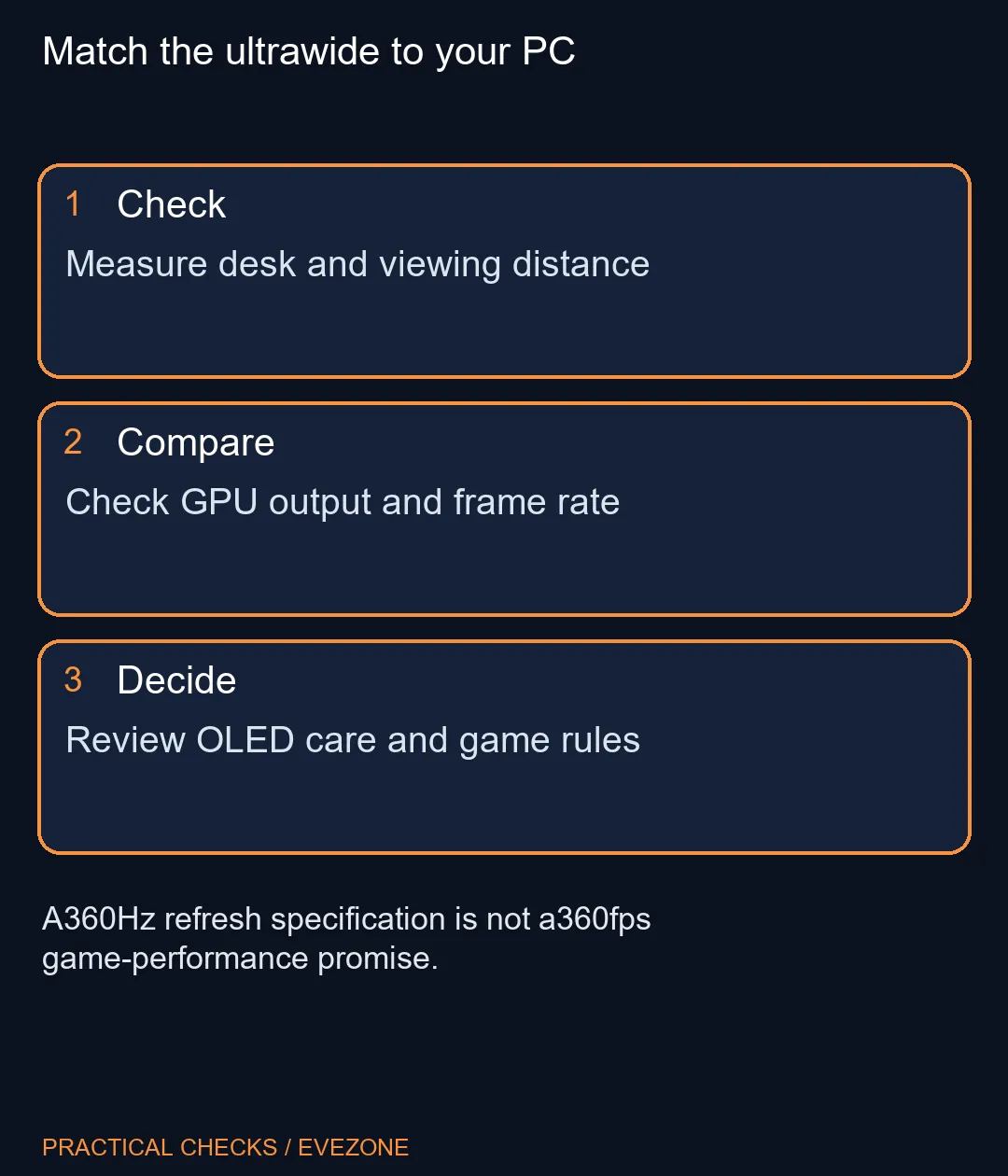
The refresh specification describes how often the display can update, not how quickly every game will render. Test your present frame rates at the intended resolution and settings. A graphics upgrade may be relevant for a demanding game, but lowering unnecessary settings may also improve consistency without replacing working hardware.
Text deserves a separate inspection. MSI describes an RGB Stripe arrangement intended to improve clarity, yet the useful test is your own document size and viewing distance. Read small text, inspect normal desktop applications and consider room lighting alongside game motion. These everyday conditions determine whether the display feels comfortable beyond a short demonstration.
🔌 Follow the full connection path
The announced connections include DisplayPort 2.1a UHBR20, HDMI 2.1 and USB-C with up to 98W Power Delivery. Check the actual outputs on your graphics card or laptop. A dock, adapter or cable between the devices can affect the display modes available, even when both end devices have impressive specifications.
Power Delivery also needs an exact comparison. Read the laptop's power requirements and its supported USB-C charging behaviour. Do not assume a stated maximum on the monitor replaces every gaming laptop power supply under load. Where a dock is involved, document which connection carries the display signal and which supplies power.
Compare curved monitors by resolution, refresh rate and desk fit before paying for extra features. Measure the stand area, screen width and the distance to your chair. If you intend to mount the display, confirm the exact mounting specification and the arm's supported weight and dimensions from the relevant manuals.
🎮 Treat assistance as an optional feature
MSI's on-monitor processor supports features such as dynamic crosshair visibility, scene adjustment and visual feedback. They process display content rather than making the PC's game engine render faster. Review the rules of any competitive game or event before enabling assistance, and keep a plain display mode available for comparison.
OLED protection is another part of ownership. Learn the supplied care controls and how they fit your pattern of static work and games. Protection features reduce particular risks; they should not be interpreted as permission to ignore normal care or as a promise that damage cannot happen.
The R4,499 MAG example has a different resolution, panel proposition and size. Use gaming monitors to establish which capability you need now, then wait for an exact MEG X local listing if its ultrawide format fits that need. The November product announcement establishes features, while a local offer must establish the actual price and configuration.
Frequently Asked Questions
Does a 360Hz monitor make every game run at 360fps?
No. Rendering speed depends on the PC, game, resolution and settings as well as the connection path.
Is MEG X a 4K monitor?
Its stated resolution is 3440x1440, an ultrawide format rather than standard 3840x2160 4K.
Is the R4,499 example a MEG X offer?
No. It is a separate MSI MAG 276CXF local catalogue example captured on 11 November.
Do the AI features replace a graphics upgrade?
No. They process the displayed content and provide assistance, rather than accelerating every game's rendering.
Can USB-C replace my laptop charger?
Compare the laptop's requirements with the monitor's supported power output. Do not assume every gaming laptop can run from it.
What should I check before an ultrawide purchase?
Check game support, desk dimensions, comfortable text size, graphics outputs and the display modes supported through your cables.
Match the ultrawide to your PC
Measure desk and viewing distance.