Four bays can tidy an editing desk, but the important choice is what happens when a disk or a file goes missing. OWC ThunderBay 4 Thunderbolt 5 adds a newer connection and downstream expansion to a familiar storage format. Work out usable capacity, computer compatibility and your second copy before deciding whether the enclosure solves your actual storage problem.
Quick Answer
The new ThunderBay 4 has four drive bays, Thunderbolt 5 connectivity and configurations up to 128TB raw capacity. A factory RAID 5 configuration reserves one drive's equivalent for fault tolerance, leaving about 96TB before formatting in the 128TB arrangement. No South African enclosure price is established here; a separate Seagate 1TB portable drive was R1,649 at Evetech on 11 November.
🔌 Check the host before the enclosure
OWC announced preorders on 10 November and expects shipments during the week of 16 November. Those overseas plans are not proof of a local delivery date. The practical upgrade is the downstream Thunderbolt connection: other devices can join the edit chain without consuming another port on the computer.
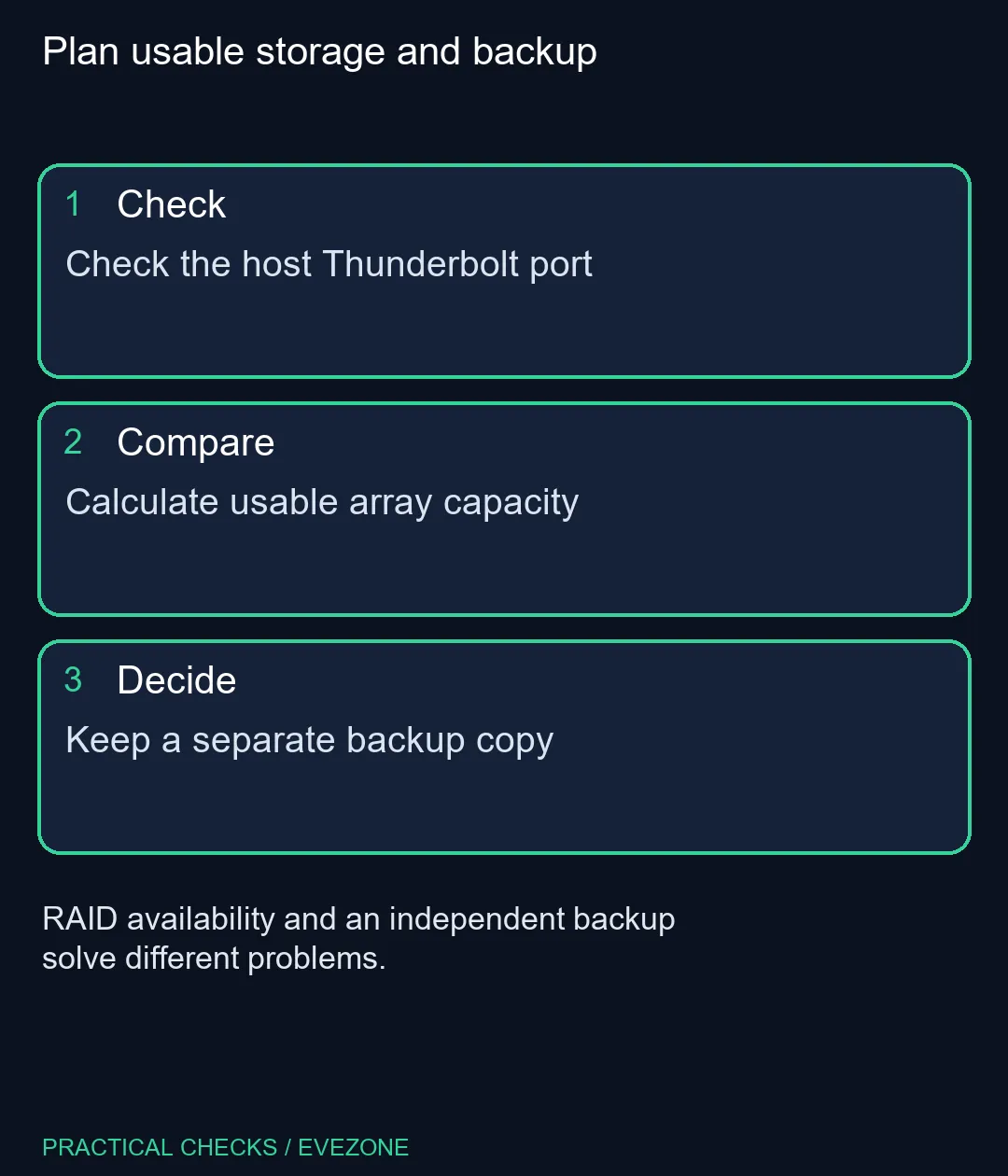
Read the workstation's port specification rather than relying on the shape of its connector. USB-C describes a physical connector used by several capabilities. The enclosure, computer, cable and intervening dock must support the connection you intend to use. Map that chain before spending on a feature the host cannot exploit.
Also identify which device needs the fastest transfer. A shuttle SSD used for fresh footage and a large archive serve different jobs. Browse external ssds for the shuttle role only after estimating your real transfer sizes. Moving a small collection occasionally may not justify the same architecture as ingesting footage every working day.
🗂️ Separate raw capacity from useful space
The 128TB headline adds together the installed disk capacities. RAID 5 uses the equivalent of one of four equal-sized drives for parity, which is why the stated usable figure is lower. Formatting and the operating system's display convention can further change the number shown to the user.
Choose capacity from the files you must retain, the growth you expect and the space needed while projects are active. Do not fill an array to its edge just because an old drive was nearly full. Keeping active projects separate from completed archives can make the smaller, faster working set easier to manage.
RAID provides a way to continue through a supported disk failure; it does not create an independent historical copy of every file. An accidental deletion can affect the working array. Keep another copy outside that array and test a restore from it. A backup that has never been opened is an assumption rather than a recovery result.
💾 Buy for the workload you can measure
OWC's advertised drive-speed results depend on the installed media and test conditions. The Thunderbolt generation alone does not make mechanical disks perform like a fast NVMe SSD. Measure source-drive speed and your application's behaviour before treating the interface name as an editing-performance guarantee.
The R1,649 Seagate portable example is a much smaller USB drive and is not a ThunderBay substitute. It illustrates the difference between buying a simple extra copy and building a large multi-disk workspace. At all ssds, compare working-drive options by the amount of active data and the computer's available connections.
For an SA buyer, the useful next step is a written storage plan: active files, retained files, independent backup and a tested recovery path. Request the exact enclosure configuration and software requirements when a local offer is available. That gives you a complete Rand comparison rather than an overseas starting price with the disks and protection plan left out.
Frequently Asked Questions
Does 128TB mean 128TB of RAID 5 working space?
No. With four equal drives, the stated 128TB setup leaves about 96TB before formatting in RAID 5.
Is RAID 5 an independent backup?
No. Keep a separate copy and test recovery, especially for accidental deletions and damaged files.
Will any USB-C socket give Thunderbolt 5 performance?
No. Check the host port, cable and devices in the connection chain for the capabilities you need.
Is R1,649 the ThunderBay enclosure price?
No. That was a separate 1TB Seagate portable-drive example from the local catalogue.
When did the new enclosure become available to preorder?
OWC announced preorders on 10 November, with expected shipments during the following week.
Should an occasional backup user buy four bays?
Not automatically. Compare your capacity, copy frequency and recovery needs before choosing a multi-disk enclosure.
Plan usable storage and backup
Check the host Thunderbolt port.