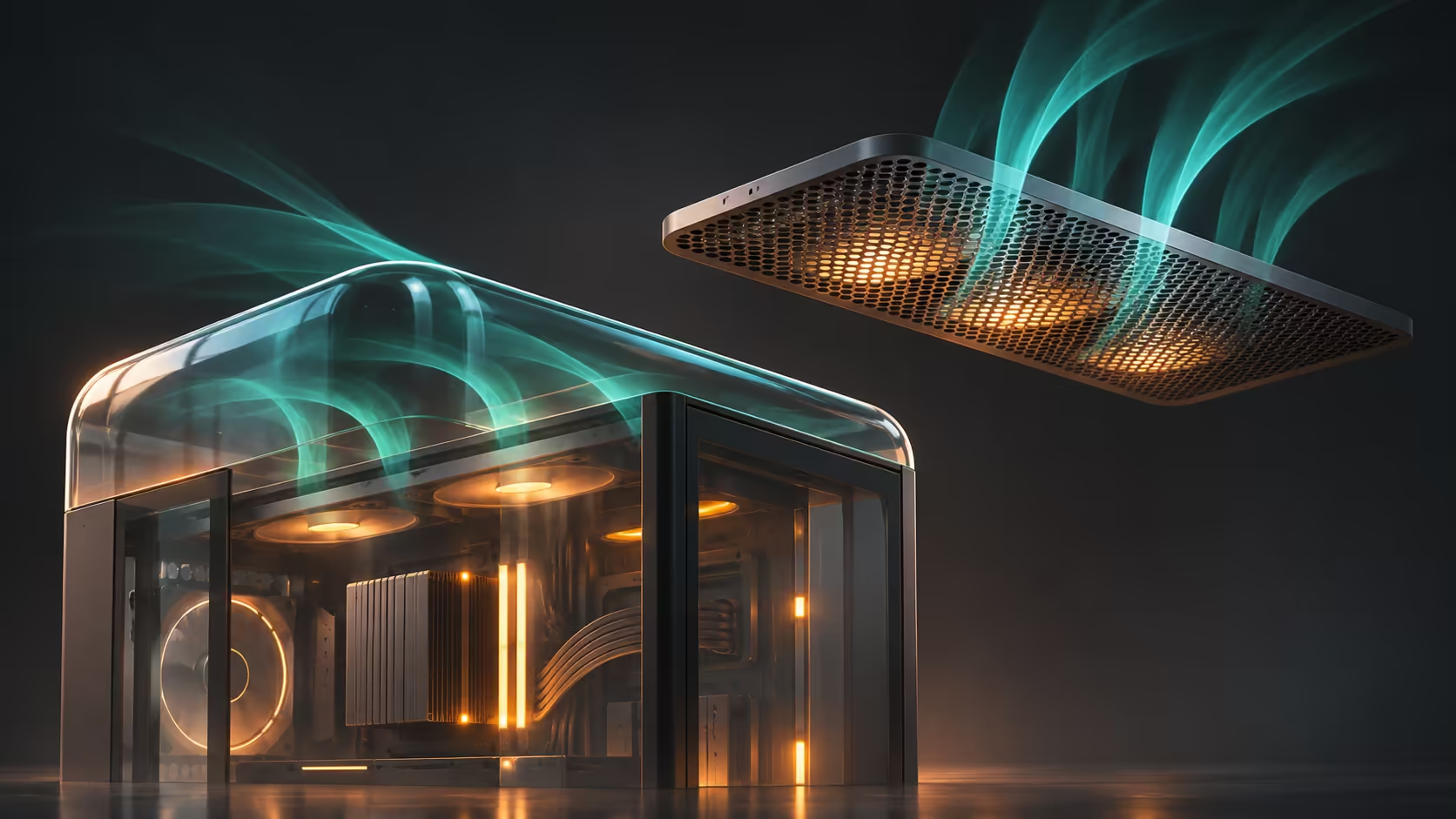
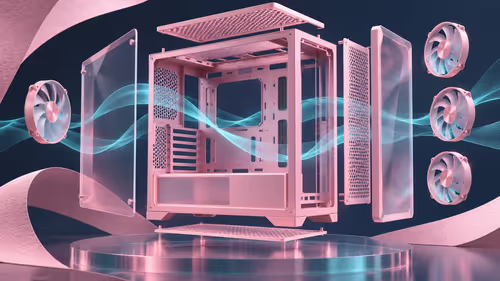
The glass top is eye-catching, but the standard case does not include the fans in every showcase build. NZXT H7 2026 introduces a curved front-to-side panel and a choice of top covers. Work out the cooling basket and the exact edition before comparing its price with an older H7 or an RGB bundle.
Quick Answer
H7 2026 includes glass and mesh top panels, while H7 RGB+ adds installed fans and a controller. The standard H7 ships without fans, so budget them separately. A different current local example, the white Corsair FRAME 4000D RS ARGB, was R1,399 at Evetech on 11 November; that figure is not a new H7 quote.
🪟 Choose the top around the cooler
The new H7's front and left glass are one formed panel, with a glass top supplied for the showcase arrangement called Vista Mode. A mesh top and its fan bracket also come in the box. You can plan the cooling arrangement around the appropriate top rather than assuming both covers offer identical mounting opportunities.
Start by deciding where the radiator or case exhaust will go. Read the mounting diagrams for the exact case and cooler together. The radiator's nominal length is not the complete assembly: fans, fittings, tubing and nearby parts still occupy space. A clean-looking photograph cannot replace those measurements.
Look through case accessories when a particular mounting part is genuinely required. Vertical graphics-card mounting is supported with a separately sold kit. If you want that orientation, include the correct bracket and riser in the budget from the start, rather than treating the staged product photograph as the supplied contents list.
🌀 Compare the actual fan bundle
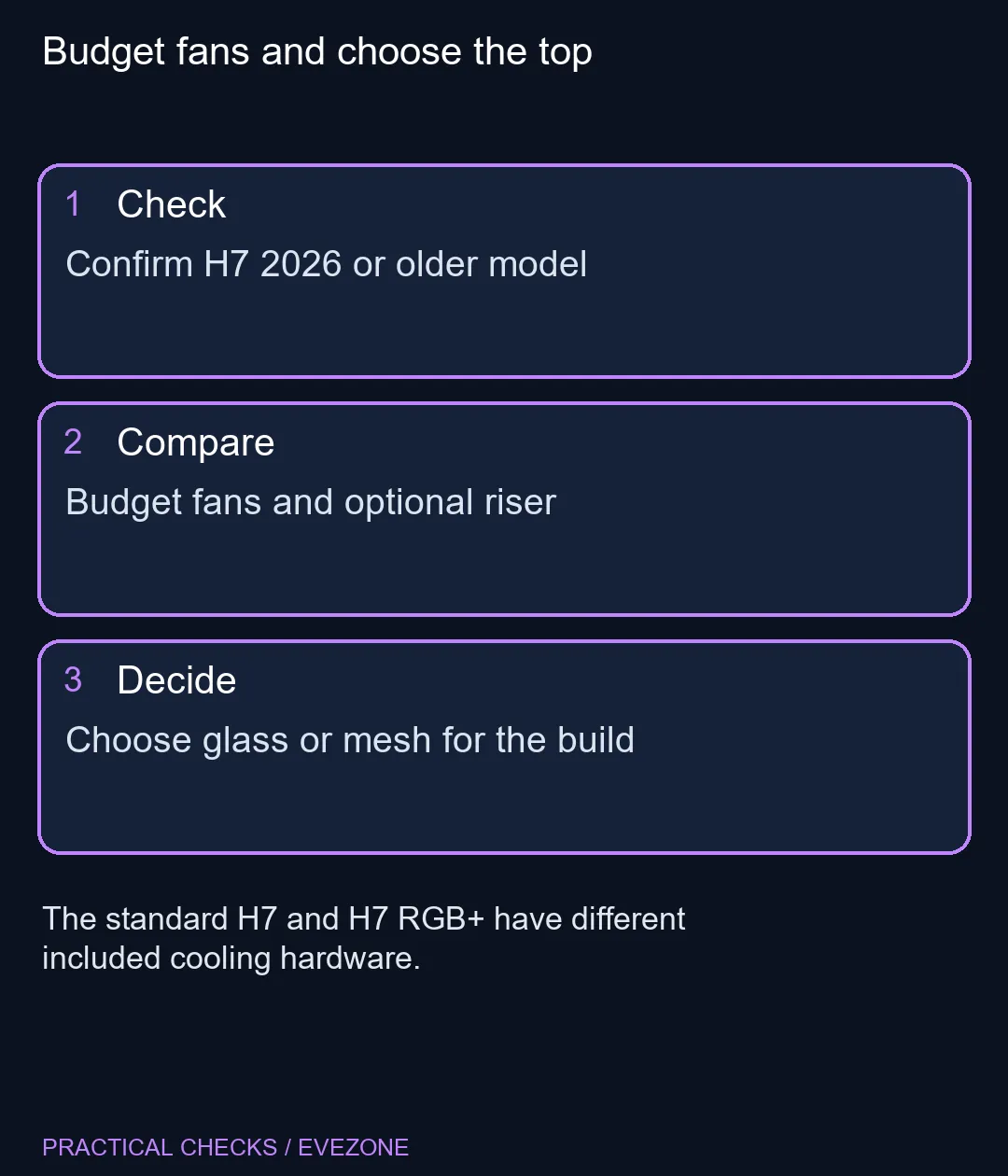
The standard H7 has no included fans. H7 RGB+ supplies two F420 RGB Reverse single-frame units, a rear F140 RGB fan and a Control Hub Lite. The difference affects both the initial purchase and how you route cooling and lighting connections inside the build.
A single-frame assembly groups several fan positions into one unit. Compare its size and mounting arrangement with the case instructions instead of assuming it behaves like any collection of separate fans. Decide which included components you will retain before adding another controller or buying replacement cooling hardware.
Think about the computer's normal work. A machine used for long rendering jobs has a different sustained heat load from a desk PC used mainly for light tasks. Choose a sensible airflow path and then check actual temperatures and noise after assembly. More glass or more RGB does not establish thermal performance on its own.
📏 Confirm the generation and complete cost
H7 2026 supports ATX, Micro-ATX and Mini-ITX boards; the launch material explicitly removes E-ATX support. Read the board's dimensions rather than assuming an older H7 compatibility claim carries forward. NZXT's GPU clearance figure is also conditional on a specified front-right fan thickness, so measure the whole installation.
Cable routing, power-supply length and the space needed to handle the glass matter as well. Keep access to connectors and panel removal in your desk plan. If your existing chassis already accommodates the new parts, changing it for appearance should be a considered choice rather than an assumed upgrade requirement.
At all cases, compare the complete build cost, including any missing fans, lighting controller and optional GPU kit. The R1,399 Corsair reference is a separate current enclosure with its own fan bundle. NZXT's global rollout beginning on 10 November does not establish an exact South African price or arrival date for the new H7. Wait for that local offer if the revised design is the feature you specifically want.
Frequently Asked Questions
Does the standard H7 2026 come with fans?
No. The standard model ships without fans; H7 RGB+ includes installed cooling hardware and Control Hub Lite.
Are both glass and mesh tops included?
Yes. The H7 2026 launch describes both top panels and a fan bracket for the mesh arrangement.
Can I use an E-ATX motherboard?
The new H7's stated compatibility is ATX, Micro-ATX and Mini-ITX. Do not transfer older H7 E-ATX claims to this generation.
Is the vertical GPU kit included?
No. The vertical mounting kit is sold separately, so include it in your planned basket if you need it.
Does R1,399 refer to the new H7?
No. That was a white Corsair FRAME 4000D RS ARGB catalogue example, used as a separate local reference.
Should I select the glass top before the cooler?
Plan both together. Confirm the required mounts and complete radiator-and-fan clearances for the intended arrangement.
Budget fans and choose the top
Confirm H7 2026 or older model.