


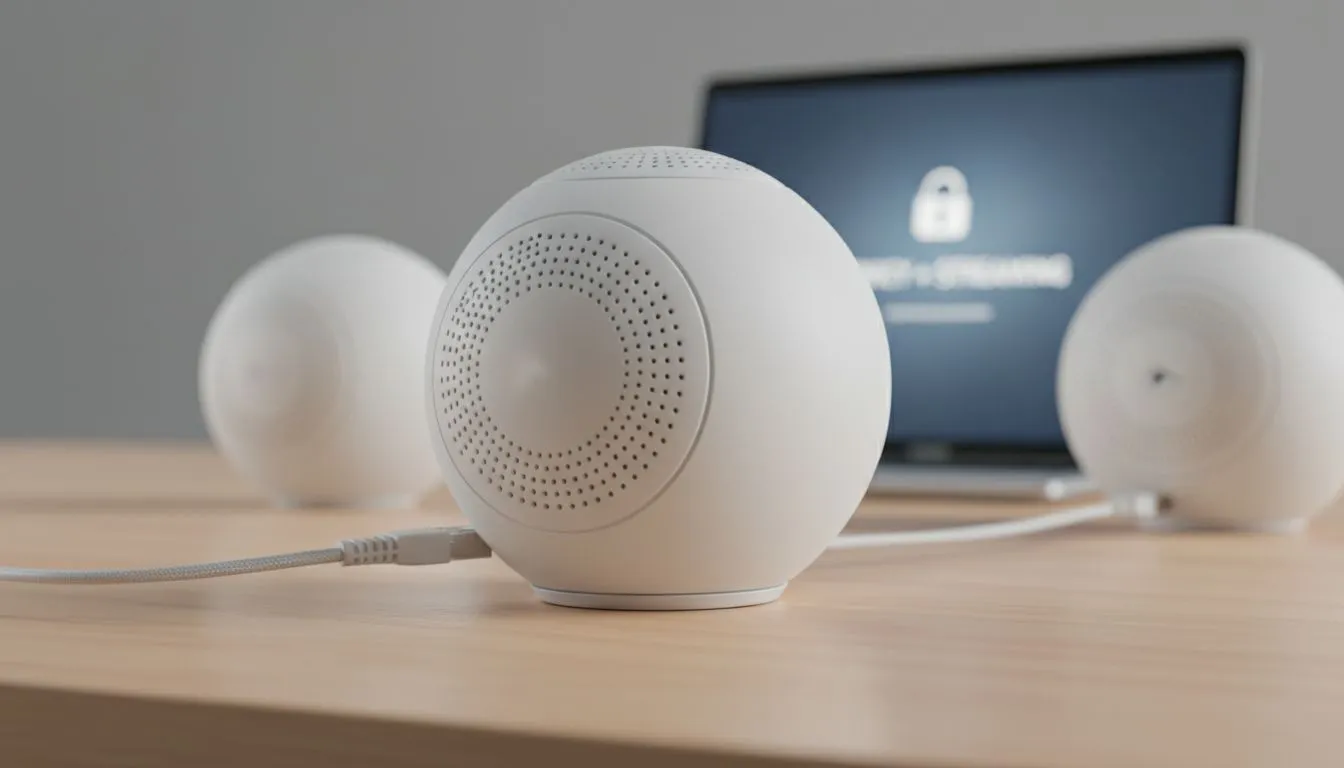
Why You Need a VPN on Mesh Network Systems
Tired of buffering while trying to access international streaming libraries? Setting up a VPN on Mesh Network systems is the ultimate way to secure every device in your home. From your gaming PC to your smart fridge, a unified privacy shield ensures your data stays private while unlocking global content. It is the smartest move for any tech-savvy South African household looking to boost their digital freedom. 🛡️
In South Africa, where fibre speeds are reaching new heights, ensuring your security does not slow you down is vital. A mesh system provides seamless coverage across your entire property. By integrating a VPN at the source, you eliminate the need to install apps on every individual device. This approach is particularly useful for consoles and smart TVs that do not natively support VPN software.
Choosing the Right Hardware for Privacy and Performance
Not all networking gear is created equal when it comes to encryption. If you want to maintain high speeds, you must start with a solid foundation. Most users begin by looking to buy wireless routers that specifically support VPN client modes. This feature allows the router to handle the heavy lifting of encryption.
When you expand your coverage, you might be tempted by wireless range extenders to fix dead spots. While these are great for basic connectivity, a true mesh system is better for VPN stability. Mesh nodes communicate more efficiently... ensuring that your encrypted data packets do not get dropped as you move from the lounge to the bedroom.
Hardware Performance Tip ⚡
When running a VPN at the router level, ensure your primary node has a quad-core processor. Encryption and decryption are CPU-intensive tasks. A weak processor will bottleneck your fibre speed, even if you have a 500Mbps line.
How to Set Up for Privacy & Streaming
The setup process involves configuring your primary mesh node as the VPN client. You will need the configuration files from your chosen VPN provider, usually in the .ovpn or .conf format. Once uploaded to your router's firmware, every device connected to the mesh Wi-Fi will appear as if it is browsing from your chosen global location.
For those using a desktop setup in a home office, ensure you buy wireless adapters that support the latest Wi-Fi standards. This ensures that the local leg of your connection remains fast enough to handle the slight overhead that a VPN introduces. 🚀
Optimising Your Mesh Network for Local Conditions
South African homes often have thick brick and mortar walls. This can interfere with the signal between your mesh nodes. To get the best results for your VPN on Mesh Network: Set Up for Privacy & Streaming, place your nodes in line-of-sight where possible.
If you find that certain areas still struggle, browsing the full range of wireless networking gear can help you find additional nodes or high-gain antennas. Remember that your VPN speed will only ever be as fast as your weakest Wi-Fi link. Keep your firmware updated to ensure the latest security patches are active. This protects your network from local vulnerabilities while the VPN handles your external privacy. ✨
Ready to Secure Your Home Network? Protecting your privacy and unlocking global streaming has never been easier with the right hardware. Explore our massive range of networking specials and find the perfect mesh system to upgrade your South African home setup today.











