


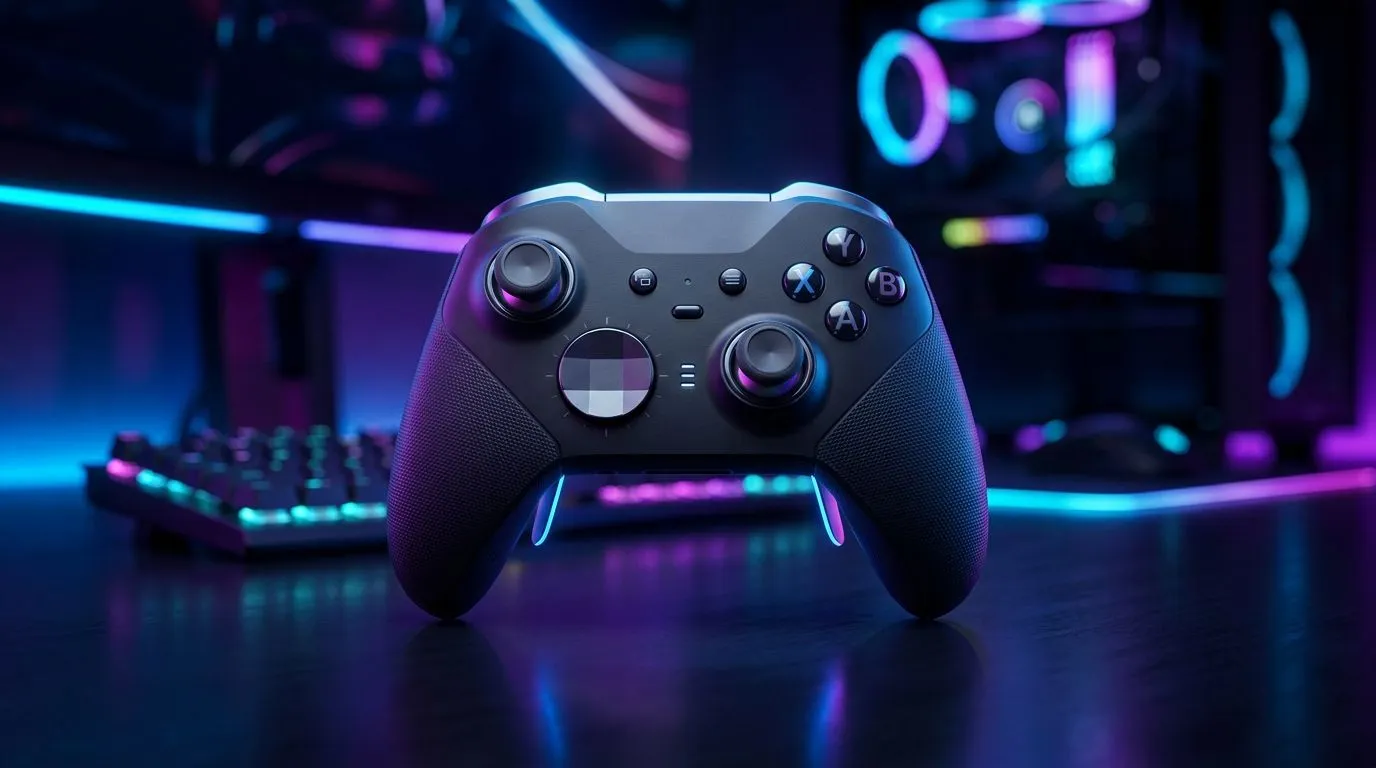
2.4 GHz Wireless vs Bluetooth vs USB-C: Lowest Latency for South African gamers
If you’ve ever felt that tiny “lag” between clicking and aiming... you’re not imagining it. For local gamers on PC and console, the connection type matters. You’re choosing between 2.4 GHz wireless, Bluetooth, and USB-C for your controller or headset. In a game where milliseconds decide who peaks first, the “lowest latency” option usually isn’t the one you’d expect. ⚡ Let’s break it down in a way that helps you buy smarter in South Africa.
2.4 GHz Wireless vs Bluetooth vs USB-C: Lowest Latency explained in plain terms
Latency is basically how long your input takes to travel from your controller to your device. Lower latency usually means smoother aim, more accurate timing, and less “float” in fast fights.
- 2.4 GHz wireless: Typically uses a USB dongle. The dongle creates a direct radio link, so your device doesn’t need to “negotiate” like Bluetooth does. Result: often the lowest wireless delay. 🚀
- Bluetooth: Convenient, but it’s designed for multiple device types and power efficiency. In practice, many Bluetooth controllers can feel a bit slower than 2.4 GHz, especially when your PC is busy.
- USB-C: A wired connection. Wired generally wins for consistency because there’s no radio link at all. If you don’t mind a cable, USB-C can be your safest bet for stable response.
Important note: actual latency depends on the controller model, driver support, and your system’s settings. So instead of chasing random “numbers”, focus on the connection method and features that you can control.
2.4 GHz Wireless vs Bluetooth vs USB-C: Lowest Latency buying tips (and real-world fixes)
Here’s what I recommend before you spend your next R1,999, R3,499, or R5,000+ on gear:
Choose the right connection for your setup
- PC at a desk: 2.4 GHz via a USB dongle often gives you the best wireless experience.
- Living-room couch gaming: Bluetooth can be fine for slower games, but competitive shooters tend to feel better on 2.4 GHz or wired.
- Tournament-style sessions: USB-C is the most consistent option if your controller supports it.
Reduce interference and improve stability
2.4 GHz can share space with Wi‑Fi. The fix is practical: keep the dongle close to you, and avoid plugging it behind a tower full of metal.
Productivity Pro Tip 🔧
On a PC, plug the 2.4 GHz receiver dongle into a front USB port (or use a short USB extension) to avoid metal interference and improve signal quality. Better signal means fewer hiccups, which players often misread as “latency”.
Don’t ignore controller profile and driver support
Even the best connection can feel off if Windows isn’t using the correct mode or the right drivers. If a controller has both 2.4 GHz and Bluetooth, test each mode in the same game and compare feel. Your hands are the benchmark.
2.4 GHz Wireless vs Bluetooth vs USB-C: Lowest Latency links to help you pick
If you want a ready-to-buy path for a low-latency gaming setup, start with products that match your platform and playstyle. For example, if you’re looking at a competitive gaming mouse and you care about responsiveness, this Razer option is a solid reference point while you build your wider “low-lag” system: Razer Wolverine V3 Tournament Edition 8K (best deal).
And when it’s time to choose controllers, Evetech makes it easier to compare what’s available:
- Browse controllers here: Buy gaming controllers
- Or if you specifically want Raze gear to match your existing ecosystem: Buy gaming controllers from Raze
2.4 GHz Wireless vs Bluetooth vs USB-C: Lowest Latency for competitive gaming on a budget
Let’s talk money. In South Africa, your best “performance per rand” often comes from picking the lowest-latency connection your budget allows. If a wired USB-C controller is within reach, it’s usually the simplest choice for consistent response. If not, 2.4 GHz wireless is typically the next-best experience for fast games. Bluetooth is the “convenience pick”, not the “competitive timing pick”.
The fastest way to confirm is simple: test in one game you play often, same sensitivity, same settings, and swap only the connection. Feel it for yourself... then buy the connection that behaves.
Ready to Find Your Perfect Match? The Mac vs Windows debate is complex, but for maximum power, choice, and value in South Africa, Windows is hard to beat. Explore our massive range of laptop specials and find the perfect machine to conquer your world.











