


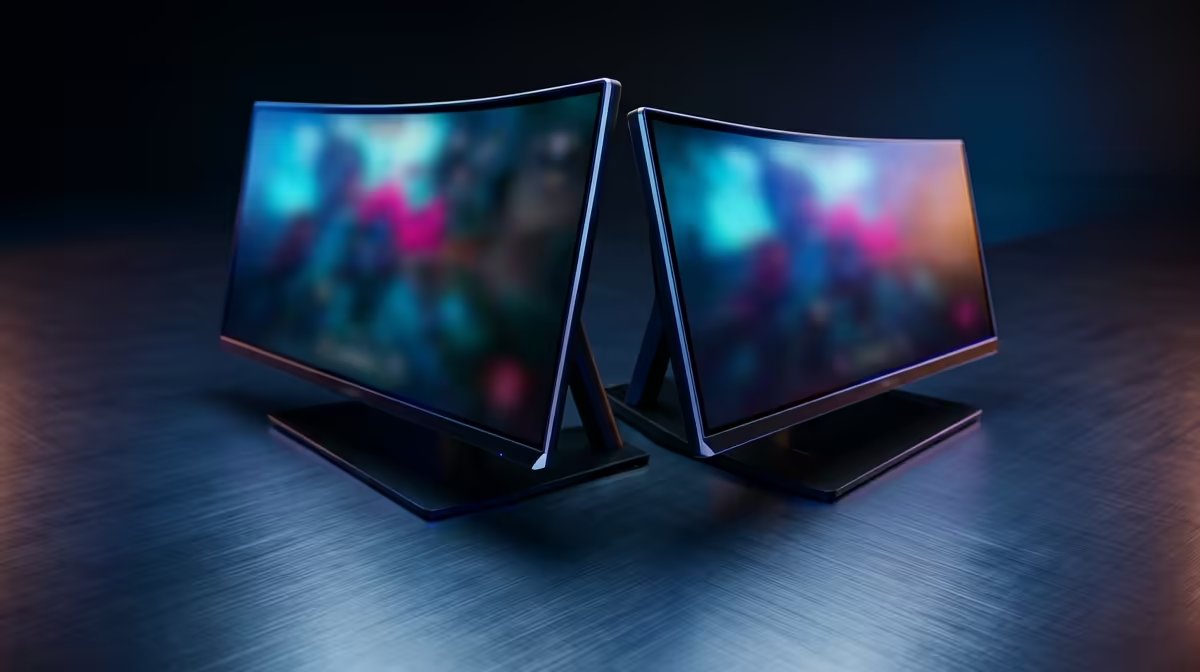
So, you're ready to make the jump to a buttery-smooth 240Hz gaming monitor. Lekker! But now you're stuck on the big question that divides squads across Mzansi: the classic 27-inch vs. 24-inch showdown. Does bigger automatically mean better for your 240Hz experience, or is a compact screen the secret to climbing the ranks?
Let's break down the pros and cons to help you find the perfect display for your setup.
The Case for a 24-Inch 240Hz Gaming Monitor 🎯
For the hyper-competitive gamer, the 24-inch monitor is often king. If your main games are Valorant, CS:GO, or Apex Legends, this size offers a distinct advantage. Why? Your eyes don't have to travel as far to see the entire screen—from the minimap to your health bar. Every millisecond counts, and keeping all the critical info in your central vision means faster reaction times.
Plus, at a standard 1080p resolution, a 24-inch screen boasts a higher pixel density than its 27-inch counterpart. This translates to a sharper, crisper image where spotting enemy heads from a distance becomes just a little bit easier. It's the preferred size for many esports pros for a reason, making it a top choice among the best PC monitors for your rig.
Why a 27-Inch 240Hz Monitor Might Be Your Winner ✨
If you're an all-rounder who loves breathtaking single-player adventures as much as a competitive match, the 27-inch 240Hz gaming monitor is a seriously compelling option. The extra screen real estate makes games like Cyberpunk 2077 or Starfield feel incredibly immersive. The world just feels bigger and more epic.
This size isn't just for gaming, either. For content creation, streaming, or even just watching movies, those extra inches provide a much more comfortable and impressive viewing experience. Many gamers find that the stunning visuals and enhanced immersion offered by immersive curved monitors are especially impactful at this size, wrapping the game's world around you.
Resolution Reality Check 🔧
a 27-inch monitor, 1440p (QHD) resolution is the sweet spot for image clarity. But remember: pushing 240 frames per second at 1440p requires a much more powerful (and expensive) GPU than at 1080p. Check your PC specs before you commit!
Pixel Density and Your GPU: The Deciding Factors
This is where the technical details really matter in the 27-inch vs. 24-inch debate.
- 24-inch at 1080p: This is the easiest combination for your graphics card to run. You can hit that glorious 240 FPS target with a mid-to-high-range GPU, ensuring you get the full benefit of your 240Hz gaming monitor without breaking the bank.
- 27-inch at 1080p: Some gamers find the image a bit "soft" or pixelated at this size due to lower pixel density. It's not a deal-breaker for everyone, but it's noticeable.
- 27-inch at 1440p: This is the visual sweet spot—incredibly sharp and immersive. However, achieving a stable 240 FPS at this resolution is a demanding task that requires a top-tier graphics card.
Ultimately, your budget and your PC's power will play a huge role. Balancing performance and price is key, so be sure to check out our incredible PC monitor deals to find a high-refresh-rate screen that fits your setup perfectly.
The Verdict: Which 240Hz Monitor Size is for You?
So, who wins the size showdown? It's all about you, the player.
- Choose 24-inch if: You are a dedicated esports athlete who prioritises raw performance, lightning-fast reactions, and competitive focus above all else.
- Choose 27-inch if: You are an all-around gamer who craves cinematic immersion in single-player titles and wants a versatile screen for media and productivity.
Whichever path you choose, upgrading to a 240Hz panel is a massive leap forward, delivering a fluid, responsive experience that will make you wonder how you ever gamed without it.
Find Your Perfect 240Hz Match Whether you're after a competitive edge or cinematic immersion, the right screen is waiting. Explore our complete collection of high-refresh-rate displays and find the perfect 240Hz gaming monitor for your battle station at Evetech.









