


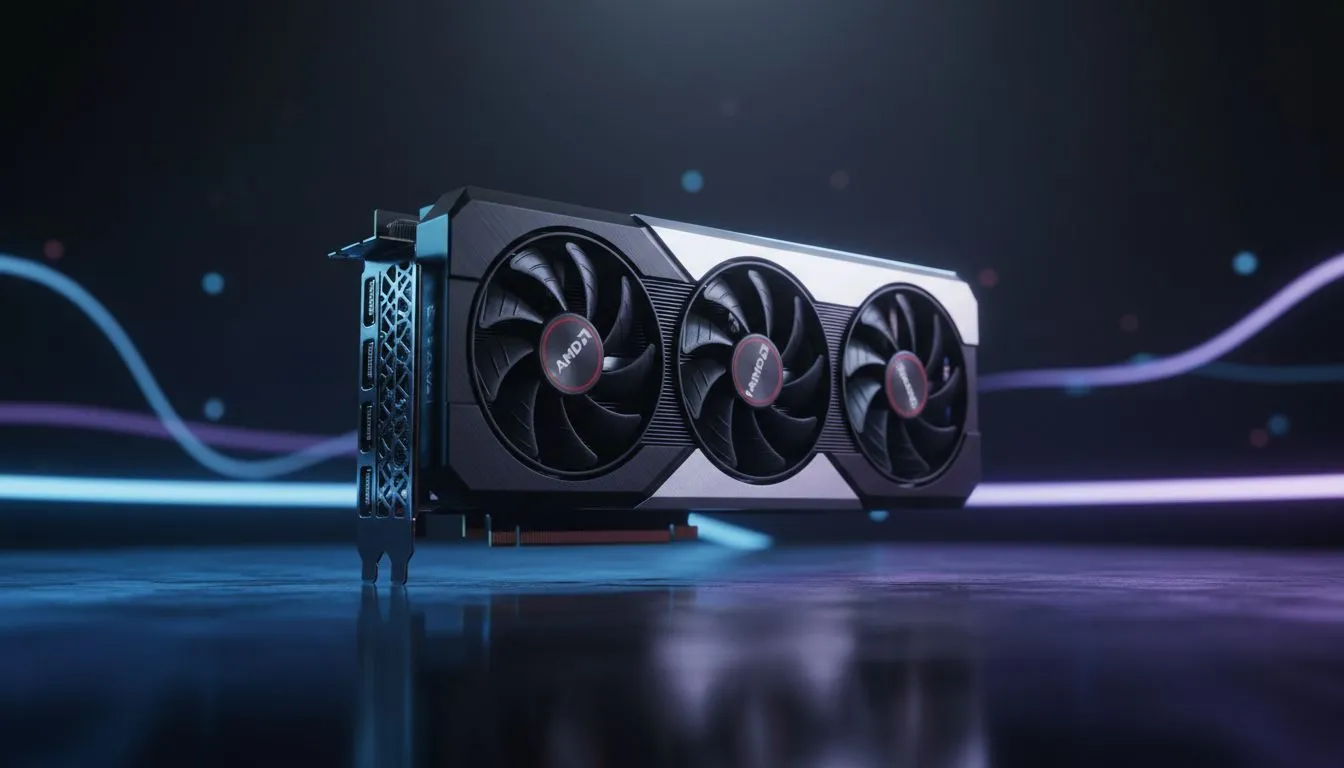
Finding the best AMD Adrenalin RX 9060 XT settings for local gamers
Setting up a new rig in South Africa often means balancing raw power with efficiency. If you’ve just grabbed a new GPU, getting your AMD Adrenalin RX 9060 XT settings: Optimize Performance right is the difference between stuttering in Warzone and smooth 1440p dominance. Whether you are chasing high refresh rates or trying to keep temperatures low during a heatwave, these tweaks ensure you get every cent of value. 🚀
Essential Adrenalin features to toggle for maximum frames
The first step to optimise performance involves the "Gaming" tab within the software. You should enable Radeon Anti-Lag immediately. This feature reduces the delay between a mouse click and the action on screen. It is vital for competitive players in the local Counter-Strike 2 scene.
If you are currently browsing Radeon Graphics Cards, you know that software defines the experience. Another key feature is Radeon Image Sharpening. Set this to around 80% to bring out crisp details without a heavy performance hit. It makes textures pop on high-resolution displays.
Balancing visuals and power efficiency in South Africa
Power consumption is a major factor for us. We often deal with rising electricity costs and the need to keep components cool. Adjusting your AMD Adrenalin RX 9060 XT settings to include a slight undervolt can help. This keeps the card cool and draws less power from your PSU.
Smooth Gameplay Tip ⚡
Always enable Radeon Chill in the Adrenalin software. Set a frame rate cap that matches your monitor's refresh rate. This prevents your GPU from working harder than necessary. It keeps your room cooler during those hot Durban or Jozi summers... and it saves on your prepaid electricity bill.
When you compare these features to GeForce Graphics Cards, AMD’s software suite offers incredible granular control. You can adjust fan curves and clock speeds without needing third-party apps.
Advanced tweaks for the RX 9060 XT
Don't forget to enable Smart Access Memory (SAM) in your BIOS and the Adrenalin app. This requires an AMD CPU and GPU combo. It allows the processor to access the full GPU memory buffer. It can boost performance by up to 15% in certain titles. You can find high-quality MSI variants that handle these loads with superior cooling designs. 🔧
Finally, ensure your "Texture Filtering Quality" is set to "Performance" rather than "Quality". This provides a small but noticeable boost in frames per second. Check out our full range of graphics cards to find the right hardware for your next build. ⚡
Ready to Find Your Perfect Match? Optimising your software is just the start. To truly dominate the leaderboards in South Africa, you need the best hardware at the best prices. Explore our massive range of graphics card specials and find the perfect GPU to power your passion.











