Is your Sims 4 game taking ages to load? If you've spent hours curating the perfect collection of custom content and mods, you know the pain of that blue Plumbob spinning... and spinning. Waiting for Create-a-Sim or a new world to load can feel like a lifetime. The good news? The bottleneck might not be your PC… it's probably your old hard drive. Finding the best SSD for Sims 4 mods is the single biggest upgrade you can make. 🚀
Why Your Hard Drive is Holding Your Sims Hostage
Think of a traditional Hard Disk Drive (HDD) like a massive library where a single librarian has to physically run and find every piece of data you need. When Sims 4 needs to load thousands of tiny custom content files, that librarian is working overtime. It’s slow and inefficient.
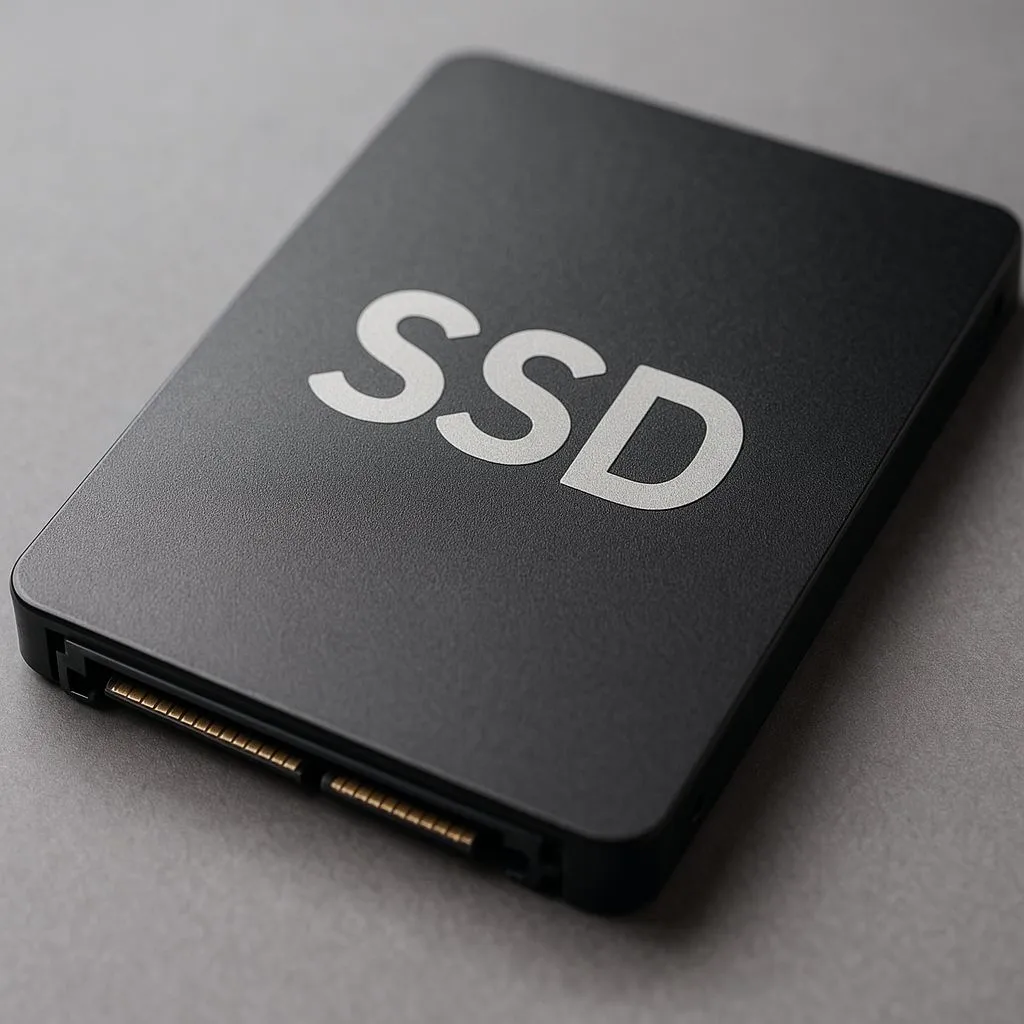
An SSD (Solid-State Drive), on the other hand, is like a digital library where any piece of data can be accessed almost instantly. There are no moving parts. For a heavily modded game, upgrading to a solid-state drive means:
- Drastically faster game launch times.
- Quicker loading screens between worlds and lots.
- Snappier performance in Create-a-Sim and Build/Buy mode, where thumbnails for CC need to load.
The difference isn't just noticeable; it's a total transformation of your gameplay experience.
Choosing the Best SSD for Your Sims 4 Setup
Not all SSDs are created equal. When you're looking for the perfect drive to handle your mods folder, there are two main things to consider: the type of connection and the amount of space you need.
NVMe vs. SATA... What's the Real Difference?
The biggest choice you'll make is between a SATA SSD and an NVMe SSD.
- SATA SSDs: These are the most common type and connect to your motherboard via a cable. They are a massive leap from an old HDD and offer fantastic value for money. They are perfect for breathing new life into an older PC or for gamers on a tighter budget.
- NVMe SSDs: These drives look more like a stick of RAM and plug directly into a special M.2 slot on your motherboard. They are unbelievably fast, offering speeds several times that of a SATA drive. For the absolute best SSD for Sims 4 mods performance, especially if you have a huge CC collection, exploring blazing-fast NVMe SSDs is the way to go.
How Much Storage Do You Actually Need?
The Sims 4 base game, plus all its expansion packs, can easily take up over 50GB. Now add your mods folder... it's easy to see how space disappears.
- 500GB: A good starting point. This gives you enough room for your operating system, The Sims 4, and a healthy collection of mods.
- 1TB: The sweet spot ✨. This provides plenty of breathing room for your current mods and all the future packs and CC you'll inevitably download. You won't have to worry about space for a long time.
- 2TB+: For the ultimate collector who also plays other large games.
You can browse various SSD capacities to find the perfect fit for your budget and hoarding habits.
Move Your Game, Not Your Saves! 🔧
Already installed Sims 4 on an old drive? No need to reinstall! Use the EA App's 'Move Game' feature. Just navigate to your game in the library, click the three dots, and select 'Move Game'. Point it to your shiny new SSD, and the app will handle the rest. Your saves and mods folder in 'Documents' will stay right where they are!
Top SSD Picks for South African Simmers
While specific models change, the principles for picking a great SSD for Sims 4 remain the same.
The "Zero-Lag" Champion: Gen4 NVMe
For the simmer who wants instant loading, a Gen4 NVMe drive is the ultimate choice. The sheer speed makes loading into a world like San Myshuno with a 50GB mods folder feel almost instantaneous. It's the premium choice for a reason.
The Smart Upgrade: SATA SSD
Don't underestimate the power of a quality SATA SSD. It's the best bang-for-your-buck upgrade you can make. The jump from an HDD to a SATA drive will slash your loading times by more than half, making it a truly worthwhile investment. You can often check out the latest SSD deals to find a great price on one.
The Portable Powerhouse: External SSDs
What if you're playing on a laptop with no room for an internal upgrade? A high-speed USB-C external SSD can be a fantastic solution. While not quite as fast as an internal NVMe, it's still a world away from a slow internal laptop hard drive. These portable external SSDs are also great for storing your CC library separately.
Ultimately, any SSD will be a huge improvement for your modded Sims 4 game. The best choice for you just depends on your budget and your PC's capabilities.
Ready to Banish Loading Screens for Good?
Upgrading your storage is the key to a smoother, faster Sims 4 experience. Stop waiting and start playing. Explore our incredible SSD deals and find the perfect drive to bring your creations to life... instantly.