


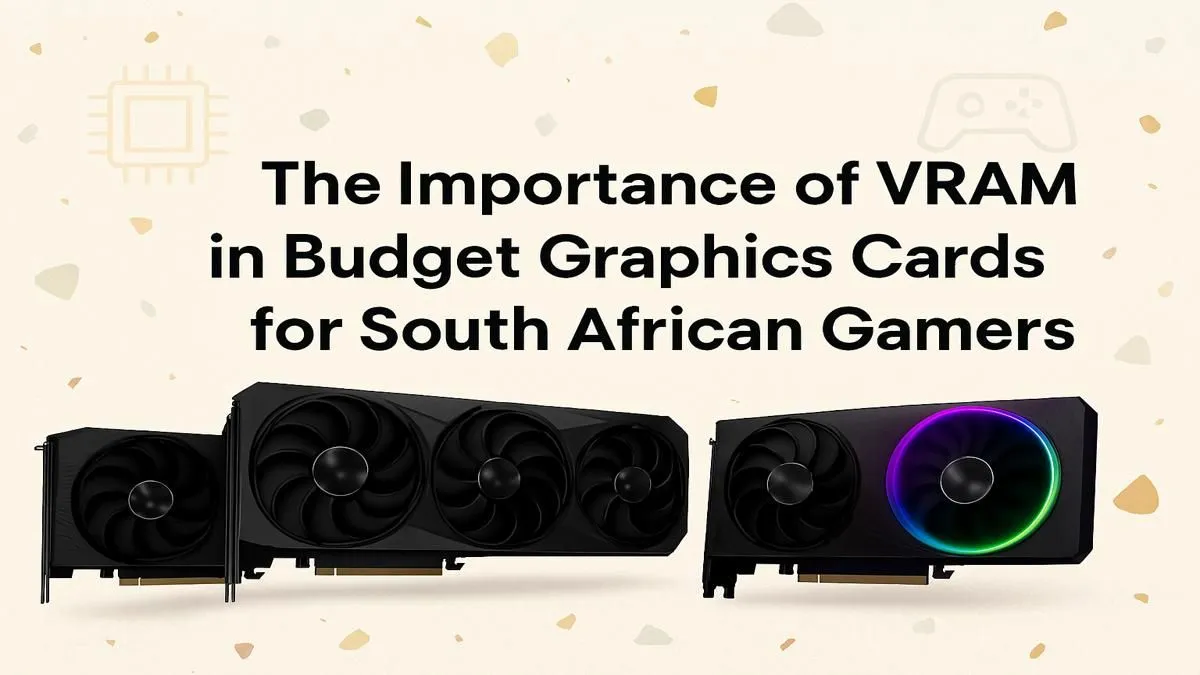
Running out of VRAM is the new "Can it run Crysis?". You’ve saved up your Rands for a new GPU, ready to dominate in Apex Legends, but instead, you get stuttering textures and frustrating lag. The culprit is often overlooked: VRAM. Understanding budget graphics card VRAM is crucial for South African gamers. It’s the difference between a smooth 60 FPS experience and a slideshow that makes you want to rage-quit. Let’s decode what you need to know.
What is VRAM and Why Does It Matter?
Think of VRAM (Video Random Access Memory) as your graphics card's personal workspace. It's ultra-fast memory that temporarily stores all the visual data your game needs right now—like character models, environmental textures, and lighting information. The more complex the game's visuals and the higher your resolution, the bigger the workspace your GPU needs.
When you don’t have enough VRAM, your PC has to constantly swap data between the slow system RAM and the fast VRAM. This causes hitching, stuttering, and those ugly, low-resolution textures that suddenly pop in. Having sufficient graphics card memory is the foundation for a smooth gaming session, and it's a spec that all modern graphics cards list prominently.
How Much VRAM for a Budget GPU in 2024? 📈
The right amount of budget graphics card VRAM depends almost entirely on your target resolution. Let's break down the current sweet spots for SA gamers.
The 1080p Sweet Spot: 8GB
For years, 6GB was enough for 1080p gaming. Not anymore. Newer titles like Alan Wake 2 and even updates to Call of Duty: Warzone can easily use more than 6GB of VRAM, even at medium settings.
For a new build today, 8GB is the smart minimum. It gives you the headroom to turn up texture quality without performance penalties and ensures your card won't become obsolete in a year. You'll find that many competing AMD Radeon cards and NVIDIA offerings in the budget-to-mid range now feature 8GB as standard.
Pushing to 1440p: 12GB+
While 1440p gaming often stretches the definition of "budget," some cards can handle it. At this resolution, 8GB becomes the absolute bare minimum, and you'll likely have to compromise on texture settings. If you can stretch your budget, a 12GB card offers a much safer, more consistent experience for QHD gaming. The extra VRAM is essential for holding those higher-resolution assets.
VRAM vs. GPU Core Speed: The Balancing Act 🔧
More VRAM isn't always better. A budget GPU with a massive 16GB of VRAM but a slow processing core is like a bakkie with a giant fuel tank but a tiny engine… it has potential it can't use. The GPU core needs to be fast enough to actually process all the data stored in the VRAM.
Always look for a balanced card. A well-engineered 8GB card will almost always outperform a poorly balanced 12GB card in the same price bracket. This is a key consideration whether you're looking at established players or checking out newer options from Intel's Arc lineup that often offer competitive VRAM amounts. It's about how the whole package performs, which is a philosophy you'll see in the design of many popular MSI models.
Check Your VRAM Usage ⚡
Want to see how much VRAM your favourite games are actually using? Download a free tool like MSI Afterburner with RivaTuner Statistics Server. You can set up an on-screen display to monitor VRAM allocation in real-time. This is the best way to see if your current card is hitting its limit and helps you make a more informed upgrade decision.
Beyond Gaming: Does VRAM Matter for Other Tasks?
Absolutely. If you're a content creator, VRAM is just as critical. Video editing in 4K, 3D modelling, and running GPU-accelerated effects in programs like DaVinci Resolve or Blender can consume huge amounts of VRAM. For these demanding professional workloads, gaming cards can struggle, which is why specialised, VRAM-heavy professional workstation graphics cards exist. But for a hybrid gaming and light creativity setup, that 8GB or 12GB of VRAM will still serve you well. ✨
Ready for a Framerate Boost? Choosing the right GPU is about balancing power, price, and VRAM. Now that you know what to look for with budget graphics card VRAM, you're ready to make a smart choice. Explore our massive range of graphics cards and find the perfect GPU to power your gaming.










