


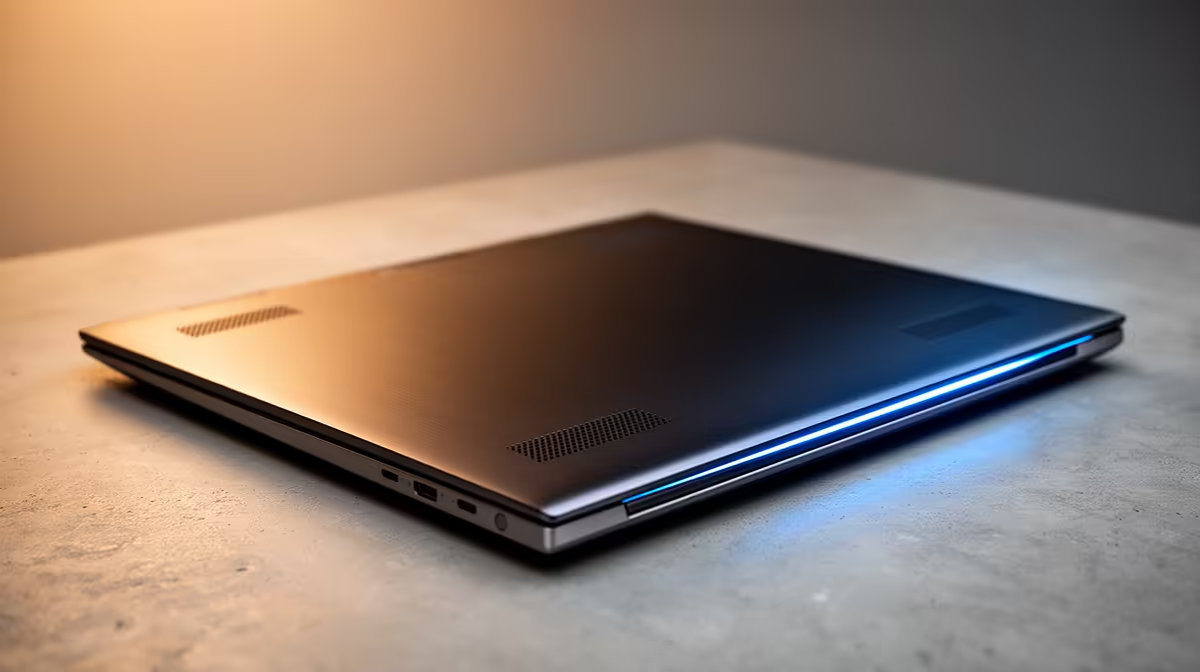
Copilot+ PCs are here, promising a new era of AI-powered computing. But with great power comes... great heat. Especially during a South African summer! So, how does Copilot+ laptop cooling actually hold up when the temperature rises? We put these next-gen machines through their paces in our thermal lab to see if they can keep their cool under pressure. The results might surprise you. 🚀
The New Thermal Challenge of AI Laptops
For years, laptop cooling focused on handling short bursts of intense heat from the CPU and GPU, mostly during gaming or video rendering. AI workloads are different. The new Neural Processing Units (NPUs) in Copilot+ PCs are designed for sustained, "always-on" tasks, creating a constant thermal load that can quietly cook a poorly designed machine.
This is where the quality of a Copilot+ laptop's cooling system truly shines... or fails. Without an effective way to dissipate this steady heat, the system will "throttle"—intentionally slowing itself down to prevent damage. That means the incredible AI performance you were promised disappears. To get the most out of these new AI laptops, manufacturers have had to completely rethink thermal design.
Our South African Thermal Test: The Setup
To understand the real-world thermal performance of Copilot+ laptops, we simulated a typical warm day in Mzansi, setting our test lab's ambient temperature to a toasty 28°C. We then ran a series of tests on several new models to see where the limits were.
Our benchmarks included:
- Sustained AI Workload: Generating images with a local AI model for 30 minutes straight.
- Multitasking Mayhem: Juggling a dozen browser tabs, a 4K video stream, and Windows Studio Effects running on the webcam.
- A Quick Gaming Session: Firing up a popular title to see how the system handles combined CPU, GPU, and NPU heat.
We measured chassis temperature, internal component temperatures, and of course, performance, to see when and if throttling occurred.
Cooling Pro Tip 🔧
Even the best laptop cooler needs good airflow. Elevate your device on a stand to allow air to circulate underneath. Avoid using it on soft surfaces like a bed or couch, which can block vents and trap heat. A simple R200 stand can make a massive difference to your temperatures and performance.
The Results: What Makes for Effective Copilot+ Laptop Cooling?
After hours of testing, a clear pattern emerged. The best-performing laptops weren't always the most expensive; they were the ones with the smartest thermal engineering. Laptops equipped with dual fans and vapour chambers consistently outperformed those with simpler single-fan heat pipe solutions, especially during sustained tasks.
We also found that efficiency is a huge factor. It's not just about getting heat out... it's about generating less of it in the first place. We noticed that laptops featuring AMD's efficient processors, for example, often managed their heat exceptionally well due to lower power draw for a given task. The best Copilot+ laptop cooling solutions prevent throttling entirely, ensuring you get 100% of the performance you paid for, 100% of the time. ✨
Your Checklist for a Cool-Running Copilot+ PC
So, what does this all mean for you? When you're ready to buy your next PC, the cooling system is just as important as the processor or RAM. An inadequate cooling design for a Copilot+ laptop is a major performance bottleneck.
Here’s what to look for:
- Read the Reviews: Look for in-depth reviews that specifically test thermals and fan noise under load.
- Inspect the Vents: Check for large, unobstructed air intake and exhaust vents. More airflow is always better.
- Consider Your Needs: If you plan on doing heavy AI work or gaming, don't sacrifice cooling for a super-thin design. A slightly thicker chassis often houses a far more capable thermal system.
Before you decide, it's always a good idea to see what's available in our current laptop specials to compare features and designs across different brands.
Ready for AI Power Without the Meltdown? Choosing a laptop with robust cooling is non-negotiable for sustained performance, especially in South Africa. Don't let thermal throttling slow you down. Explore our massive range of laptop specials and find a machine built to handle the heat.











