


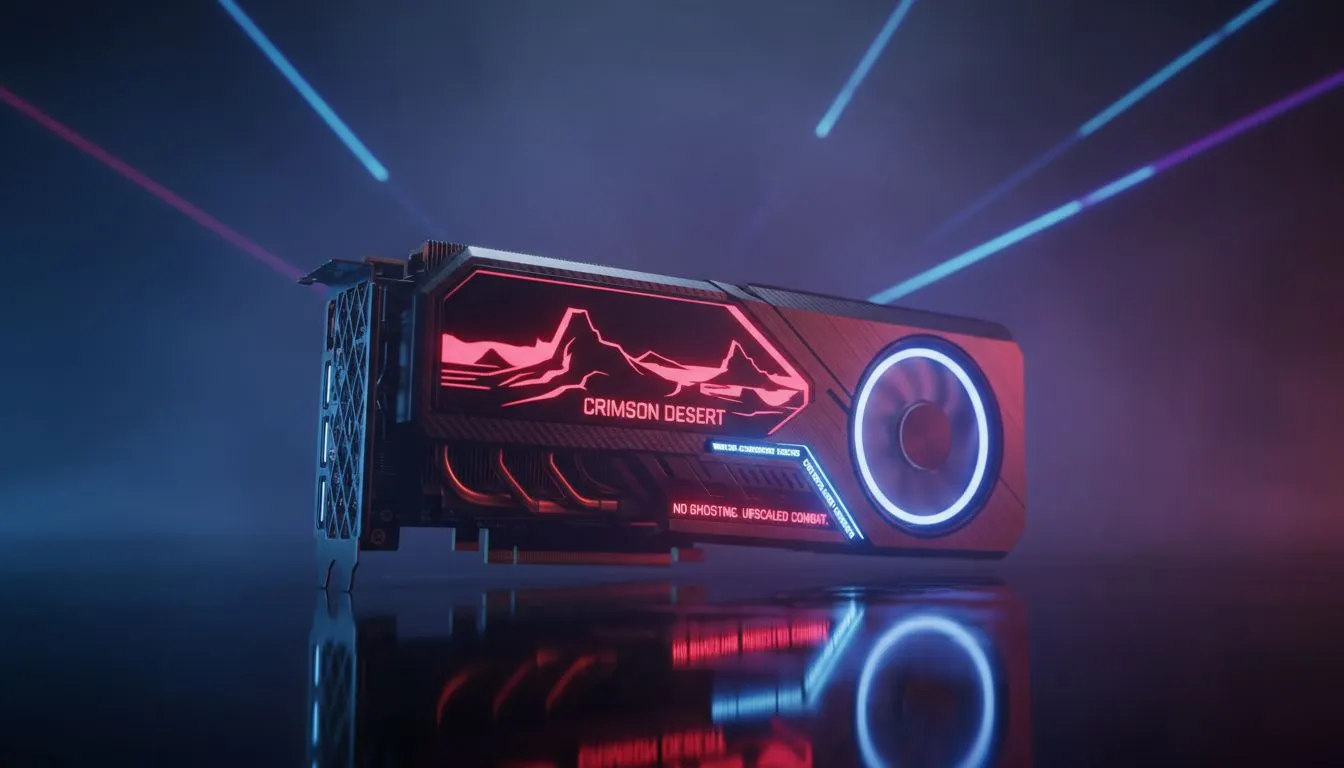
Staring down a boss in Pywel only to see a blurry trail behind your sword? Crimson Desert's fast combat is a visual feast, but upscaling ghosting can quickly turn a masterpiece into a smudgy mess. If your frame rates are high but the clarity is low, you aren't alone. Let's fix those trails and get your visuals as sharp as your blade... starting right now.
Dealing with Crimson Desert Upscaling Ghosting
The sheer speed of combat in Pywel puts immense pressure on temporal upscaling technologies. Whether you use DLSS, FSR, or XeSS, these tools use data from previous frames to construct the current one. When your character moves at lightning speed, the algorithm struggles to keep up. This results in the dreaded "ghosting" effect. To mitigate this, many gamers are looking for Crimson Desert upscaling ghosting: fixes for fast combat that don't sacrifice too much performance.
One of the most effective ways to reduce these artifacts is to ensure your hardware is up to the task. Modern NVIDIA or ATI graphics cards feature dedicated AI cores designed to handle these complex calculations. If your current card is a few generations old, it might struggle with the latest temporal data.
Optimising NVIDIA and MSI Settings
If you are rocking Team Green, you have several tools at your disposal. DLSS is generally the most stable upscaler, but it isn't immune to smearing. For those using MSI graphics cards, using the latest version of DLSS is vital. You can manually swap the DLSS DLL file to version 3.7 or higher to improve motion clarity.
Combat Clarity Tip ⚡
If ghosting persists, try disabling Motion Blur and Depth of Field in the settings. These effects often stack with temporal upscaling artifacts, making the smearing during fast combat much worse than it needs to be.
Another trick is to adjust the "Sharpness" slider within the game menu. Too much sharpening can actually make ghosting look more prominent. Keep it at a moderate level to maintain a clean image without adding extra noise.
AMD and Intel Performance Fixes
AMD users have seen massive improvements with recent driver updates. The latest AMD Radeon graphics cards support FSR 3.1, which decoupled upscaling from frame generation. This is a massive win for visual stability. If you notice shimmering or trails, try switching to the "Quality" preset instead of "Performance". This provides more source pixels for the algorithm to work with.
Intel hasn't been left behind either. Users with Intel Arc graphics cards should utilise XeSS, which often rivals DLSS in terms of motion stability. Ensure your drivers are updated to the latest version to benefit from the most recent ghosting optimisations.
Why Hardware Matters for Visual Clarity
Sometimes, software tweaks can only go so far. The complexity of modern game engines requires massive amounts of VRAM and high memory bandwidth. While workstation graphics cards are typically reserved for rendering and CAD, their stability highlights how important clean data delivery is for a flicker-free experience.
In South Africa, where we often deal with high ambient temperatures, keeping your GPU cool is also essential. A thermal-throttling card can cause frame time stutters, which makes ghosting feel even more jarring. Ensure your case has plenty of airflow to keep those frames coming in smooth and clear.
By combining the right hardware with these software tweaks, you can finally enjoy the brutal beauty of Pywel. No more trails... just pure, high-speed action.
Ready to Eliminate the Blur? Crimson Desert demands precision, and your hardware shouldn't hold you back. For the best frame rates and clearest visuals in South Africa, we have you covered. Explore our massive range of graphics card specials and find the perfect GPU to conquer Pywel.











