


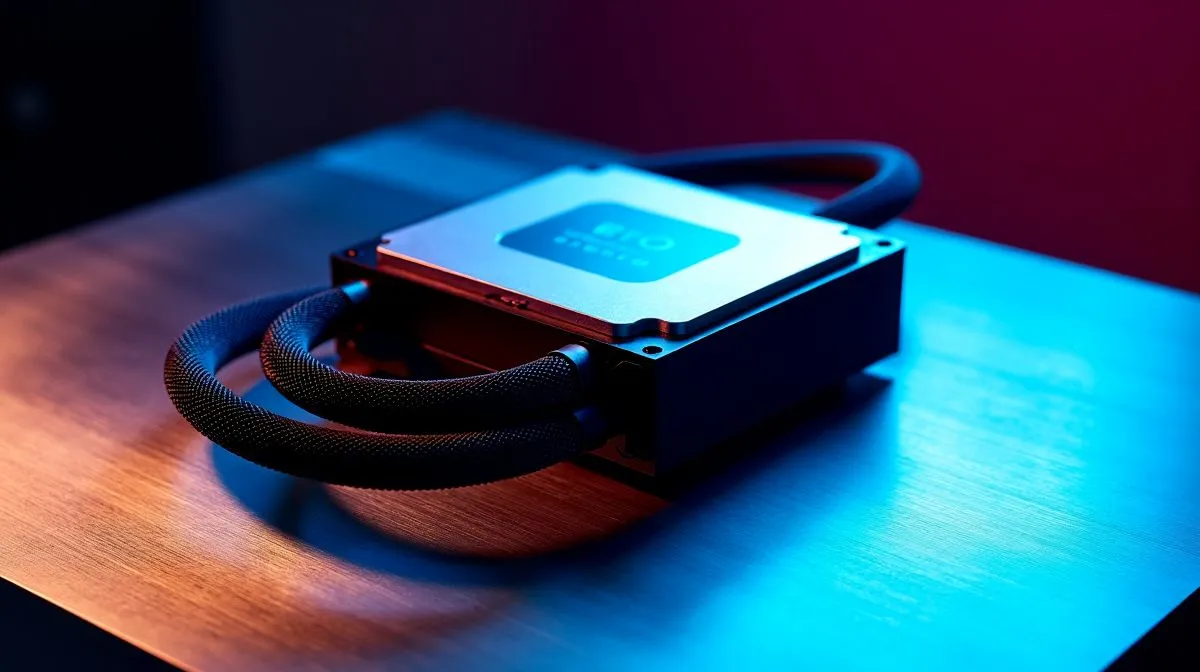
Why high CPU temps happen after a liquid cooler install 🔧
If your CPU is suddenly running hot after fitting an AIO, the cooler may not be the problem at all... the installation might be. South African gamers know the pain well. One minute your rig is humming. The next, a demanding match in Apex or Cyberpunk pushes temps way higher than expected. Before you blame the brand, check the basics. Small mounting mistakes can wreck thermal performance fast.
Liquid cooler installation mistakes that raise temps
The most common issue is uneven mounting pressure. If the block is not seated flat on the CPU, heat transfer drops immediately. Another frequent problem is forgetting to remove the clear protective film from the cold plate. It sounds simple, but it happens more than people admit.
Tube orientation matters too. In many cases, the pump should not be the highest point in the loop. Air can collect there and cause noise or weaker cooling. Radiator placement matters as well. A front-mounted radiator can work well, but only if the tubes and case airflow are arranged properly.
If you want to compare cooler types before buying, start with Evetech’s full CPU cooler range. If you already know you want an AIO, browse the liquid cooler selection. For popular premium picks, see CORSAIR AIO coolers and Deepcool liquid coolers.
Mounting checks that actually help ⚡
Tighten the screws in a cross pattern. Do not crank one corner fully down first. That can tilt the block. Also check that your thermal paste is spread well. Too little paste leaves gaps. Too much can also hurt contact.
Many South African builds use either 240mm or 360mm radiators. A 240mm radiator option is often enough for mid-range systems. A 360mm radiator option gives more headroom for hotter CPUs and heavier gaming loads. Always confirm case clearance before you buy.
Build Tip ✨
Make sure your radiator fans push air in the same direction as the case airflow. Mismatched airflow can make a good cooler perform like a weak one.
How to tell if the install is the real culprit
A bad install often shows up fast. Temps spike within seconds of starting a game. The pump may sound unusually loud. Idle temperatures can also sit higher than expected. If the cooler is working properly, the tubing should feel warm under load while the CPU stays within safe limits.
For official product details and compatibility checks, rely on the Evetech product pages above. That way, you can match socket support, radiator size, and case fit before spending extra rand.
Quick fix checklist for better CPU temperatures
Re-seat the block. Check the plastic film. Use fresh thermal paste. Confirm pump power is connected. Set radiator fans correctly. Verify the radiator position in your case.
A few minutes of checking can save a full rebuild. And if your current cooler is simply undersized, upgrading to the right AIO is often the cleaner fix... especially for gamers who want quieter loads and steadier performance.
Ready to Find Your Perfect Match? The Mac vs Windows debate is complex, but for maximum power, choice, and value in South Africa, Windows is hard to beat. Explore our massive range of laptop specials and find the perfect machine to conquer your world.











