


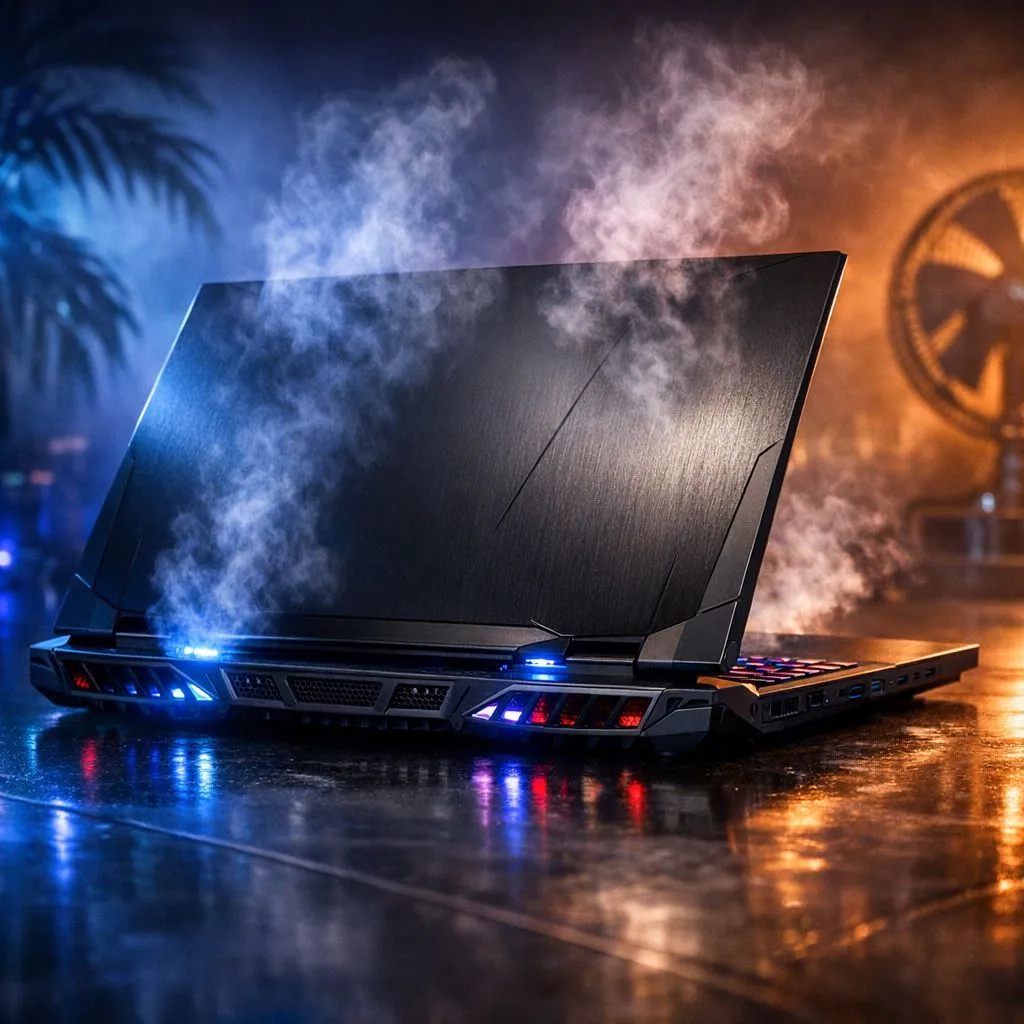
Beat the Burn: Gaming Laptop Cooling in South African Heat
Summer in South Africa is no joke for your hardware. When the mercury hits 35 degrees in Gauteng or the humidity spikes in Durban... your frame rates usually tank. Dealing with gaming laptop cooling in South African heat requires a bit of strategy. Nobody wants a R30,000 machine sounding like a jet engine while thermal throttling during a ranked match. 🔧
Optimise Your Airflow for Local Conditions
Ambient temperature is your biggest enemy. If your room is hot... your laptop is hotter. Start by looking at Intel laptops on special that feature modern cooling solutions. These chips manage power efficiently... but they still need fresh air. Always play on a hard, flat surface. Avoid blankets or beds at all costs. These surfaces trap heat and choke intake vents.
Dust is the silent performance killer in our dry climate. Regularly cleaning your vents can save your hardware. If you are hunting for Ryzen laptop deals... check for models with dual-fan setups. A cooling pad is also a worthy investment. It lifts the chassis to improve airflow significantly. This simple elevation can drop temperatures by several degrees instantly. ⚡
Thermal Management Pro Tip ⚡
On Windows, use the 'Edit Power Plan' settings to change your 'Maximum processor state' from 100% to 99%. This often disables the aggressive 'Turbo Boost' that causes temperature spikes. You will lose a negligible amount of performance but see a massive drop in heat... keeping your fans much quieter during long sessions.
High-Performance Cooling for Competitive Play
Sometimes the best cooling strategy is choosing the right hardware from the start. We often see the best gaming laptop deals sell out because they balance thermals and power perfectly. Higher-end models often use liquid metal or vapour chambers. These technologies help dissipate heat much faster than traditional copper pipes. 🚀
Even if you are browsing gaming laptops under R20k... you can still manage temperatures. Use manufacturer software to set aggressive fan curves. Don't wait for the laptop to get hot. Set the fans to spin up early. This prevents the "heat soak" effect where the entire chassis becomes too hot to touch.
Smart Software Tweaks for Cooler Gaming
Graphics cards generate the most heat during intense sessions. If you pick up one of the GeForce RTX gaming laptops on special... ensure you use DLSS. This AI technology reduces the raw rendering load on your GPU. Less load means less heat... and a much more stable gaming experience. ✨
Remember to keep your drivers updated. Manufacturers often release firmware updates that optimise fan profiles for better efficiency. Keeping your software current ensures your hardware handles the South African summer without breaking a sweat.
Ready to Beat the Heat? Don't let thermal throttling ruin your win streak this summer. From high-end liquid cooling tech to budget-friendly powerhouses, we have the gear to keep you frosty. Explore our massive range of laptop specials and find the perfect machine to conquer your world.











