


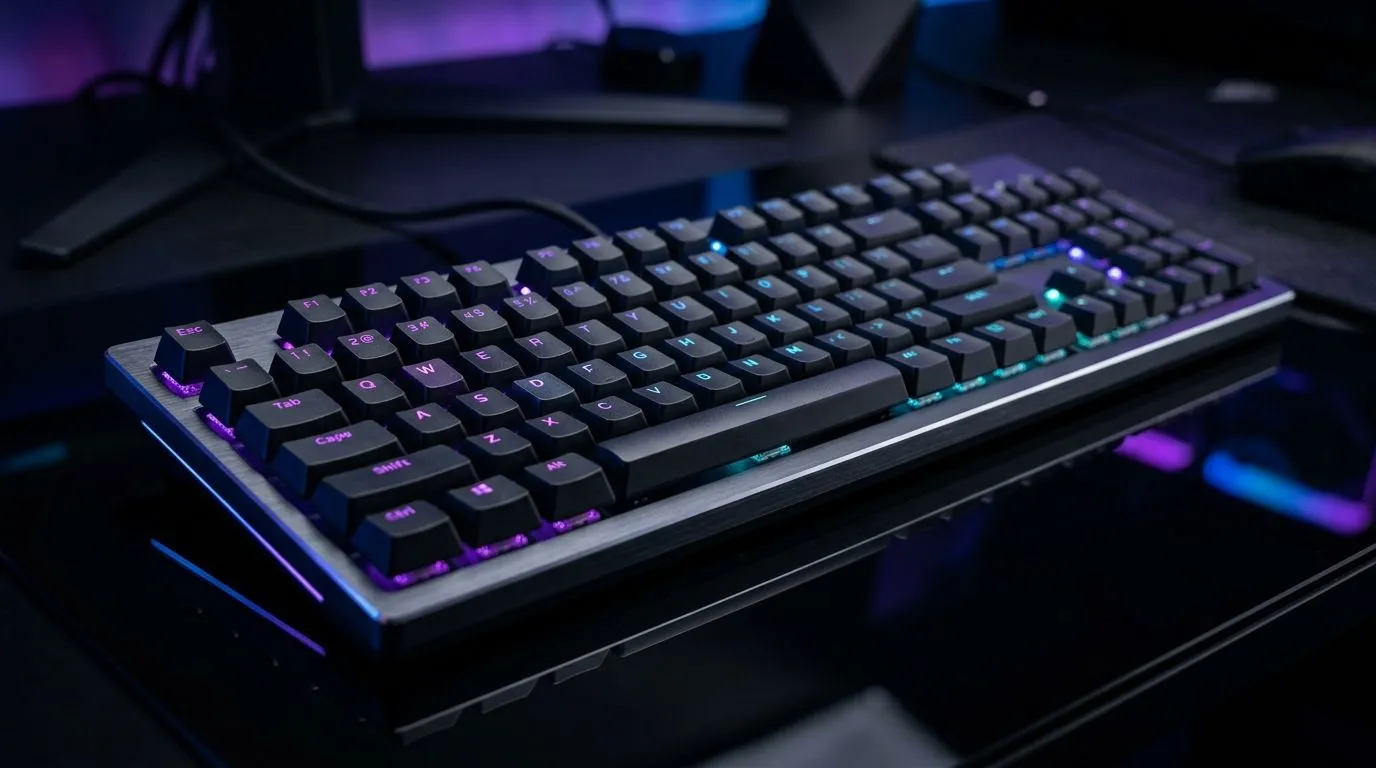
Hall-Effect Keyboard Rapid Trigger Setup for Faster Inputs: why SA gamers care
If your aim feels “almost right” but never consistent, it might not be your sensitivity. It could be latency in your key presses… and the way your keyboard samples switches. In South Africa, where you might be balancing load-shedding-proof setups, budget upgrades, and competitive play, every bit of input speed counts. ⚡
Hall-effect keyboards can help by using magnetic sensing instead of traditional contacts. Pair that with Rapid Trigger, and you can get faster repeats for movement, abilities, and weapon switching.
What “Rapid Trigger” actually changes (and what it doesn’t)
Hall-effect “rapid trigger” setups usually let a key act again after a shorter travel distance, without needing the full press. The result is quicker repeat inputs. But let’s be clear… Rapid Trigger does not make you aim better. It helps you press faster and more precisely.
Many gamers notice it most in:
- Stutter-step movement (strafe corrections)
- Rapid ability tapping (heals, grenades, utility)
- Consistent weapon cycling under pressure
If you’re switching from a standard mechanical board, expect a short adjustment period. Your fingers may over-press until muscle memory settles. ✨
Hall-Effect Keyboard Rapid Trigger Setup for Faster Inputs: step-by-step configuration 🔧
The exact steps depend on the keyboard software, but the workflow is typically the same. Here’s a practical setup path you can follow:
Step 1: Confirm your keyboard model supports Rapid Trigger
Check the keyboard manual or Evetech product listing for Rapid Trigger / adjustable actuation. If it’s not listed, don’t assume it’s supported.
Step 2: Start with a conservative Rapid Trigger threshold
When Rapid Trigger is too aggressive, you’ll get accidental activations during fast movement. Start higher (less sensitive), then lower gradually after you test.
Step 3: Map “tap vs hold” behaviour
Use separate profiles for:
- Ranked / competitive (lower thresholds, faster repeats)
- Casual / build modes (higher thresholds, fewer misfires)
Step 4: Test in-game with a repeatable routine
Try 10 minutes on the same routine:
- Quick strafe left-right 20 times
- Tap your key 20 times without letting it bottom out
- Hold-release-hold the key 10 cycles
After that, adjust by one notch and repeat.
="Productivity Pro Tip ⚡" On Windows, use the PowerToys FancyZones utility to create custom snap layouts for your windows. It's a lifesaver for managing multiple apps on an ultrawide monitor, letting you organise your timeline, preview window, and asset folders perfectly for video editing.
Choosing the right keyboard setup in South Africa (deals + compatibility) 🚀
Rapid Trigger only helps if the keyboard is stable and suits your play style. For wired players who want consistent performance and no charging worries, consider a wired option from Evetech’s keyboard range. For wireless users, prioritise stable connectivity and low-latency modes.
If you’re shopping right now, here are solid starting points:
- Browse gaming keyboard deals to find a hall-effect model within your budget: check the best gaming keyboard deals
- Compare keyboard options by viewing a wide range for South African buyers: buy the cheapest gaming keyboard in South Africa
- If you’re going wired, filter with the right connectivity: wired keyboards options
- If you prefer wireless, check the wireless variants: wireless keyboards options
- Want faster onboarding for your whole rig? Pair it with a matching combo: buy a keyboard + mouse combo
Pro note: if you record gameplay, test with the same settings across sessions. That way, you’ll know whether your “faster inputs” are actually better… not just different.
Hall-Effect Keyboard Rapid Trigger Setup for Faster Inputs: final tuning checklist
Before you lock your profile, do this:
- Reduce Rapid Trigger sensitivity if misclicks happen while gaming.
- Increase it slightly if taps feel inconsistent.
- Save separate profiles for different games and play sessions.
- Keep your keyboard software updated so profiles don’t drift.
Once it clicks, Rapid Trigger can feel like your fingers are finally ahead of your thoughts. ⚡
Ready to Find Your Perfect Match? The Mac vs Windows debate is complex, but for maximum power, choice, and value in South Africa, Windows is hard to beat. Explore our massive range of laptop specials and find the perfect machine to conquer your world.











