


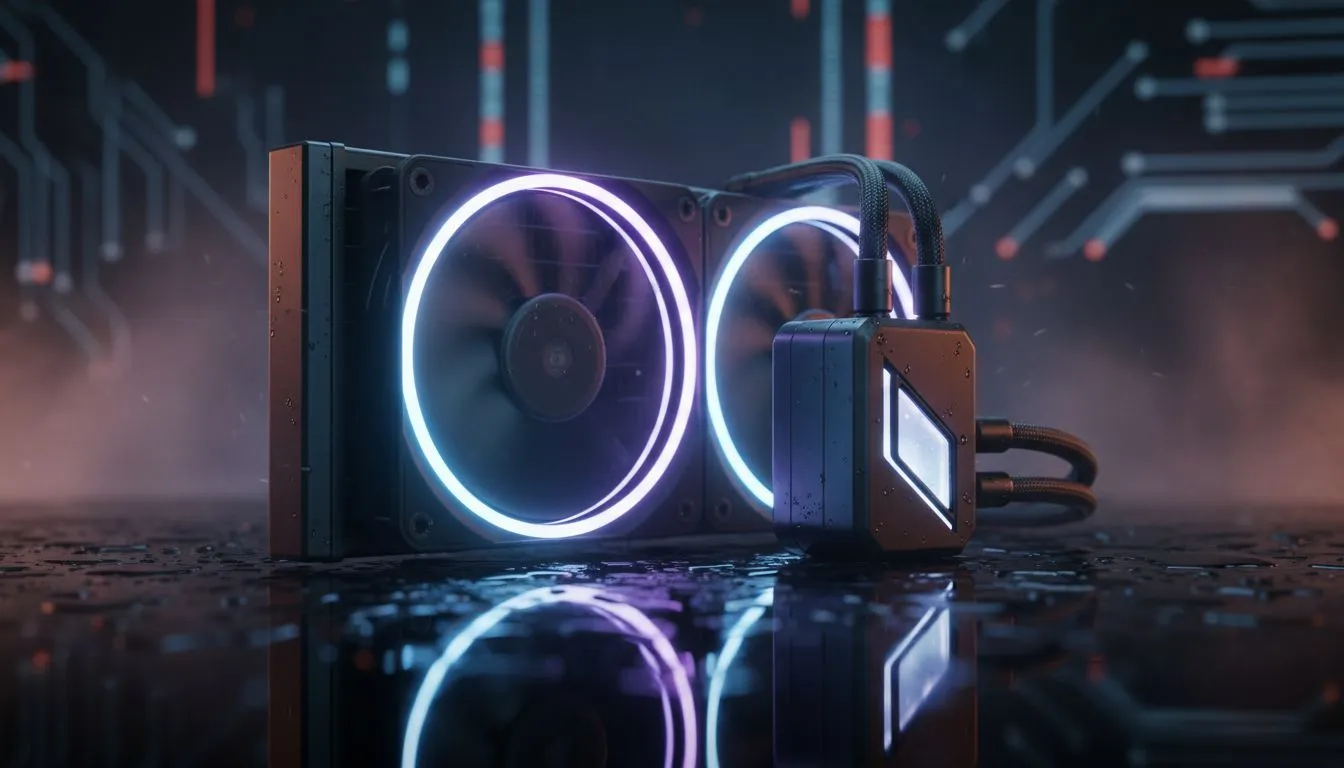
South African summers don't just melt the tar on the N1... they can also throttle your PC's performance. When the mercury hits 35°C in Pretoria or Durban, your gaming rig works overtime to stay alive. If you want to keep gaming PC cool: heatwave-proof tips for South Africa are essential to prevent thermal throttling and hardware degradation. Don't let a heatwave end your win streak.
Optimise Your Airflow Strategy
The most cost-effective way to fight the heat is managing how air moves through your chassis. Many local gamers forget that dust is an insulator... it traps heat directly against your components. A quick blast of compressed air every few months can drop temperatures by several degrees.
Positioning is equally vital. Ensure your PC isn't tucked into a wooden desk cubby where hot air just recirculates. If your current setup is still struggling, upgrading to high-performance CPU coolers is the first step toward a stable system during a February scorcher.
The Liquid Cooling Advantage in SA
When ambient temperatures rise, traditional air coolers often reach their limit. This is where All-In-One (AIO) solutions shine. By moving the heat away from the CPU and dissipating it through a radiator at the edge of the case, you keep the internal ambient temperature much lower.
For those pushing high frame rates in 4K, we highly recommend switching to a Liquid Cooler (AIO) to maintain boost clocks. These units are sealed, meaning you get the benefits of water cooling without the maintenance headaches of a custom loop.
Cooling Pro Tip ⚡
Adjust your fan curves in the BIOS or via software. In South Africa, a "Silent" profile often isn't enough during summer. Set your fans to ramp up earlier... perhaps at 50°C instead of 65°C... to get ahead of the heat soak before your components start to throttle.
Choosing the Right Brand for Local Conditions
Not all coolers are created equal. You want a brand that offers both reliability and high static pressure fans to push air through dense radiator fins. Premium options from CORSAIR provide excellent software control via iCUE, allowing you to monitor coolant temps in real-time.
If you are looking for a balance between aesthetics and raw thermal performance, Deepcool offers incredible value for performance. Their latest pumps are designed to handle the thermal loads of modern multi-core processors, even when the room temperature is climbing.
Radiator Sizing: Bigger is Usually Better
When selecting an AIO, size matters because of surface area. A larger radiator can dissipate more heat while running fans at lower, quieter speeds. For high-end i9 or Ryzen 9 builds that generate massive heat, a 360mm Radiator is the gold standard for South African conditions.
However, not every case can house a triple-fan setup. For most mid-range builds and compact ATX cases, a 240mm Radiator fits more easily while still vastly outperforming standard air units. It provides that extra thermal headroom needed when the afternoon sun hits your gaming room.
Ready to Beat the Heat? Don't let thermal throttling ruin your gaming experience this summer. Whether you need a massive radiator or a stealthy air cooler, we have the tech to keep your rig frosty. Explore our massive range of CPU cooling solutions and find the perfect match to protect your hardware.











