


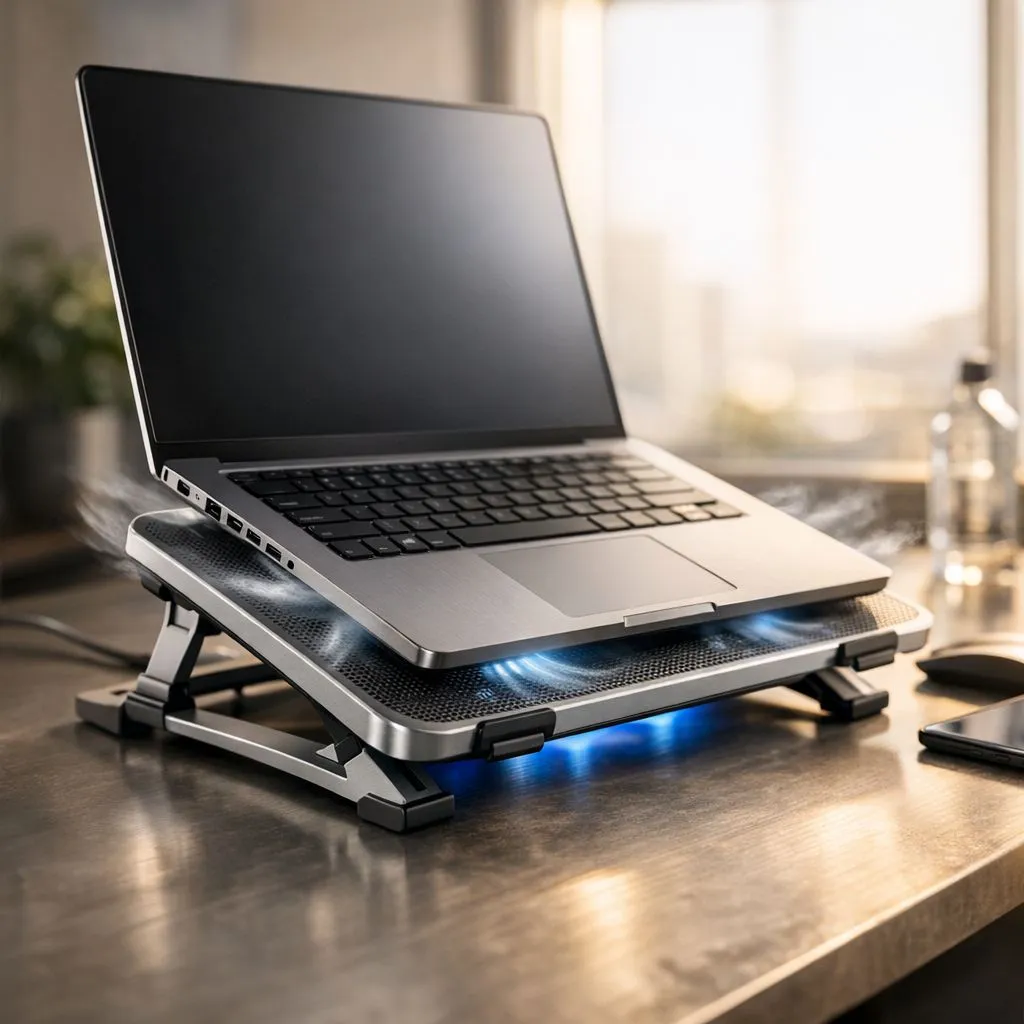
Summer in a South African office is no joke. When the mercury hits 35°C and the aircon struggles, your laptop feels it too. Thermal throttling doesn't just slow your work... it kills your hardware's lifespan. If your fans sound like a jet engine taking off from OR Tambo, you need a plan. Let’s keep your rig frosty without breaking the bank.
Maximising Airflow in High Temperatures
Heat is the primary enemy of performance. Most modern intel laptops on special feature sophisticated thermal designs. However, they still need room to breathe. Never use your machine on a duvet or carpet. Soft surfaces block the intake vents underneath the chassis. This causes heat to build up rapidly. Always stick to hard, flat surfaces. A simple laptop stand can improve airflow significantly. 🔧
Maintenance and Dust Control
South Africa can be a dusty environment. Over time, fine particles clog your heat sinks. This forces your fans to spin faster and louder. If you are browsing Ryzen laptop deals, remember that efficiency depends on cleanliness. A quick blast of compressed air can work wonders. Do this every few months to maintain peak performance. It prevents the dreaded thermal shutdown during a critical match or meeting. ⚡
Cooling Pro Tip ⚡
Elevate the back of your laptop by just two centimetres. This small gap allows much more cool air to reach the intake fans. It is the cheapest way to drop your temps instantly without spending a cent.
Software Tweaks for Cooler Operation
You can manage heat through software settings too. High-end geforce rtx gaming laptops on special often come with dedicated control centres. Use these tools to set aggressive fan curves. You can also adjust your Windows power plan. Selecting 'Balanced' instead of 'High Performance' can reduce idling temperatures. This is vital when the office ambient temperature rises during load shedding. 🚀
Investing in External Cooling Solutions
Sometimes, internal fans aren't enough for our local climate. If you own one of the best gaming laptop deals on the market, protect it. An active cooling pad provides extra airflow directly to the components. This helps maintain higher clock speeds during long sessions. It is a small price to pay for hardware longevity. A good pad can drop temperatures by several degrees. ✨
Finding Value and Thermal Efficiency
You don't need a massive budget to stay cool. Many gaming laptops under r20k offer excellent thermal management. Look for models with dual fans and multiple heat pipes. These designs are better suited for the South African summer. Efficient cooling ensures your investment lasts for years to come. Stay frosty and keep your frame rates high.
Ready to Find Your Perfect Match? The Mac vs Windows debate is complex, but for maximum power, choice, and value in South Africa, Windows is hard to beat. Explore our massive range of laptop specials and find the perfect machine to conquer your world.











