


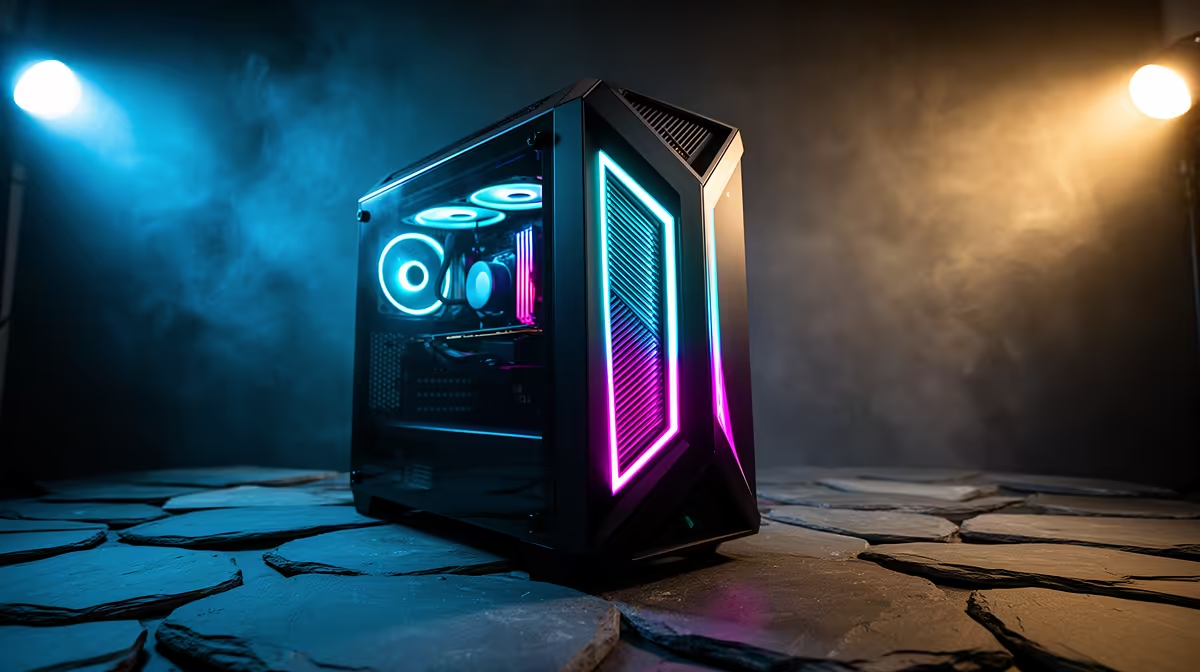
So, you've unboxed that beast of a Lenovo gaming rig. The RGB is glowing, the specs are looking lekker, but are you squeezing every last drop of performance out of it? Too many South African gamers leave frames on the table with default settings. Let's fix that. These essential Lenovo gaming tips will help you go from standard setup to fully optimised battle station, ensuring you unlock your PC’s true potential and dominate the lobby. 🚀
First Steps: Essential Optimisation Tips
Before diving into complex software, let's cover the basics. Getting these right from day one is one of the most crucial Lenovo gaming tips for a smooth experience. Your machine, whether it's one of the powerful yet affordable Lenovo LOQ gaming laptops or a top-tier model, needs a solid foundation.
First, tackle the bloatware. Uninstall any pre-installed applications you don't need. They consume precious RAM and CPU cycles in the background. Next, head to Windows Settings > Gaming > Game Mode and make sure it's turned on. This feature prioritises your game, dedicating more system resources to it for a more stable performance. It’s a simple tweak that helps unlock your PC’s full potential with minimal effort.
Master Your Machine with Lenovo Vantage
Lenovo Vantage is your command centre. Ignoring it is like owning a sports car and never taking it out of first gear. This pre-installed software is packed with tools designed to optimise your specific hardware. Understanding its features is a core part of any good set of Lenovo gaming tips.
Thermal Modes: Finding Your Balance 🌡️
One of Vantage's most powerful features is the ability to switch thermal modes, usually with the Fn + Q keyboard shortcut.
- Quiet Mode: For browsing or watching videos. It keeps the fans low and throttles performance.
- Balanced/Auto Mode: The everyday default. It intelligently adjusts fan speed and power based on your activity.
- Performance Mode (Red Light): This is what you want for gaming. It cranks up the fans and pushes the CPU and GPU to their limits for maximum frames per second. For demanding titles like Warzone or Apex Legends, this mode is non-negotiable on premium machines like the high-performance Lenovo Legion gaming laptops.
Network Boost & Hybrid Mode
Dig deeper into Vantage and you'll find 'Network Boost'. This feature automatically detects when you're in a game and prioritises its network traffic over other apps. For anyone who's lost a gunfight due to a sudden lag spike... this is for you.
You'll also find 'Hybrid Mode'. When enabled, it uses your processor's integrated graphics for light tasks to save battery, automatically switching to the powerful dedicated NVIDIA or AMD GPU when you launch a game. For maximum performance, you can disable Hybrid Mode (sometimes called 'dGPU mode') to ensure the dedicated GPU is always active when plugged in. This is a pro-level tip for unlocking your Lenovo's peak power.
Quick Tip: Update Your Graphics Drivers ⚡
Lenovo Vantage offers system updates, you should always get your graphics drivers directly from the source. Head to the NVIDIA GeForce Experience or AMD Software: Adrenalin Edition app to download the latest game-ready drivers. This single step can boost FPS and fix game-specific bugs.
Beyond Vantage: Driver and Windows Tweaks
Your optimisation journey doesn't end with Vantage. To truly unlock your PC’s full potential, you need to look at your drivers and a few key Windows settings. Keeping your system updated is a fundamental PC gaming tip, but it's especially important for getting the most out of specialised hardware.
Make sure your Windows installation is fully updated, and check the official Lenovo support page for your model for any critical BIOS or chipset updates. These can improve system stability and performance. For everyday gaming on a budget-friendly rig, such as the popular models like the Lenovo IdeaPad 3 Gaming, keeping drivers lean and updated makes a noticeable difference.
By applying these straightforward Lenovo gaming tips, you're not just playing the game... you're mastering your machine. You're ensuring that every rand you spent translates directly into smoother gameplay and a more competitive edge. ✨
Ready to Unleash True Performance? From entry-level heroes to esports-dominating beasts, the right machine is waiting for you. Explore our incredible range of Lenovo gaming laptops and find the perfect PC to conquer your world.











