


Why Every Millisecond Counts in Competitive Shooters
You are creeping through a site in Counter-Strike 2... you hear a faint metallic clink... but by the time the sound reaches your ears, the round is over. For South African gamers, high ping is bad enough... adding audio lag to the mix is a recipe for disaster. This Low-Latency Wireless Audio Guide: Reduce Delay for FPS Games will help you align your ears with your eyes. ⚡
Understanding the Gap Between Bluetooth and 2.4GHz
Standard Bluetooth is fine for listening to Amapiano on your commute, but it is often the primary culprit for audio delay in gaming. Most Bluetooth codecs have a latency of 100ms to 200ms. In a high-stakes match of Valorant, that delay is an eternity. To truly reduce delay for FPS games, you must look for headsets that utilise a dedicated 2.4GHz wireless USB dongle. This technology bypasses the heavy compression of Bluetooth, bringing latency down to a negligible 20ms or less.
Choosing Hardware That Prioritises Speed
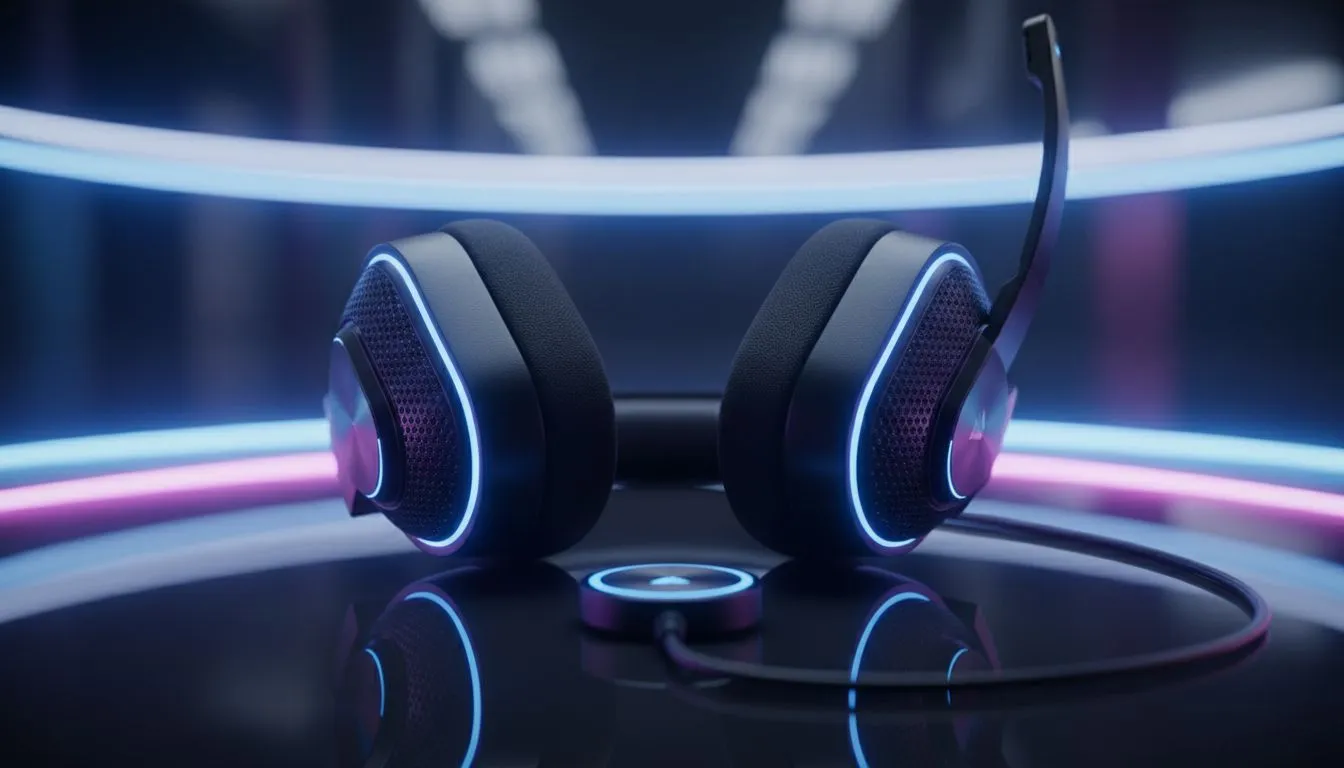
If you are serious about your rank, your gear needs to keep up. The Razer Barracuda X Chroma Wireless Headset in Phantom White is a prime example of modern efficiency. It features Razer’s SmartSwitch Dual Wireless tech, allowing you to stay connected to your PC via high-speed 2.4GHz while keeping your phone linked via Bluetooth for calls. It is a versatile solution for under R3,000 that does not sacrifice competitive integrity.
Audio Lag Fix ⚡
To ensure the lowest possible latency on Windows, go to your Sound Settings and disable all "Enhancements." These software layers often add extra milliseconds of processing time. Stick to the raw 2.4GHz signal for the crispest response in competitive lobbies.
Optimising Your Wireless Environment
Interference is the silent enemy of wireless performance. In many South African households, the router is often placed right next to the gaming rig. Since both Wi-Fi and many headsets operate on the 2.4GHz band, signal "crowding" can cause audio dropouts or increased lag.
To mitigate this, try to use a USB extension cable to bring your headset dongle closer to your mousepad. Browsing the wider selection of Razer headphones and headsets will reveal many models that include these extensions specifically to ensure a clean, line-of-sight connection. 🔧
Investing in Professional Grade Gear
While budget options exist, elite performance usually requires a dedicated investment. When you look at the premium gaming headphones and headsets available today, you aren't just paying for RGB lighting or "gamer" aesthetics. You are paying for advanced chipsets that can process spatial audio data without adding lag. This allows you to pinpoint a flanker's position in Apex Legends purely by the sound of their footsteps... giving you the jump before they even see you. 🚀
Ready to Cut the Cord Without the Lag? Don't let audio delay hold back your K/D ratio. From ultra-fast 2.4GHz wireless units to professional-grade wired sets, we have the gear to keep you ahead of the competition. Explore our massive range of gaming headsets and experience crystal-clear, real-time audio today.
\











