


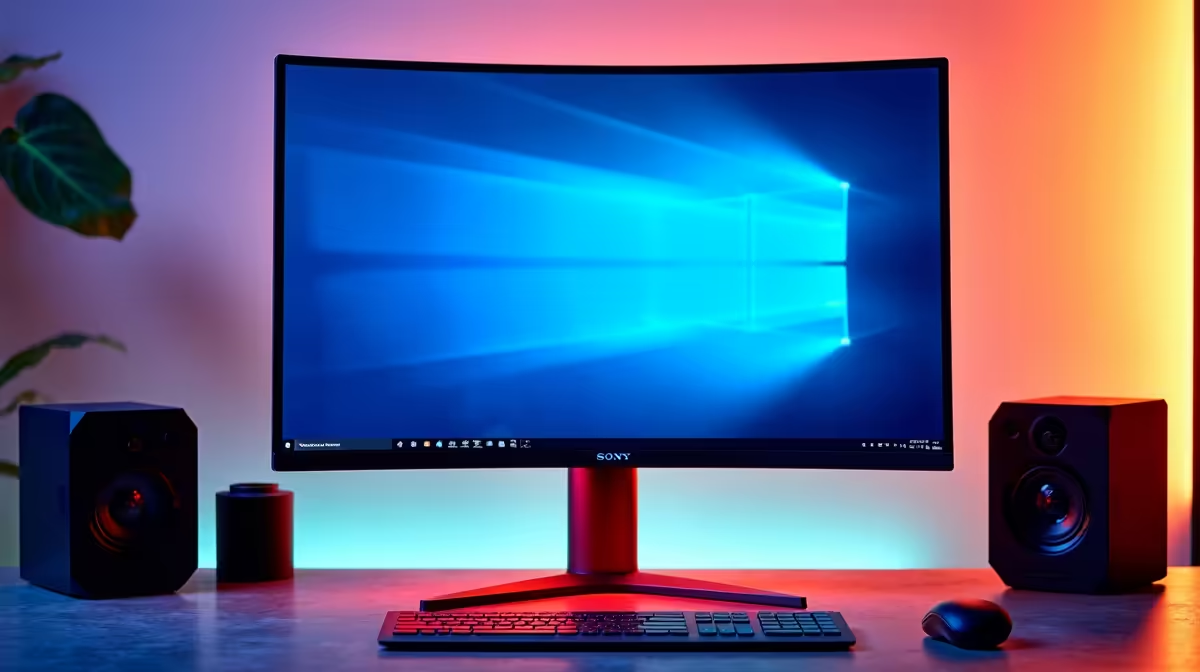
That throbbing headache behind your eyes after a long day at your desk? You’ve blamed the long hours, the bad lighting... but what if the culprit is a single setting on your screen? We're talking about Monitor Vivid Mode, the feature designed to make games pop but which might be secretly sabotaging your workday comfort. This default setting could be the hidden cause of your office eye strain, and we're here to show you why.
What Exactly is Monitor Vivid Mode?
Think of Vivid Mode as your monitor's "loud" setting. It cranks up colour saturation, boosts contrast, and artificially sharpens images to create an incredibly vibrant, punchy picture. For a late-night Apex Legends session or watching a blockbuster movie, it’s fantastic. This is why it’s a popular feature on many high-performance gaming monitors, making virtual worlds look spectacular. ✨
The problem? That same intensity which brings a game to life can be brutal for your eyes during an eight-hour workday filled with spreadsheets, documents, and emails. What's meant for entertainment isn't always optimised for productivity.
Why Vivid Display Settings Cause Office Eye Strain
Your eyes are sophisticated instruments, but they aren't built for a constant visual assault. The primary reason Monitor Vivid Mode causes office eye strain comes down to three key factors:
- Colour Overload: The hyper-saturated colours force the photoreceptor cells in your eyes to work overtime. It's like listening to music at full volume all day... eventually, it leads to fatigue.
- Harsh Contrast & Blue Light: Vivid modes often push brightness and contrast to their limits. This increases the amount of high-energy blue light hitting your retina, a known contributor to digital eye strain and disrupted sleep patterns on many modern PC monitors.
- Reduced Text Readability: The artificial sharpening can create a subtle 'halo' effect around text, making letters appear less smooth. Your brain has to work harder to interpret the words, leading to subconscious squinting and tension.
Over a full day, this sustained effort results in tired, dry eyes, headaches, and even blurred vision. It’s the digital equivalent of a long-distance run for your eyeballs, and you're not giving them any rest. 😩
Quick Calibration Tip 🔧
Most monitors have an 'sRGB' or 'Standard' preset. Switch to this for your workday. It provides a more colour-accurate, natural, and less intense image that is far easier on the eyes for reading text and general productivity tasks.
Finding the Sweet Spot for Work and Play
So, what's the solution? You don't need to ditch your awesome monitor; you just need to manage its settings smartly.
Optimise Your Display Environment
Start by moving away from the monitor's vivid setting for work. Dive into your On-Screen Display (OSD) menu and look for presets like "Standard," "Text," or "sRGB." These modes are specifically calibrated for better colour accuracy and reduced intensity, making them perfect for productivity.
For those who want the absolute best text clarity, upgrading to one of the latest crisp 4K monitors can make a world of difference, rendering fonts with print-like precision.
Ergonomics is Key
How your monitor is positioned is just as important as its settings. The top of your screen should be at or slightly below eye level. Using monitor accessories like VESA mounts allows for perfect height and tilt adjustments. Furthermore, many find that ergonomic curved monitors help reduce eye strain by creating a more immersive, natural field of view.
If you have a multi-screen setup, consider using versatile portable monitors that can be positioned for optimal comfort and a consistent visual experience across all your displays.
By simply switching out of Monitor Vivid Mode during office hours, you can significantly reduce daily eye strain and end your workday feeling more refreshed. Save the vibrant colours for when they count... during that final, victory-clinching killcam. 🚀
Ready for a More Comfortable View? If your current screen still isn't cutting it, it might be time for an upgrade. Explore our massive range of monitors designed for both productivity and play, with features that protect your eyes without compromising on quality. Find the best monitor deals at Evetech and give your eyes the comfort they deserve.










