


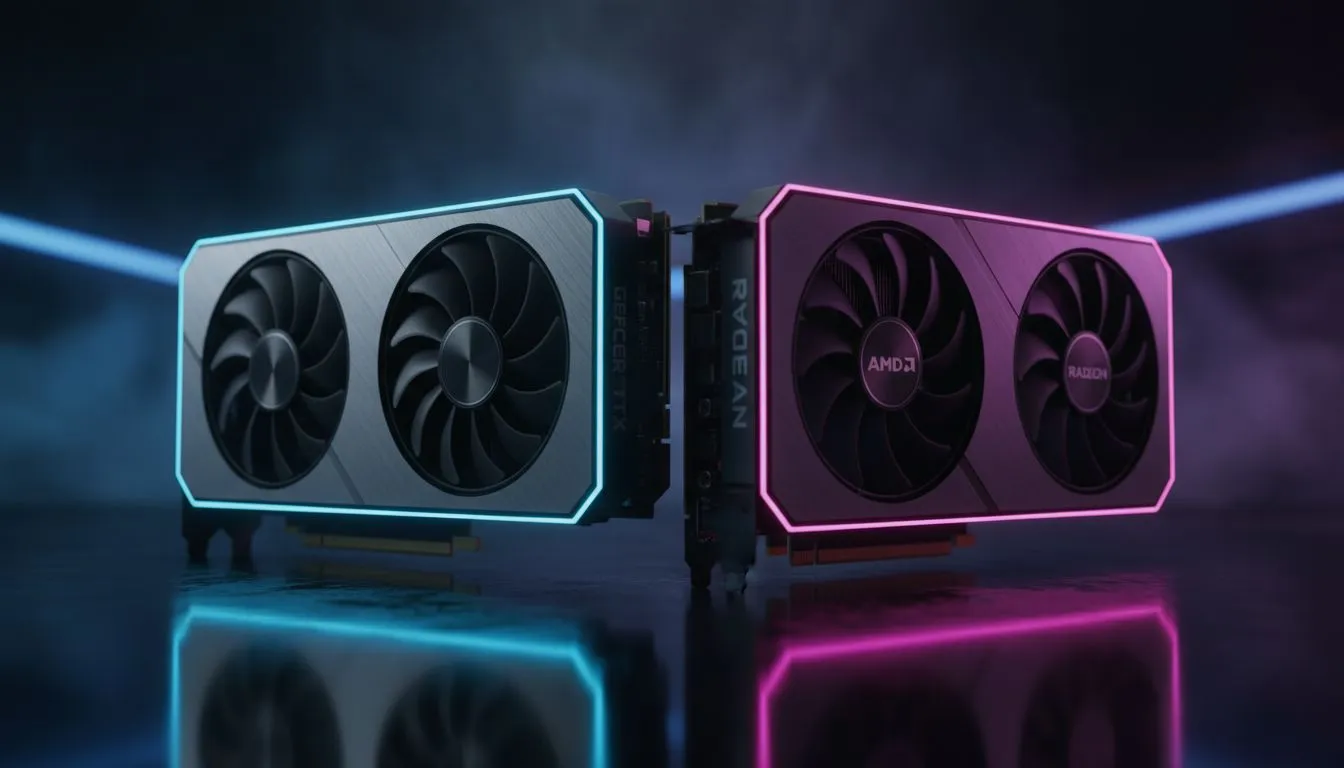
Finding the Edge in NVIDIA vs AMD Sim Racing
Imagine you are hitting the final turn at Kyalami. Your heart is racing. Suddenly, your screen freezes for a split second. For South African sim racers, stability isn't just a luxury... it is everything. When choosing between NVIDIA vs AMD sim racing setups, the debate often shifts from raw frames to driver stability and VR support. Getting the right GPU ensures your podium finish stays within reach. 🏎️
Driver Stability: The Backbone of Endurance Racing
In the world of competitive racing, a single driver crash can ruin hours of progress. NVIDIA has traditionally held a reputation for rock-solid stability with their Game Ready drivers. This consistency is vital when you are running long-stint endurance races in titles like Assetto Corsa Competizione or iRacing. Many local enthusiasts prefer MSI graphics cards because they combine NVIDIA’s reliable software with premium thermal designs that handle the South African heat.
AMD has closed the gap significantly with their Adrenalin software suite. It offers a clean interface and features like Radeon Anti-Lag, which reduces input latency... a critical factor when catching a slide. If you are looking to maximise your frames per Rand, you can buy AMD Radeon graphics cards to get incredible value without sacrificing too much in the way of software polish.
Sim Racing Stability Tip ⚡
Always use Display Driver Uninstaller (DDU) in Safe Mode when switching between GPU brands. It removes every trace of old registry entries, preventing micro-stutters that can ruin your lap times. This is especially important for sim racers who need perfectly consistent frame delivery for muscle memory.
VR Support: The Ultimate Immersion Test
Virtual Reality (VR) is the most demanding way to race. It requires high resolutions and perfectly timed frames to prevent motion sickness. NVIDIA usually takes the lead here thanks to technologies like Variable Rate Supersampling (VRSS) and Single Pass Stereo. These features help maintain a steady 90 FPS even when the grid is full of cars. When browsing the full range of NVIDIA and ATI graphics cards, look for models with at least 12GB of VRAM to handle high-resolution VR textures.
AMD’s FSR (FidelityFX Super Resolution) has become a lifesaver for VR users, allowing lower-tier cards to punch above their weight. While still the "new kids" on the block, Intel Arc graphics cards are beginning to show promise with steady driver updates, though they are currently better suited for 1080p screen racing rather than high-end VR headsets. 🔧
Choosing the Right Hardware for Your Rig
Your choice depends on your specific setup. If you are building a professional-grade motion rig that doubles as a render farm, some users even look toward workstation graphics cards for their extreme driver validation, though these carry a heavy price premium in ZAR. 🚀
For most of us, the choice comes down to personal preference and budget. NVIDIA offers the most mature VR ecosystem, while AMD provides stellar traditional screen performance for the price. Whether you are chasing tenths at Killarney or Bathurst, your GPU is the engine of your digital career. ✨
Ready to Build Your Dream Racing Rig? The battle between NVIDIA and AMD is closer than ever, but your perfect GPU is waiting. For the best prices and expert advice in South Africa, we have you covered. Explore our massive range of graphics card specials and find the power you need to take the chequered flag.











