


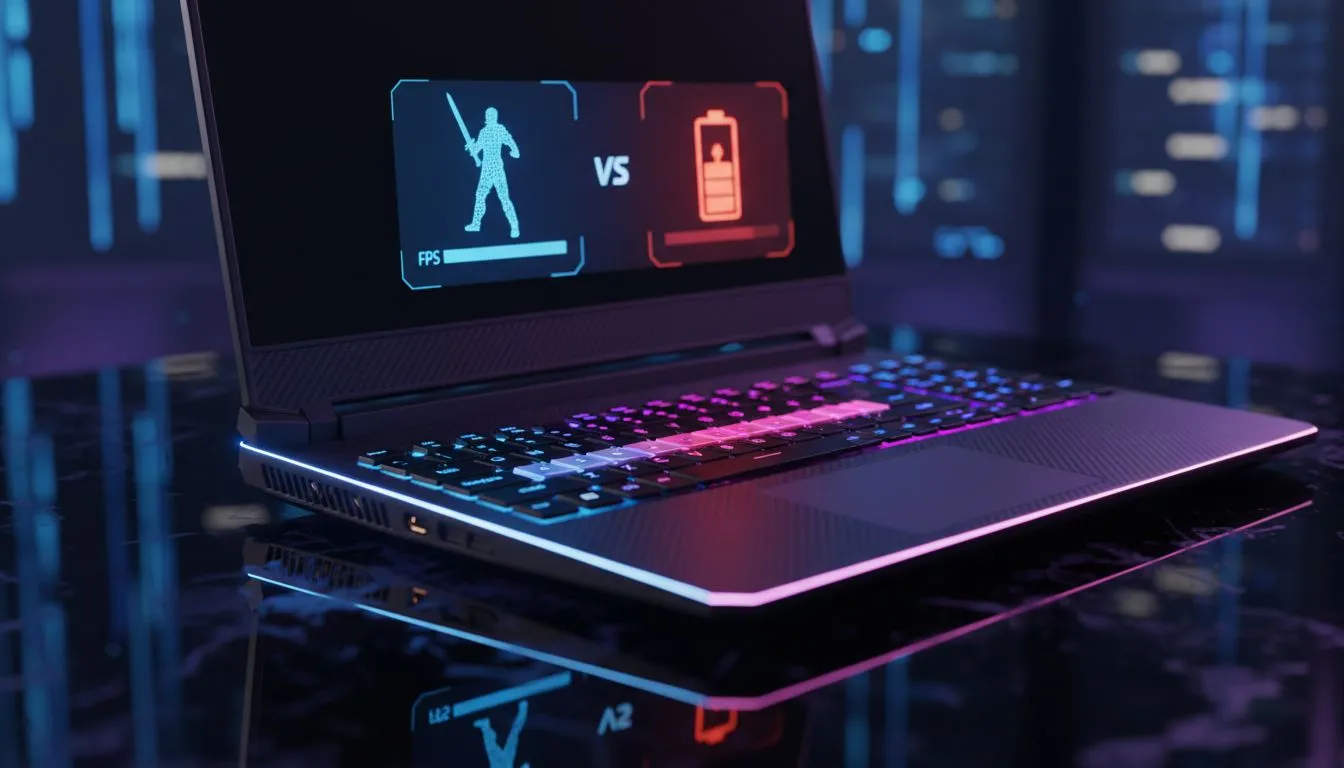
Balancing Performance and Battery for Faerûn
Baldur’s Gate 3 is a masterpiece, but it can turn your laptop into a space heater during a mid-afternoon load-shedding session. For South African gamers, knowing how to optimize BG3 laptop settings is the difference between completing a quest and a sudden black screen. Whether you're chasing 60 FPS or trying to squeeze every minute out of your battery, the right configuration is essential for survival...
Visual Fidelity vs Power Consumption
The first step to a better experience is understanding your hardware limits. If you are currently browsing our best gaming laptop deals, you already know that modern GPUs are power-hungry. In Baldur’s Gate 3, the "Ultra" preset is often overkill for a smaller screen. By dropping to "Medium" or "High" and capping your frame rate to 30 or 45 FPS, you can significantly reduce the strain on your components.
For those using geforce rtx gaming laptops on special, the most effective way to save power is by enabling DLSS. This technology renders the game at a lower resolution and uses AI to upscale the image. It provides a massive boost to frame rates while keeping the GPU temperature lower than native rendering.
Battery Life Pro Tip ⚡
When playing on battery, navigate to the in-game Video settings and set a Frame Rate Cap. Limiting your game to 30 FPS might feel less fluid, but it can extend your playtime by up to 40% during power outages. It prevents your hardware from working harder than necessary to produce frames you might not even notice in a turn-based RPG.
Choosing the Right Hardware for the Job
Your choice of processor dictates how the game handles complex AI and physics. Our current intel laptops on special provide incredible clock speeds which help during the dense city sections of Act 3. However, if you prefer a balance of efficiency and multi-core power, the ryzen laptop deals we offer are often praised for their battery-sipping nature during less intensive tasks.
If you are on a budget, don't worry about missing out. You can buy gaming laptops under r20k that handle this title beautifully. The key is to use AMD FSR 2.2 if DLSS is unavailable. This ensures that even entry-level hardware can maintain a steady frame rate without the internal fans sounding like a jet engine.
Optimise BG3 Laptop Settings: Quick Checklist
To get the most out of your session, try these specific adjustments:
- Model Quality: Set to Medium to save CPU cycles.
- Shadow Quality: This is a major power drain... keep it on Low or Medium.
- God Rays: Turn these off to reduce GPU load instantly.
- Windows Power Plan: Ensure you are on "Balanced" rather than "Best Performance" when unplugged.
By making these small tweaks, you can enjoy the rich narrative of BG3 without worrying about your battery percentage dropping like a stone.
Ready to Find Your Perfect Match? Finding the right balance between power and portability is key for any South African gamer. Explore our massive range of laptop specials and find the perfect machine to conquer your world.











