


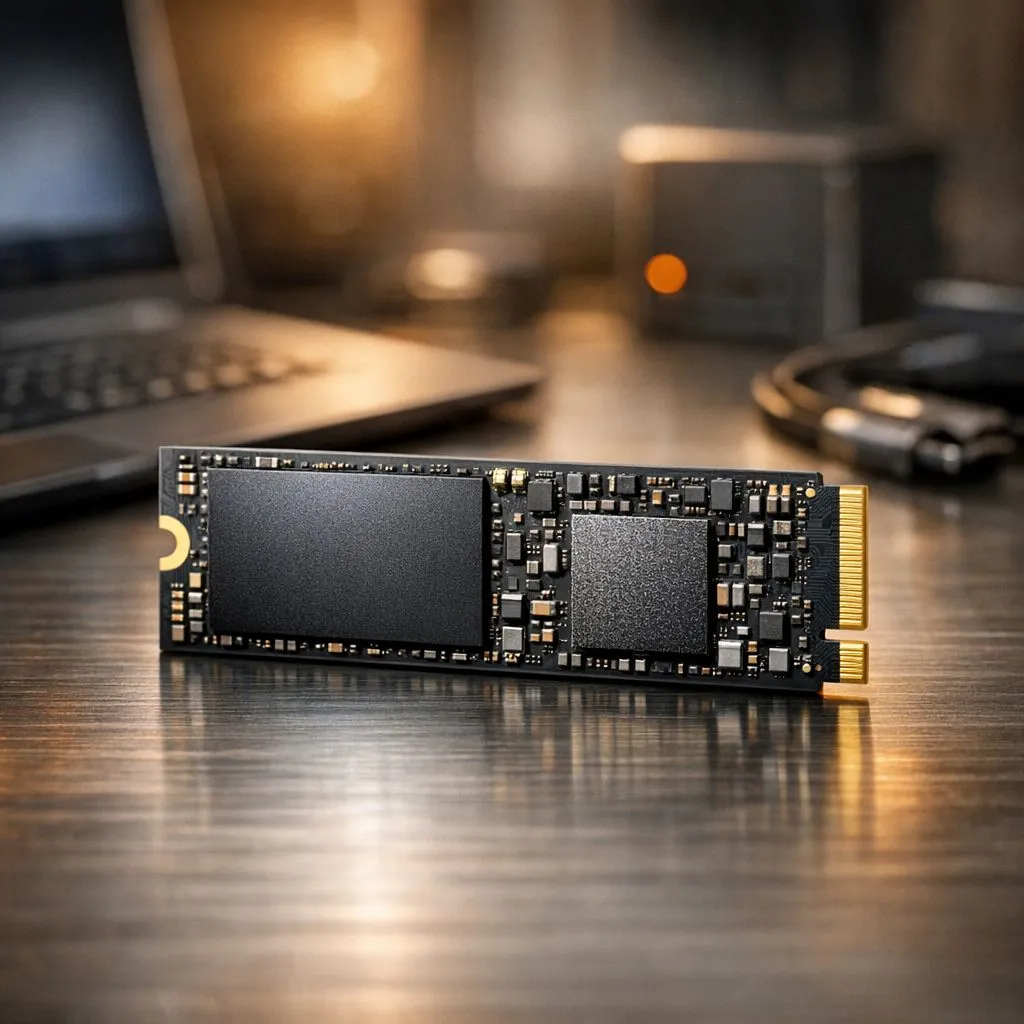
How Read and Write Speeds Shape Your PC Experience
Ever sat staring at a spinning circle while your PC struggles to open a simple spreadsheet or load into Warzone? In South Africa, where every minute of power matters, waiting for slow hardware is a luxury we simply do not have. Understanding how read and write speeds: impact on daily computing is the first step toward a snappier, more responsive system that respects your time ⚡.
The Real-World Difference of Data Velocity
When we talk about storage performance, we are looking at two distinct actions. Read speed refers to how quickly your computer can open a file or launch a program. Write speed is the rate at which data is saved to the drive. If you are frequently moving large video files or installing massive patches, you will notice the difference immediately when using high-performance portable storage solutions.
For most users, the transition from an old mechanical hard drive to modern solid state drives is the single most noticeable upgrade possible. Windows boots in seconds rather than minutes... and apps feel nearly instantaneous.
Storage Health Tip ⚡
To maintain peak read and write speeds, try to keep at least 15% of your SSD capacity free. When a drive is near its limit, the controller has to work harder to find open blocks, which can lead to a noticeable dip in performance during heavy tasks.
Why NVMe is the Modern Standard
If you are building a new rig or upgrading an old one, the interface you choose dictates your speed ceiling. Older SATA drives are capped at around 600MB/s. However, moving to the NVMe interface allows speeds to jump into the thousands of megabytes per second.
For those who demand the absolute cutting edge for workstation tasks or future-proof gaming, the latest Gen 5 drives offer bandwidth that was unthinkable just a few years ago. This ensures that your system remains fluid even under intense multitasking 🚀.
Choosing the Right Brand for Reliability
Speed is nothing without stability. In the South African market, we see varying levels of performance across different manufacturers. If you are looking for consistent throughput and great value, ADATA offers fantastic options for entry-level and mid-range builds.
Professional editors and gamers often gravitate toward the reliability of Western Digital or the proven track record of Kingston. These brands ensure that your read and write speeds stay consistent even when the drive gets warm during a long gaming session ✨.
Performance on the Move
We often focus on internal components, but your external storage needs to keep up too. Whether you are backing up photos in the Drakensberg or carrying game libraries to a friend's house, the external SSD form factor provides a massive advantage over old-school external platters. You get the same ruggedness and speed of an internal drive in a pocket-sized package.
Investing in the right storage isn't just about benchmarks... it is about removing the friction from your digital life. When your hardware responds as fast as you think, computing becomes a pleasure rather than a chore 🔧.
Ready to Find Your Perfect Match? The impact of read and write speeds on your daily computing cannot be overstated. Whether you need an ultra-fast NVMe boot drive or a rugged external backup, we have the tech to speed up your workflow. Explore our massive range of SSD deals and find the perfect drive to supercharge your PC today.











