


Optimise Your Mobile Connection for Stable Gameplay
There is nothing worse than lining up a perfect headshot in Apex Legends only for the server to lag... sending your character into a wall. If you are a South African gamer travelling for work or holiday, you know the struggle. Hotel Wi-Fi is often shared with fifty other people. To reduce gaming latency on the go, you need a strategy that bypasses local network congestion. ⚡
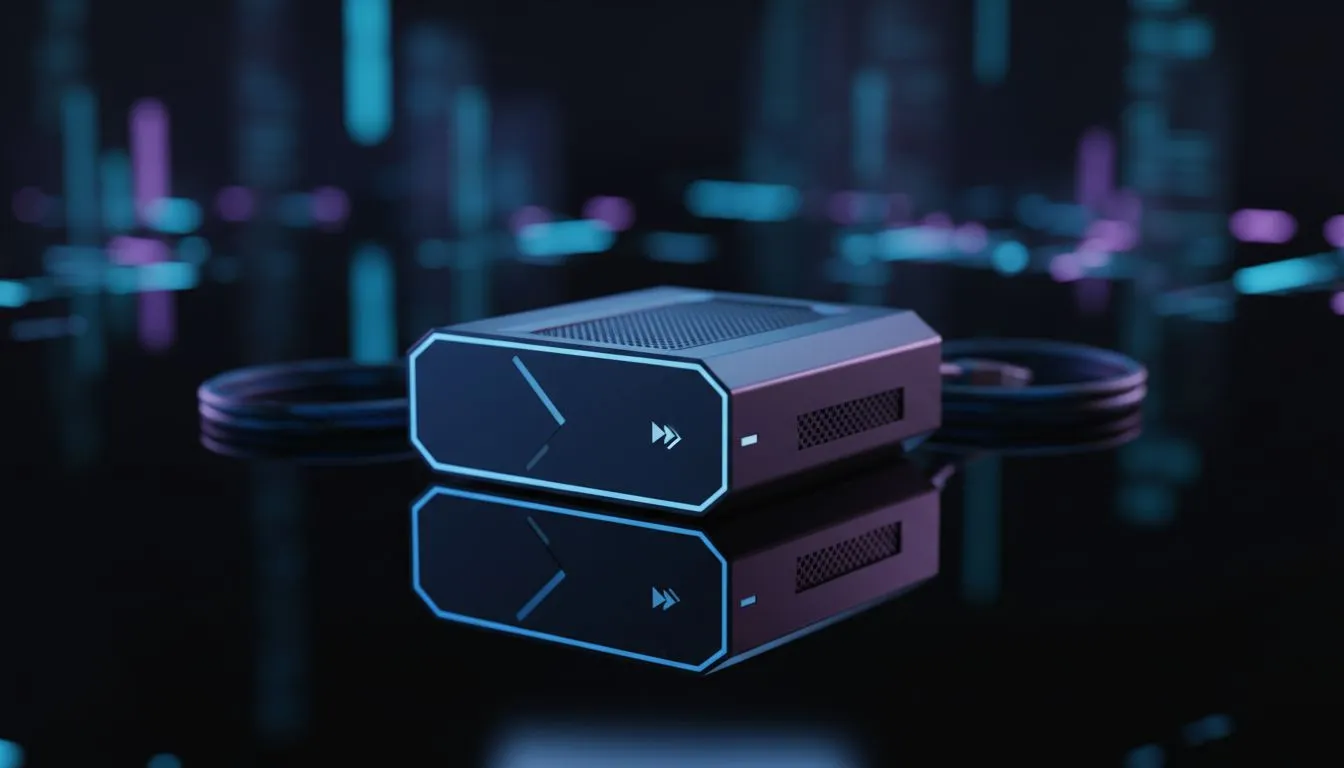
The first step is moving away from unreliable public hotspots. Using your phone as a tethering device is a quick fix, but it often leads to high jitter. Investing in a dedicated mobile solution like the Cudy LT700 AC1200 4G Cat6 router provides a much more consistent signal. These devices are designed to handle multiple data streams without the overheating issues common in smartphones.
Choosing the Right Hardware for Local Travel
When you are out in the sticks or staying in a coastal B&B, signal strength varies wildly. You need hardware that can lock onto the best available tower. Checking out the latest gear from Cudy South Africa is a smart move for any mobile warrior. Their routers often feature external antennas which are vital for pulling in a usable signal in areas with poor coverage.
If you prefer a more traditional setup, you can also look into portable TP-Link wireless routers to create your own private network. These units are compact enough to fit in your laptop bag... making them perfect for gamers who value portability over everything else. 📶
Software Tweaks to Lower Your Ping
Hardware is only half the battle. Your operating system often tries to download updates or sync cloud files in the background. This "ghost" traffic eats up your precious bandwidth and spikes your latency. Before you launch your game, ensure all background downloads are paused. This simple step can save you 20ms to 50ms of lag.
Travel Connectivity Pro Tip ⚡
When using a mobile router, always place it near a window. Building materials like concrete and corrugated iron can severely degrade your signal. A simple move of two metres can be the difference between a 60ms ping and a 200ms nightmare. Also, use a LAN cable from the router to your laptop whenever possible to eliminate interference.
Stay Competitive Regardless of Your Location
Gaming in South Africa presents unique challenges... from load shedding to distance from international servers. By taking control of your connection, you ensure that your skills are the only thing determining your rank. Whether you are spending R1,500 or R3,000 on a mobile setup, the investment pays off in frustration-free gaming. 🎒
Ready to Find Your Perfect Match? Staying connected on the move doesn't have to be a struggle. For the best deals on networking gear and mobile gaming essentials in South Africa, we have you covered. Explore our massive range of laptop specials and find the perfect machine to conquer your world.











