


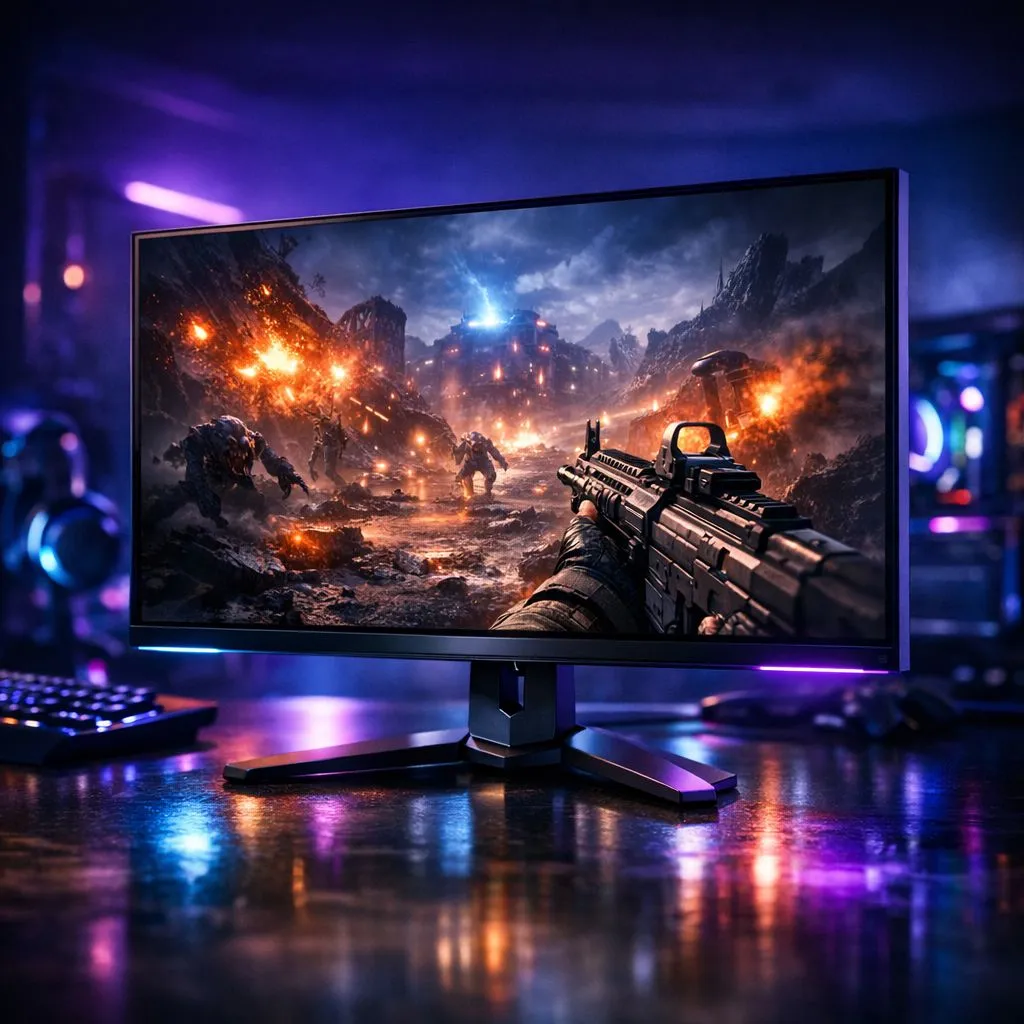
Imagine you’re deep in a chaotic Helldivers 2 mission or a Destiny 2 raid. The screen is filled with explosions and swarming enemies. You might wonder: Response Time for PVE Shooters: Does It Really Matter? While competitive pros obsess over every millisecond, the needs of a PvE player are often misunderstood. In South Africa, where we already battle ping, hardware latency shouldn't be another hurdle. 🔧
Understanding the Speed of Your Screen
When you browse the best PC monitor deals, you will see specs like 1ms or 0.5ms. This represents how quickly a pixel can change from one colour to another. In fast-paced PvE titles, a slow response time leads to ghosting... that distracting trail behind moving enemies. While you aren't fighting a human pro, seeing a clear image of a charging beast is still vital.
If you are looking at standard PC monitors, aim for a panel with at least a 4ms GtG (Grey-to-Grey) rating. Anything higher might make the action feel muddy. Modern IPS panels have largely solved the old trade-off between beautiful colours and speed.
Why PvE Demands Visual Clarity
In a cooperative environment, your biggest enemy is often visual clutter. When the screen is saturated with abilities and particle effects, a high-quality display helps you track targets. Most all gaming monitors now feature high refresh rates, which work alongside low response times to keep the image sharp. ⚡
Many local gamers find that curved monitors help with immersion in these massive worlds. The curve keeps the edges of the screen within your natural field of view. This is especially useful in shooters where enemies can flank you from any side.
Ghosting Test ⚡
To see if your current screen is holding you back, use the 'UFO Test' online. It highlights trailing and motion blur. If the alien looks like a blurry mess, it might be time to upgrade your panel for better clarity in high-action scenes.
Balancing Resolution and Performance
Does response time for PVE shooters really matter if you can't see the details? Some players prefer the utility of portable monitors for secondary maps or Discord chats. However, for the main event, resolution is king.
High-end 5K & 4K monitors offer incredible density, making those alien landscapes look stunning. Just remember that higher resolutions require more GPU power to maintain the frame rates needed to benefit from fast response times. 🚀
Optimising Your Setup
Finally, don't forget the ergonomics of your battle station. Investing in the right monitor accessories can make a huge difference. A sturdy monitor arm allows you to position the screen perfectly... reducing neck strain during those six-hour weekend raids.
In the end, while you might not need the 0.03ms speed of an OLED to enjoy a co-op shooter, a fast response time ensures your game looks as good as the developers intended. It’s about the experience, the immersion, and the victory. ✨
Ready to Find Your Perfect Match? The debate over milliseconds is real, but your experience is what counts. For the best visual clarity and performance in South Africa, Evetech has you covered. Explore our massive range of gaming monitors and find the perfect display to conquer your next raid.











