


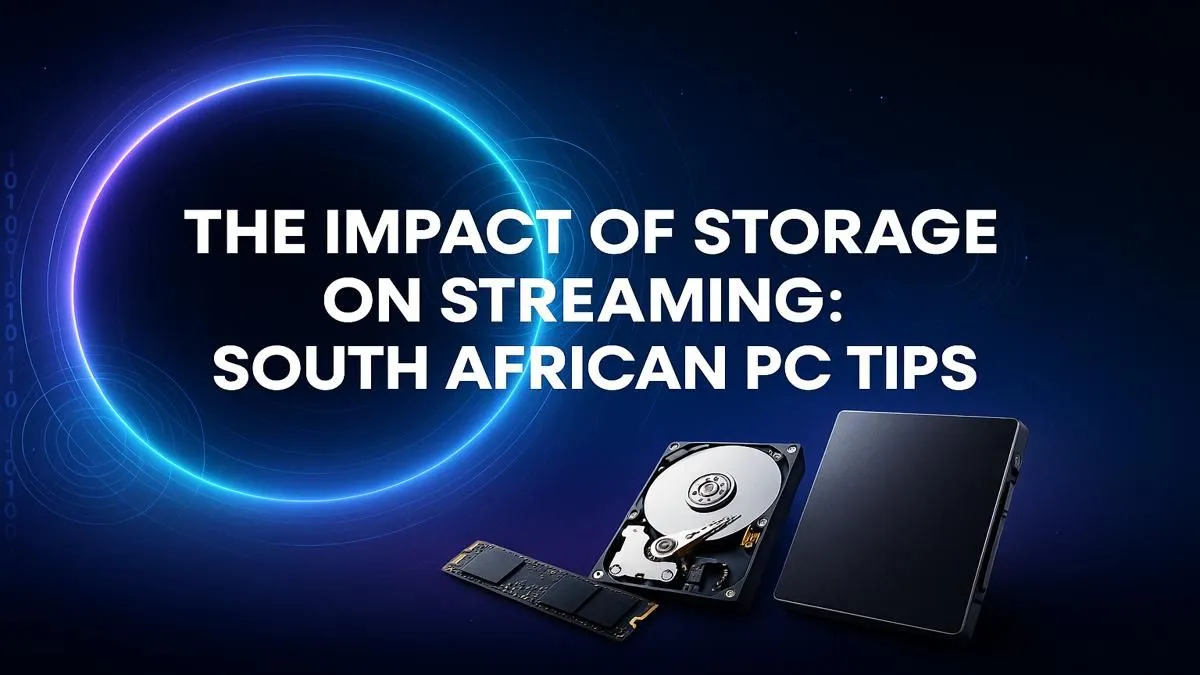
Dropping frames? Stuttering gameplay during a crucial moment? Before you blame your internet or GPU, look closer... your storage might be the bottleneck holding your stream back. Choosing the right storage for your streaming PC in South Africa isn't just about capacity; it's about speed, reliability, and ensuring a silky-smooth experience for you and your viewers. Let's dive into how you can optimise your setup and leave lag in the dust.
Why Storage Speed is Critical for Streaming
When you're streaming, your PC is doing a lot at once. It's running the game, capturing your gameplay, encoding the video, and managing your streaming software. A slow hard drive can't keep up with all these simultaneous read and write demands.
This can lead to:
- In-game stuttering: The game struggles to load assets from a slow drive.
- Dropped frames in your recording: Your PC can't write the video data to the drive fast enough.
- Slow scene transitions in OBS or Streamlabs.
- General system sluggishness as your OS waits for the drive.
Upgrading your streaming PC storage is one of the most impactful changes you can make for a smoother broadcast.
The Best Types of Storage for a Streaming PC in South Africa
Not all drives are created equal. For a modern streaming rig, you need to think in tiers, balancing speed with capacity and cost.
NVMe SSD: The Unquestionable Speed King 🚀
A Non-Volatile Memory Express (NVMe) Solid-State Drive (SSD) is the pinnacle of storage performance. It plugs directly into your motherboard's M.2 slot, offering breathtakingly fast read and write speeds.
- Best For: Your Operating System (Windows), your main streaming software (OBS), and the primary game you are currently playing.
- The Impact: Your PC boots in seconds, games load almost instantly, and recording high-bitrate gameplay happens without a single dropped frame. This is the core of a professional storage for streaming PC setup. High-performance builds, whether you lean towards powerful Intel PC deals or cutting-edge AMD Ryzen PC configurations, absolutely fly with an NVMe drive at their heart.
SATA SSD: The Reliable All-Rounder ✨
A SATA SSD is still incredibly fast compared to a traditional hard drive, but connects via a SATA cable and is more budget-friendly than its NVMe cousin.
- Best For: A secondary drive to store your wider game library, editing software, and active video projects.
- The Impact: You get snappy load times for all your other games and applications without paying the premium for top-tier NVMe speeds everywhere. Many excellent budget gaming PCs use a combination of a smaller NVMe for the OS and a larger SATA SSD for games to deliver amazing value.
OBS Recording Pro Tip 🔧
For flawless local recordings, set your OBS output to use a fast SSD. In Settings > Output > Recording, choose a custom output path that points to your NVMe or SATA SSD, not your old HDD. Use a high-quality recording format like MKV to prevent file corruption if the stream crashes.
HDD: The Bulk Storage Champ
The classic Hard Disk Drive (HDD) still has a place... just not for running your games or OS. Their strength is offering massive amounts of storage for a very low price.
- Best For: Archiving completed video projects and old stream VODs (Video on Demand).
- The Impact: You can keep a massive backlog of content without filling up your precious, high-speed SSDs. Think of it as your digital warehouse.
Building Your Ideal Streaming Storage Setup
For the ultimate streaming experience, you don't choose one drive type; you combine them. The ideal storage for a streaming PC in South Africa is a hybrid solution.
A popular and effective setup looks like this:
- Primary Drive (NVMe SSD, 1TB - 2TB): For your OS, OBS, and your most-played competitive titles like Valorant or Apex Legends.
- Secondary Drive (SATA SSD, 2TB - 4TB): For the rest of your Steam library and video editing assets.
- Archive Drive (HDD, 4TB+): For storing old footage and backups.
This tiered approach gives you lightning-fast performance where it counts most, ample speedy storage for your games, and cost-effective bulk storage for everything else. You can find many of the best gaming PC deals in South Africa configured with this exact philosophy in mind.
If building a PC and managing drives sounds like too much hassle, don't worry. Opting for one of our expertly configured pre-built PC deals ensures you get an optimised system right out of the box, with the perfect storage combination already installed and ready to go live.
Ready to Eliminate Lag for Good? A stutter-free stream starts with the right foundation. The perfect storage for your streaming PC is waiting. Whether you need a lightning-fast new build or a simple drive upgrade, Evetech has you covered. Explore Our Custom and Pre-built Gaming PCs











