


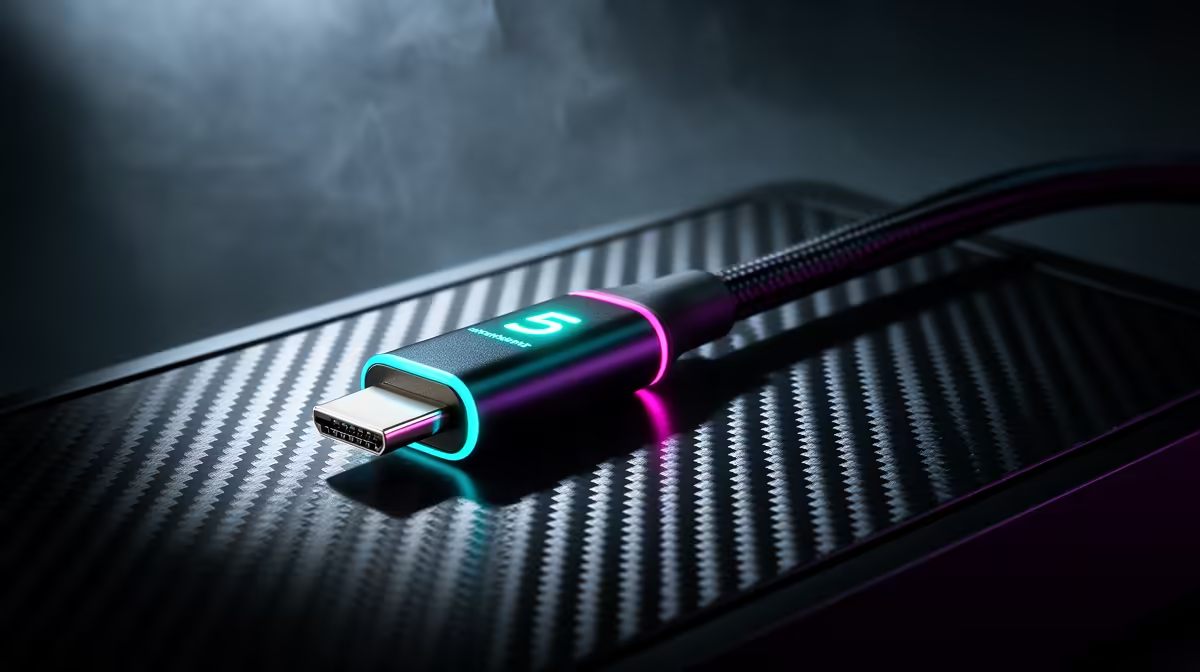
You’ve spent your hard-earned ZAR on a glorious 4K, high-refresh-rate monitor. Your rig is a beast. But when you plug it all into a single dock… stutter. Lag. Frustration. What if one cable could handle everything flawlessly? That’s the promise of Thunderbolt 5 gaming. It’s not just an update; it's the high-bandwidth hero we've been waiting for to finally kill high-resolution lag for good.
So, What is Thunderbolt 5, and Why Should You Care?
At its core, Thunderbolt 5 is all about speed. Insane speed. We're talking 80 Gigabits per second (Gbps) of bandwidth flowing in both directions. For context, that's double the performance of its predecessor, Thunderbolt 4. This massive data highway means your laptop can send and receive huge amounts of information simultaneously without breaking a sweat.
For gamers, this translates to a pure, uncompressed video signal for your monitor, instant response from your peripherals, and lightning-fast data transfers… all over a single USB-C cable. ⚡
The Real-World Difference: Thunderbolt 5 vs. The Rest
Think of it this way: Thunderbolt 4 was great, but it sometimes struggled with the demands of a high-end gaming setup. Running a 4K 144Hz display, a 10Gbps network adapter, and fast external storage could push it to its limits. Thunderbolt 5 for gaming smashes through those limits.
It even has a trick up its sleeve called Bandwidth Boost, which can push up to 120 Gbps to your displays. This ensures that even the most powerful Intel Core i9 laptops can drive multiple 4K monitors at high refresh rates without compromise.
Your Dream Single-Cable Setup is Finally Here
Picture this: you get home with your laptop. You plug in one single USB-C cable. Instantly, your machine starts charging, connects to two 4K monitors, your mechanical keyboard, your gaming mouse, and your headset. No lag. No stutter. Just pure, immersive gaming.
This is the setup Thunderbolt 5 gaming makes possible. It's the ultimate fix for cable clutter and performance bottlenecks, especially for those running powerful machines like the latest Intel Core i7 laptops that balance work and play.
Cable Quality Matters 🔧
Not all USB-C cables are created equal! For Thunderbolt 5, you'll need a certified passive cable up to 1 metre or an active cable for longer distances. Using a cheap, uncertified cable is like putting budget tyres on a supercar—you simply won't get the performance you paid for. Always check for the Thunderbolt lightning bolt logo.
The Future of Laptop Gaming is Ultra-Fast
So, where can you get this incredible tech? Thunderbolt 5 is built on the new USB4 v2 standard and is arriving with the next wave of high-performance processors. Keep a close eye on laptops powered by Intel's latest and greatest, as they will be the first to unlock this new era of connectivity.
For gamers who demand the absolute peak of performance, the upcoming generation of Intel Core Ultra 9 laptops will be the ones to watch. 🚀 These machines are designed to push boundaries, and Thunderbolt 5 is the perfect companion. For a potent blend of performance and efficiency, the new lineup of Intel Core Ultra 7 laptops will also be prime candidates for this revolutionary port.
Ready for Lag-Free Dominance? Thunderbolt 5 is setting a new standard for high-performance gaming. To unleash its full potential, you need a machine built for the future. Explore our range of powerful Intel laptops on special and find the perfect rig to conquer your high-resolution world.









