


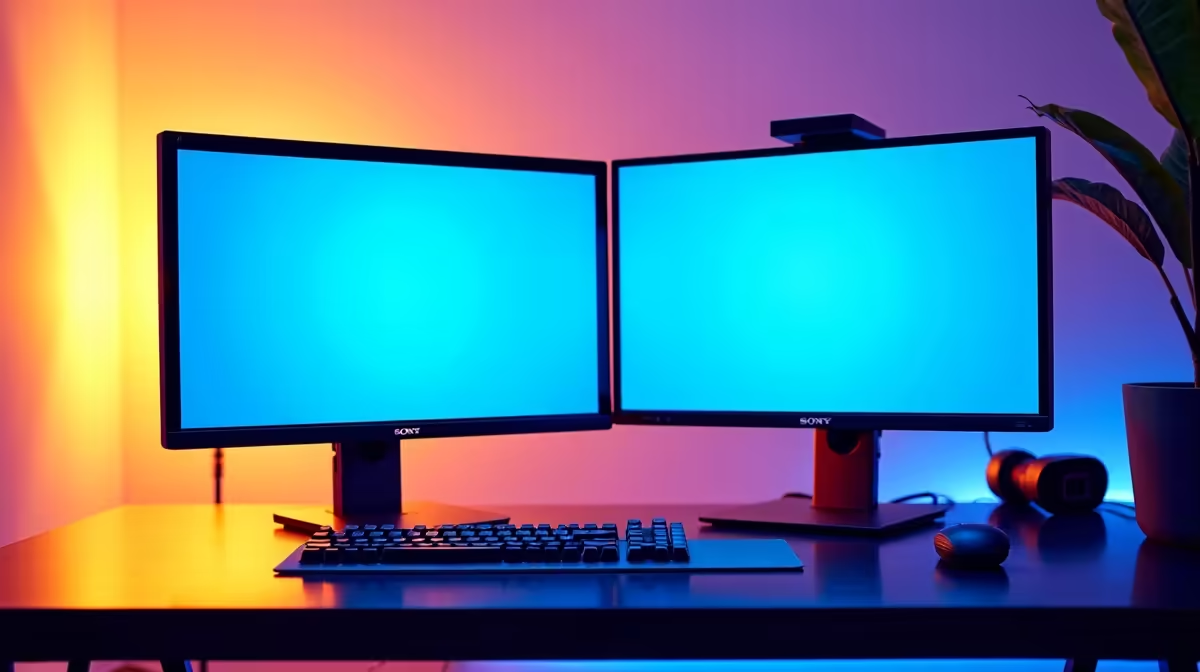
Staring at your screen, juggling a dozen tabs and applications? You know you need more digital real estate. For South African professionals and gamers, the big question is no longer if you should upgrade, but how. This brings you to the ultimate desktop showdown: ultrawide vs dual monitors for productivity. Is a single, sweeping display the key to efficiency, or does the classic two-screen setup still reign supreme? Let's break it down and find the perfect fit for your workflow.
The Case for a Dual Monitor Setup 🖥️
The dual monitor setup is the tried-and-tested workhorse for multitaskers everywhere. The concept is simple: two separate screens, giving you two distinct, dedicated workspaces. Imagine your code on one screen and the live preview on the other, or your primary document open while your research and email sit patiently on the side.
Key Advantages:
- Unmatched Flexibility: This is the dual monitor setup's superpower. You can mix and match screen sizes, resolutions, and even orientations. A common pro setup involves one landscape monitor for primary tasks and a second, vertical monitor for reading code, documents, or social feeds. You can even pair your main display with versatile portable monitors for on-the-go productivity.
- Focused Multitasking: Windows and macOS are built for snapping applications to the edges of a screen. With two monitors, this process is incredibly clean. You get full-screen focus on two different applications without any overlap or compromise.
- Cost-Effective: Often, buying two quality 24-inch or 27-inch monitors can be more affordable than a single, high-end 34-inch ultrawide.
Potential Downsides:
The biggest drawback is the bezel—the plastic border separating the two screens. It creates a physical gap right in the middle of your view, which can be jarring. You'll also need more desk space and the right monitor accessories like dual-arm mounts to get a clean, ergonomic setup.
The Allure of the Ultrawide Monitor ✨
Stepping up to an ultrawide monitor feels like looking into the future. These displays, with their 21:9 or 32:9 aspect ratios, offer a seamless, panoramic canvas that can completely immerse you in your work or play.
Key Advantages:
- Seamless Immersion: No bezel gap. None. Just one continuous, sweeping display. This is incredible for tasks that benefit from a long, horizontal timeline, like video editing, music production, or viewing massive spreadsheets. The uninterrupted view provided by many curved monitors also enhances immersion by wrapping the display around your field of vision.
- Cleaner Setup: One monitor means one stand, one power cable, and one display cable. It’s a minimalist's dream, creating a tidier and more modern-looking desk.
- Cinematic Experience: For media consumption and gaming, an ultrawide provides a movie-theatre-like experience that standard 16:9 monitors just can't match.
Potential Downsides:
While amazing, ultrawides aren't perfect. Snapping windows isn't always as crisp as with dual monitors, though software can fix this. Some older games or applications may not support the wider aspect ratio, resulting in black bars on the sides. They also tend to command a higher price, especially the high-resolution 4K or 5K monitors that offer the sharpest picture quality.
Productivity Pro Tip ⚡
On Windows, use the PowerToys FancyZones utility to create custom snap layouts for your windows. It's a lifesaver for managing multiple apps on an ultrawide monitor, letting you organise your timeline, preview window, and asset folders perfectly for video editing.
Ultrawide vs Dual Monitors: The Productivity Showdown
So, which setup wins for specific tasks? The choice between an ultrawide or dual monitors often comes down to your primary use case.
- For Coders & Developers: This is a toss-up. Dual monitors are fantastic for keeping code on one screen and documentation or output on another. However, an ultrawide can be configured with vertical splits to achieve a similar, bezel-free result.
- For Video Editors & Creatives: Ultrawide wins. The ability to see your entire timeline without endlessly scrolling horizontally is a massive workflow improvement.
- For Office Work & Spreadsheets: An ultrawide monitor is brilliant for viewing massive datasets without horizontal scrolling. A dual setup is excellent for comparing two documents side-by-side at full size. Both are a huge step up from a single monitor.
- For Gamers: This depends on the gamer. Ultrawides offer unparalleled immersion in racing, flight sims, and cinematic single-player games. A dual setup is perfect for playing on one screen while having Discord, a guide, or a stream running on the second. You can check out all our gaming monitors to see the wide variety of options available for both styles.
The Final Verdict: Which Is Best for You? 🚀
Ultimately, the "ultrawide vs dual monitors for productivity" debate has no single winner. The best choice is deeply personal and depends entirely on your workflow, desk space, and budget.
- Choose a Dual Monitor setup if: You prioritise flexibility, work with many full-screen applications simultaneously, and want the most bang for your buck.
- Choose an Ultrawide Monitor if: You value a clean, immersive experience, work in creative fields with long timelines, and want a more cinematic feel for gaming and movies.
Take a moment to analyse how you work. Do you need two distinct contexts, or one giant, seamless one? Answering that will lead you to the right choice. By exploring the full range of PC monitors available, you can compare specs and prices to find the perfect match. And don't forget to keep an eye on the best PC monitor deals to snag a fantastic upgrade at a great price.
Ready to Upgrade Your View? The debate between an ultrawide and a dual monitor setup is personal, but the right choice will revolutionise your workflow. Whether you need seamless immersion or flexible multitasking, we've got the screen for you. Explore our massive range of PC deals and find the perfect display to conquer your tasks.









