


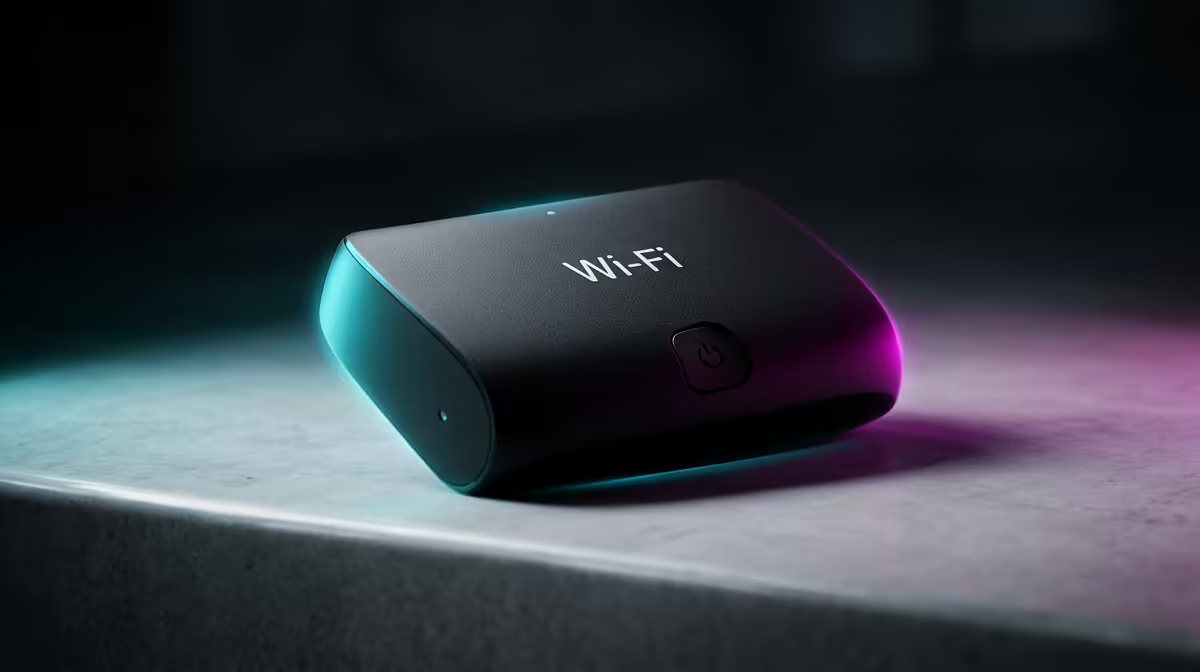
Is your Wi-Fi signal dropping faster than the outage schedule? You’re not alone. In South Africa, our solid, double-brick homes are brilliant for security but terrible for Wi-Fi. That signal-killing wall between your router and your gaming rig is the real boss level. But before you start drilling holes, consider the smart solution: a wall-friendly Wi-Fi range extender designed to punch through plaster and power up your connection. 📶
Why Your Wi-Fi Hates Your Walls 🧱
Ever wonder why your connection is full bars in the lounge but non-existent in the bedroom? It's simple physics. Wi-Fi signals are radio waves, and they get absorbed and reflected by dense materials like brick, concrete, and thick plaster. This signal degradation, or attenuation, is why you experience buffering, lag spikes, and frustrating dropouts the further you are from your router.
A Wi-Fi range extender acts like a relay station. It picks up the existing signal, amplifies it, and rebroadcasts it to extend your network's reach into those notorious dead zones. While a solid wired connection is always the gold standard for performance, it’s not always practical. That's where the best Wi-Fi extenders for thick walls come in.
Finding the Right Extender for Brick Walls
Not all extenders are created equal, especially when you're battling stubborn walls. Here’s what to look for to ensure you get a powerful and reliable boost for your home network.
Key Features to Prioritise:
- Dual-Band Technology: Look for extenders that operate on both 2.4GHz and 5GHz bands. The 2.4GHz band is better at penetrating walls, while the 5GHz band offers faster speeds. A good dual-band extender uses one band to talk to the router and the other to your devices, reducing congestion.
- Signal Strength Indicators: Smart LEDs that show you the signal strength from the router are incredibly helpful. They allow you to find the optimal spot for placement—not too close to the router, but not too far either.
- Mesh Capability: Some modern extenders can create a seamless mesh network. This means you have one network name (SSID) throughout your home, and your devices automatically switch to the strongest signal source without disconnecting. It's a fantastic feature for eliminating interruptions as you move around the house.
Pro Placement Tip
To find the sweet spot, place your extender roughly halfway between your router and the dead zone. Crucially, make sure the extender is still in a location where it receives a strong, stable signal from the main router. An extender can only boost the signal it receives!
Top Brand Recommendations 🚀
When it comes to getting the best performance for your ZAR, two brands consistently deliver some of the best wall-friendly Wi-Fi range extenders on the market.
TP-Link: A household name for a reason. Their RE series range extenders are celebrated for their reliability, strong signal penetration, and easy-to-use Tether app. You can explore a great selection of powerful TP-Link models that make setup a breeze. 👍
Cudy: Offering incredible performance at a competitive price point, Cudy is a rising star. Many of their models include advanced features like Mesh support and high-speed Wi-Fi 6 technology. Check out the great value Cudy extenders if you're looking for a smart choice that won't break the bank.
Ultimately, the best Wi-Fi booster for your brick walls is one that matches your home's layout and your internet speed needs.
Banish Buffering for Good! Stop letting walls win the war on Wi-Fi and deliver stable, high-speed internet to every corner of your home. Browse our full range of wireless networking solutions at Evetech to find the perfect extender today.









