


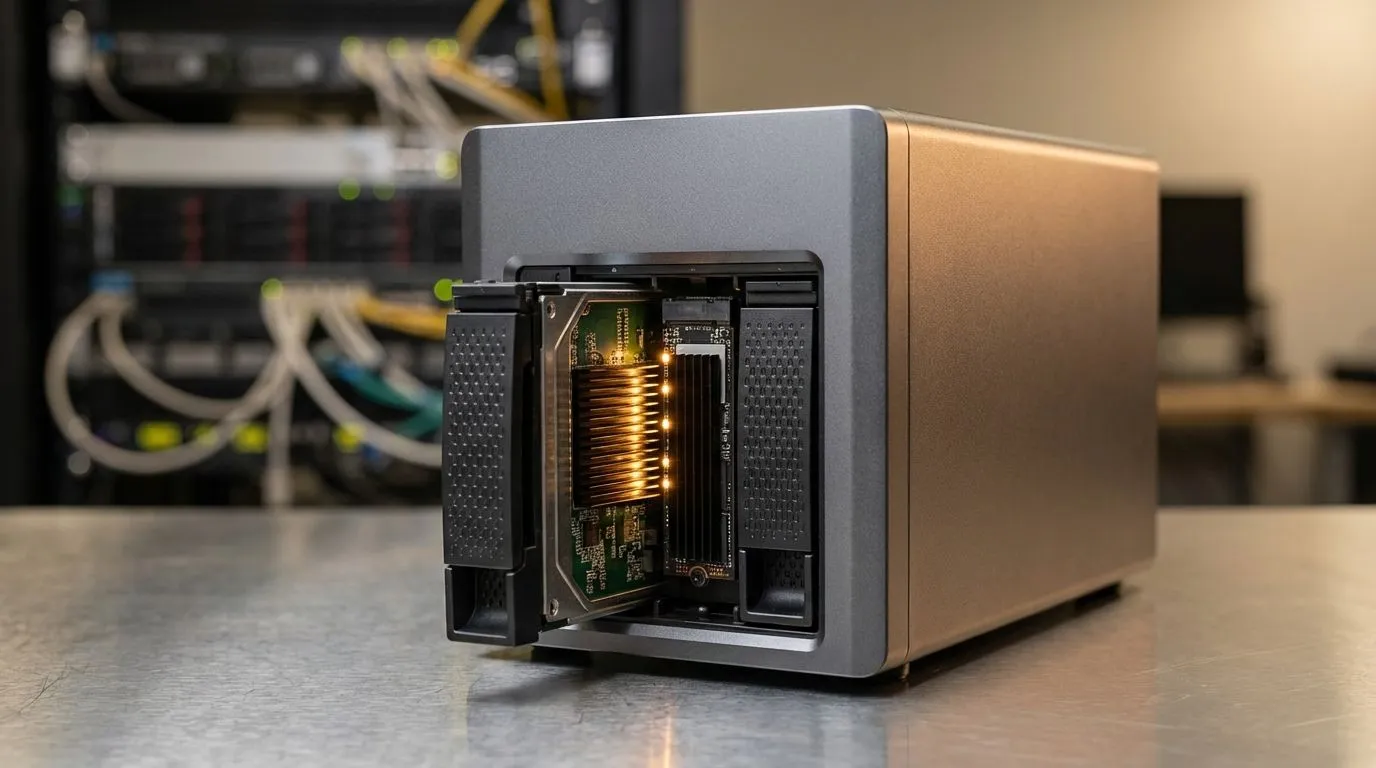
Identifying the Common Bottlenecks in Your Storage Network
There is nothing more frustrating than waiting for a 4K movie to buffer or a backup to crawl when you just want to get back to gaming. If you’ve ever asked, "Why is my NAS slow?", you aren't alone. Many South African home labs and media servers hit performance walls because of outdated hardware or configuration oversights. Let's fix those bottlenecks. 🔧
The most frequent culprit is the physical drive speed. While traditional hard drives offer massive capacity for a great price in ZAR, they lack the IOPS (Input/Output Operations Per Second) required for modern multitasking. If your NAS is struggling with simultaneous tasks, you should consider how to buy solid state drives to act as a primary volume or a dedicated high-speed pool. Brands like Western Digital have developed specific lineups designed to handle the 24/7 vibration and thermal demands of network storage environments.
The NVMe Fix: Accelerating Data with Caching
If your mechanical drives are healthy but latency remains high, NVMe caching is the solution. By adding a small, high-speed drive to your NAS, you can "cache" frequently accessed data. This means your system doesn't have to spin up a noisy HDD every time you open a small file. Using a PCI Express (NVME) drive as a read/write cache can transform the responsiveness of your entire network.
NAS Performance Tip ⚡
Always ensure your NAS firmware is up to date before installing a new cache drive. Some older versions of NAS operating systems do not efficiently handle TRIM commands on NVMe drives, which can lead to premature wear and slower write speeds over time.
For those running high-end workstations or bleeding-edge servers, the latest Gen 5 (NVME) technology offers speeds that were unthinkable just a few years ago. Even if your NAS only supports Gen 3 or Gen 4, these drives provide incredible headroom. High-quality options from ADATA ensure that your data moves at the speed of your local network without hitting a hardware ceiling.
Optimising Your Network and External Backups
Sometimes the bottleneck isn't inside the NAS at all... it is the cable or the interface connecting it to your PC. If you are still using a 1GbE connection, you are limited to roughly 110MB/s. When you need to move large game libraries or video projects quickly, you might find that external SSDs are a better temporary solution for "hot" data. 🚀
Reliability is key when choosing storage, which is why many local enthusiasts opt for Kingston drives for their consistency and local warranty support. If you require portability along with speed, looking for a specific External form factor ensures you can take your data from the office to the couch without waiting for a slow network transfer. By addressing these hardware gaps, you can ensure your storage stays as fast as your fibre connection. ✨
Ready to Eliminate the Lag? A slow NAS shouldn't hold back your productivity or your playtime. Whether you need an NVMe cache boost or a high-capacity SSD upgrade, we have the tech to keep you moving. Explore our massive range of SSD specials and find the perfect drive to supercharge your storage today.











