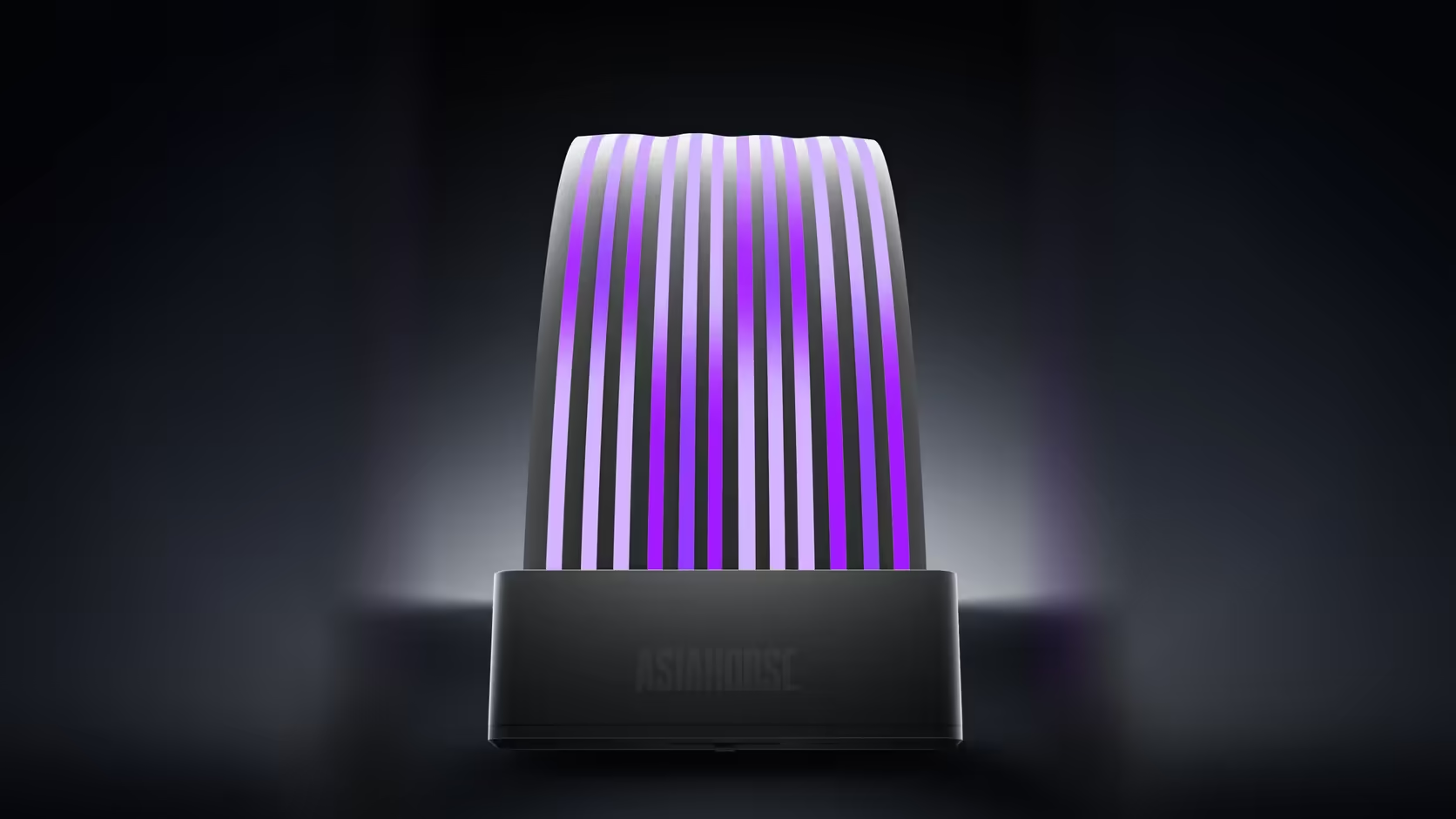
A spec sheet full of numbers can hide the one figure that actually stays constant across an entire product range. Whichever shell length or colour gets picked on the Aurora Learn cable cover, that particular number never moves.
Quick Answer
Every Aurora Learn variant carries the same 108 addressable LEDs, whether it is the 205mm 24-pin shell or the 260mm graphics shell, in black or white, all priced at R599. That count does not change with length or finish. What does change is the span those 108 LEDs are spread across, which shifts how densely the light appears along the shell.
💡 The number that stays fixed
All four rows in the Aurora Learn range, split across two shapes and two colours, specify the same 108 addressable LEDs. That consistency means the lighting hardware inside each variant is identical; the only real difference between them is shape and finish.
📏 Why density still differs between shells
Spreading 108 LEDs across a 260mm graphics shell puts more distance between each point of light than spreading the same count across a 205mm board shell. The 205mm version therefore reads as visibly denser, with the individually glowing strands sitting closer together along its shorter length.
🎞️ What 60 FPS adds to the picture
Alongside the fixed LED count, every variant animates at 60 FPS, which describes how smoothly a moving lighting effect updates rather than anything to do with the machine's own performance. That update rate applies evenly whether the LEDs are spread across the shorter or longer shell.
🆚 How that compares with the standard cover kit
The standard Aurora cover kit carries 81 LEDs in its board cover and 80 in its graphics cover, both fewer than the 108 in a single Learn shell. Anyone weighing the two against each other while browsing case lighting options is effectively trading LED count and independent control against a simpler header-based setup. The controller behind that count still needs its own dedicated SATA feed from your power supply, regardless of which shell ends up chosen.
Frequently Asked Questions
Is the LED count the same across every Learn version?
Yes. All four rows in the range specify 108 addressable LEDs regardless of shell length or colour choice.
Does that mean the two shells have different densities?
It does. The same 108 LEDs spread across 260mm sit further apart than across 205mm, changing how the strands appear.
Which shell looks the most densely lit?
The 205mm board shell, since the same LED count occupies a shorter span and the points of light sit closer together.
At what rate do the LEDs animate?
60 FPS, which describes how smoothly the lighting animation updates rather than anything related to the connected machine's performance.
Are the LEDs individually controllable within the strand?
Yes, addressable LEDs are driven individually, which is exactly what produces the glowing-strand effect rather than one flat block of colour.
How does the LED count compare with the standard kit?
That kit carries 81 LEDs in its board cover and 80 in its graphics cover, fewer than the 108 packed into a single Learn shell.
Does the shell's colour affect how bright it looks?
It changes how the light reads rather than the LED count itself, with black giving stronger contrast and white diffusing the glow more broadly.
Curious how LED density compares across cable covers?
Check Evetech's power supply and case lighting ranges to compare Aurora Learn against other options.